I check X several times a day for news, tech updates, and everyday casual scrolling. Lately, Grok replies, and mentions have been popping everywhere, making my feed feel cluttered, drowning real conversations. I wanted a simple way to block Grok on X, and this Chrome extension finally solved it.
Why Grok Is Making X Harder to Use
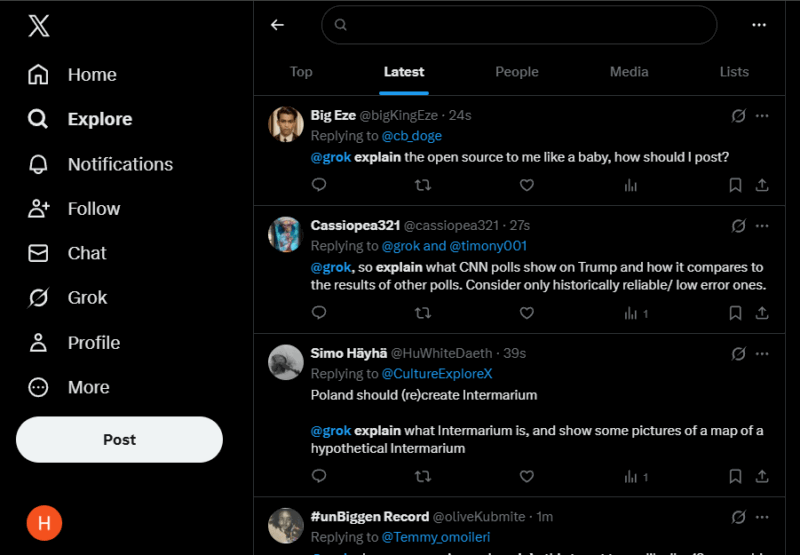
Grok doesn’t just appear occasionally anymore. It appears in replies, quote tweets, threads, and even under posts that genuinely interest you. Most of the time, the replies are helpful, but they are unnecessarily long or sometimes completely off-topic.
When I’m trying to skim X, that breaks the flow. I would start reading a useful thread, then hit a wall of AI responses that added nothing. It slowed me down and made scrolling feel like work instead of something quick and useful.
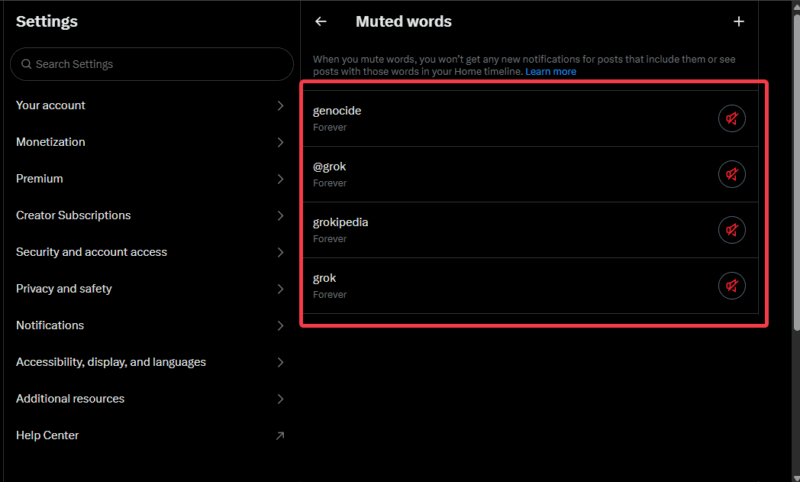
X does have basic tools like blocking accounts or muting accounts, but they don’t fully fix the problem. Grok replies still sneak into conversations you follow. Even muting keywords and hashtags only helps a little. It takes too much effort since you keep chasing new terms to block. Besides, it’s manual, inconsistent, and tiring.
Once you remove that noise, the benefit is obvious. Your timeline feels calmer. You spend more time reading posts from real people that you follow. You also avoid a lot of misleading or low-quality AI takes along the way.
The Extension That Fixed It for Me
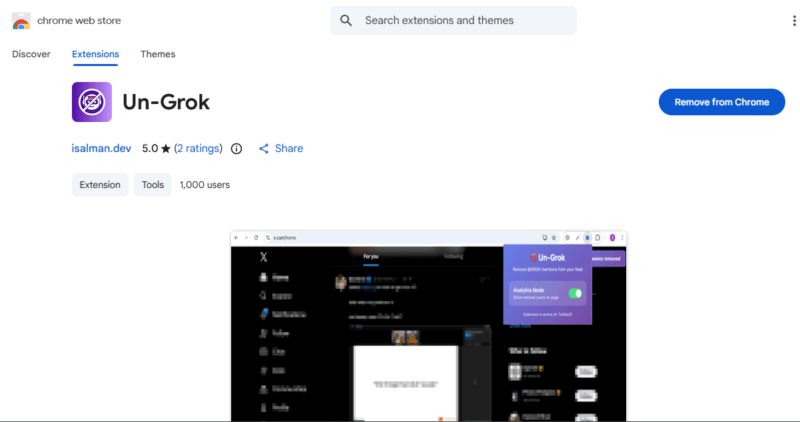
What finally worked for me was Un-Grok. It’s a free Chrome extension that automatically hides Grok posts, replies, and mentions as you scroll. It also works on Edge, Brave, and other Chromium-based browsers.
Before I added it, @grok appeared every few posts and made my feed hard to enjoy. After I turned it on, the change was instant. Threads felt clean, interruptions stopped, and I could actually focus on what I opened X to see.
The extension even has a built-in counter that shows how much it blocks. Within the first few days of using it, the counter showed more than 100 hidden items.
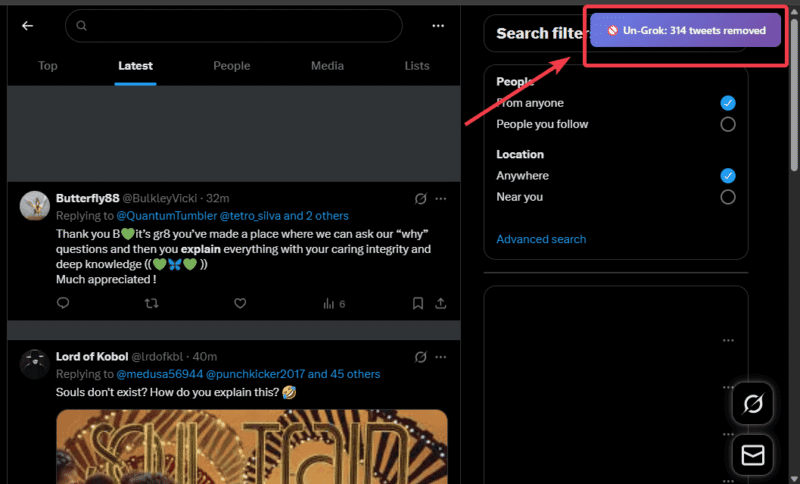
What I like most is how it cleaned the feed without any work from me. It shows a count of what it removes, so you can see the difference. There’s also a simple switch to turn it off whenever you want. This makes it easy to control.
In addition, it pairs nicely with other productivity-focused Chrome extensions that quietly improve how you browse. I have not noticed any privacy problems, since it does not collect data.
One small drawback is that some useful posts might occasionally get hidden. However, the toggle switch brings everything back in seconds. Overall, this is the most reliable way I have found to block Grok on X on the web.
Try it during a busy scrolling session, and you’ll notice the cleaner feed immediately. It beats manual options hands down.
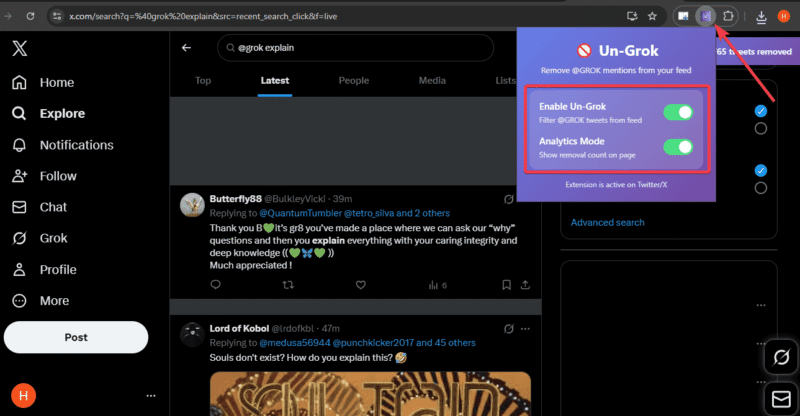
Un-Grok is not an official X tool, but it has given me back my timeline with almost no effort. If @grok’s constant chatter is bothering you too, this simple way to block Grok on X is worth trying.