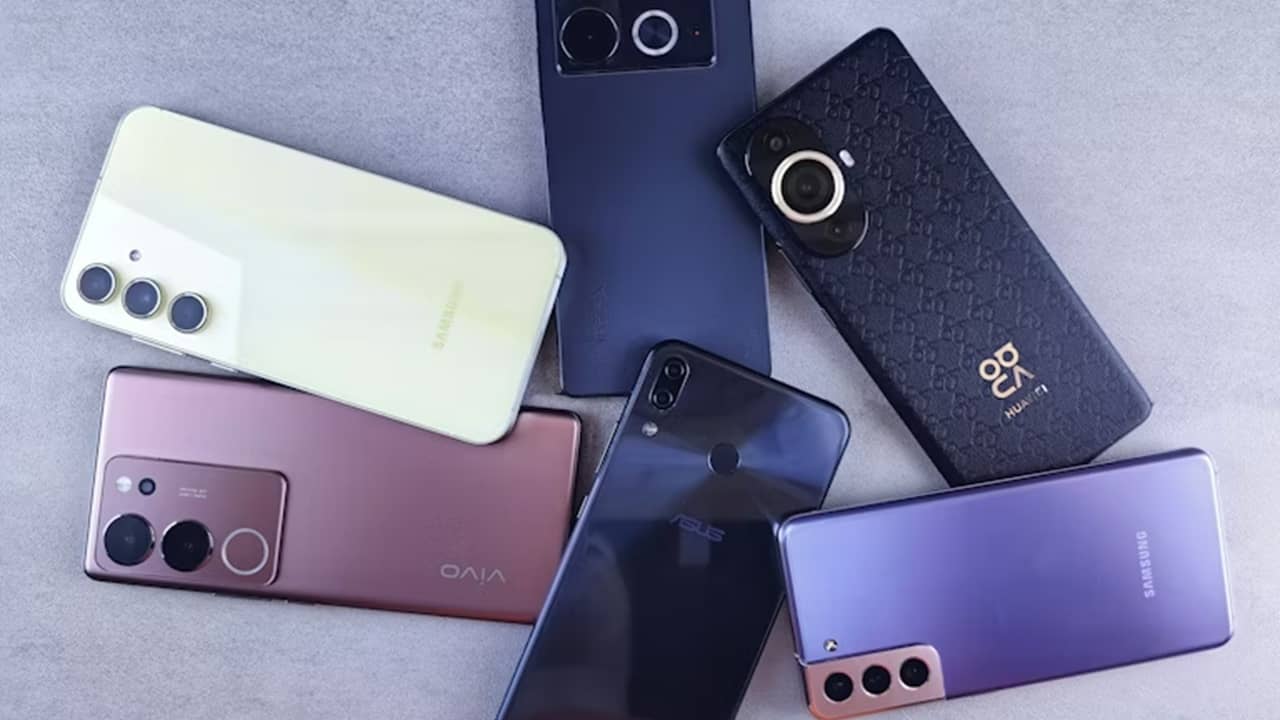
We often replace our phones every few years, which leaves quite few old ones lying around. You could recycle, donate, or trade them in for a small amount, or repurpose old phones to extend their lives. You may even get years of use out of these outdated phones.
What to Do Before Repurposing
It’s always a good idea to make sure you don’t have any remaining personal files left on your phone, such as pictures or files. Once everything’s backed up that you want to keep, perform a factory reset on your phone (you can find instructions for iPhone here).
Then, uninstall or disable any apps you don’t need. Since old phones usually don’t receive system updates, it’s not feasible to use an old phone with most popular apps, such as social media or newer games, as they might not be compatible with older mobile operating systems.
1. Bedside Clock or Travel Alarm Clock
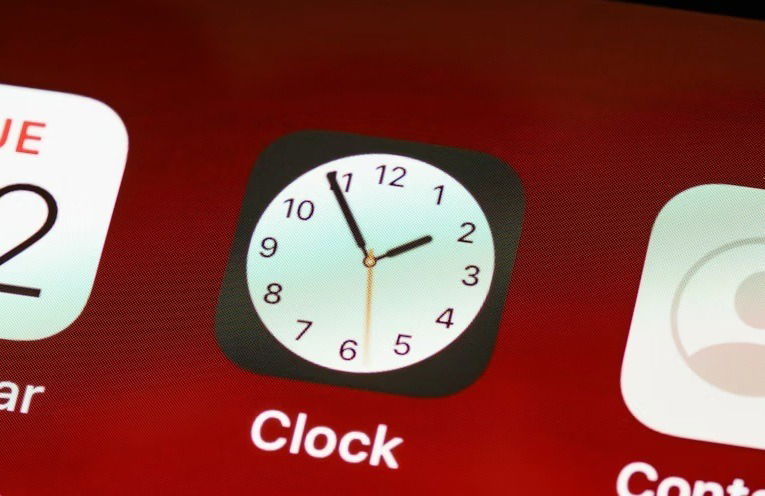
Transform your old phone into your new beside clock or use it as a travel alarm clock. There’s no need to buy another clock when your phone has one built in. Use your phone’s built-in clock app or download an app that’s compatible with your current versions of iOS or Android. Flip Clock (iOS | Android) works well and offers various clock styles, calendar, timers, alarms, and even background noise to help you sleep.
2. Offline Music Player
When your phone doesn’t receive security updates any longer, it’s not ideal to leave it connected to the Internet 24/7. So, just repurpose old phones into offline music players. Load up your phone with music tracks you already own, download a music player app, and enjoy your music anywhere, anytime. No Wi-Fi needed.
For Android, it’s hard to miss Musicolet. For iOS, try Flacbox instead. If you don’t have any music files, try these free music download apps.
3. TV Remote
Who hasn’t lost their TV remote at some point? Just pick up your old phone and turn it into your new TV remote. If you have a smart TV or a streaming device, such as Roku or Firestick, try downloading the remote app for that specific manufacturer. For instance, many Android phones and iPhones already work with Android TVs and Apple TVs.
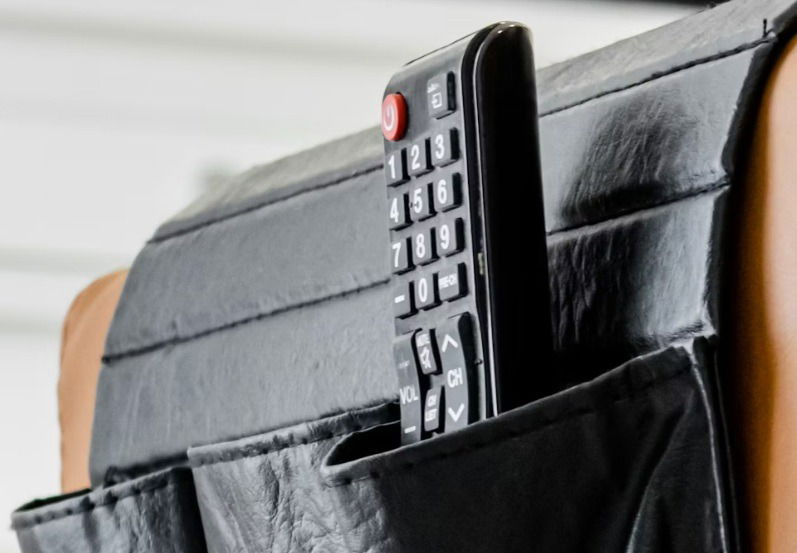
Or, try TV Remote (for iOS) to control multiple smart TV brands in one app. For Android, try Universal TV Remote that works with both smart TVs and traditional TVs via IR mode.
4. Baby, Pet, or Security Camera
To repurpose old phones as baby, pet, or security cameras, you need two devices. Typically, your old phone works as the camera and your new phone checks in to view the feed. While there are numerous apps available to do this, Alfred Home Security Camera has been one of the top-rated options for years. It’s free to use or upgrade to get extra features.
5. Webcam
Built-in webcams on laptops aren’t always the best. Yet, smartphone cameras just keep getting better. Skip buying a new webcam and repurpose your old phone instead. I recommend investing in a small tripod just to ensure your phone stays stable while in use. You can use both Android and iOS devices as webcams.
6. Offline Ebook Reader
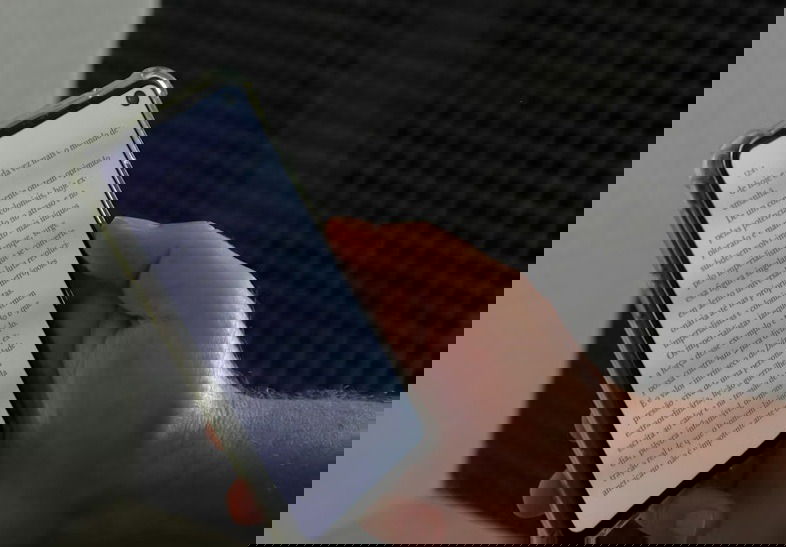
Phone screens are perfect for reading. And, with an offline ebook reader app, your old phone becomes the perfect offline reading companion. Fill it full of ebooks, download an ebook reader app (my favorite is Readest), and start reading. Outside of syncing to other devices if you want or downloading an ebook online, you don’t have to connect to the Internet.
7. Dashcam
Dashcams are lifesavers in proving fault during an accident or ensuring you never miss a once in a lifetime sunrise while driving. But, why spend money on dashcam when you can repurpose old phones as dashcams? You’ll need a secure mount and a dashcam app. That’s it. Droid Dashcam works well for both iOS and Android.
8. Offline GPS
Offline GPS apps are essential when you’re in an area without Internet access. They also work well with old phones. Download the maps you need and use your old phone to navigate. This helps save battery life on your current phone.
9. Document Scanner
Need digital backups of physical documents or photos? Use your old phone as a document scanner. This works well for private or sensitive files you might not want to upload online. Download a scanning app (iOS | Android), turn off your phone’s Wi-Fi, and enjoy private scanning. You can easily move the scanned files to your computer or an external storage drive.
10. Simple Wi-Fi Phone
Just because you no longer have unlimited text and data doesn’t mean you can’t make phone calls. This works great for anyone who may just need to make and receive calls without having all the extra bells and whistles of a new phone. Or, use it as the family phone in your home. Many calling apps let you make unlimited free calls over Wi-Fi. But, make sure you’re using a secure Wi-Fi network to keep your calls private.
11. Backup Storage
USB drives and external hard drives are nice, but they don’t let you scroll through your files without being connected to another device. Repurpose old phones as backup storage or just for transferring files. Just connect your phone to your computer, copy the files to a folder on the phone, and you’re done.
Just don’t use your old phone as your only backup. Old phones can die at any moment, so always have a second backup of any important files.
You paid hundreds for your old phones. Make sure you get every single bit of life out of those phones as possible.