


Your browser is something you use multiple times a day, across a plethora of devices. However, you may come across a quirk or two that warrants further explanation. The “about:blank” page is one example, although there’s little to be worried about.
This post looks at what the about:blank page is, what it represents, and whether you can harness it for your own uses!
What Is the about:blank Browser Page?
The about:blank page’s name gives you a clue as to what it is. It is a literal blank page within your browser. Of course, this is a part of every browser, but its unique name has a special meaning (more of which in a second).
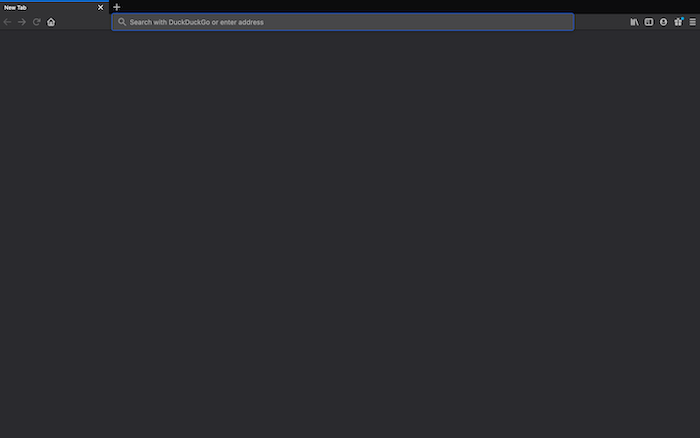
In a nutshell, your about:blank generates an empty HTML page in your browser. However, “about:” on its own can do much more than this.
What Does the about:blank Browser Page Mean?
about:blank is one of many internal URL schemes that tell you something about the browser. Think of it as kind of a URL for diagnostics.
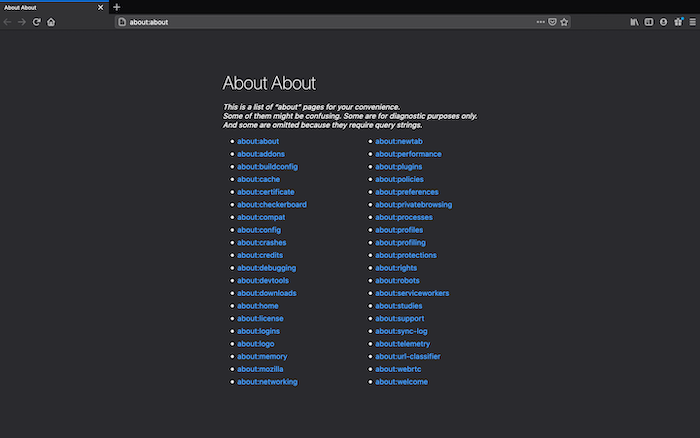
For example, “about:about” gives you a list of debugging or diagnostic pages, and most users won’t need them day to day.
You may also see an “about:blank” page if you open a JavaScript call (like a button) in a new tab. They are often meant to open in a different way, so the browser gets confused and serves an empty page instead.
Usually, an about:blank page will stop you in your tracks if you weren’t expecting it. Let’s clear up some misconceptions.
Is the about:blank Browser Page a Signal for a Larger Security Issue?
As humans, we like repetition and giving meaning to things. When you see an about:blank page, it could trigger alarm bells because it isn’t something you will come across – at least, not called “about:blank.”
However, allow us to put your mind at ease:
- You’re not seeing the page because you’ve been hacked.
- about:blank isn’t a virus.
- It’s not a deeper sign of any issues with your computer, browser, or software.
Despite this, you may see an about:blank page if you’ve dealt with malware or another security issue, as this is common. However, on the whole, it’s a blank page and nothing to worry about.
Are There Any Uses for the about:blank Browser Page?
Rather than be a hindrance, about:blank pages can be useful. Because they’re simply empty HTML pages, they can be put into in different ways.
For example, many people (this author included) use blank pages as their browser home page. This keeps your bandwidth down when loading the browser and also starts your session afresh. You may also use an about:blank page if you’re working with the JavaScript Console.
To set your home page, you’ll need to look within your Preferences, although the exact location depends upon the browser you’re using.
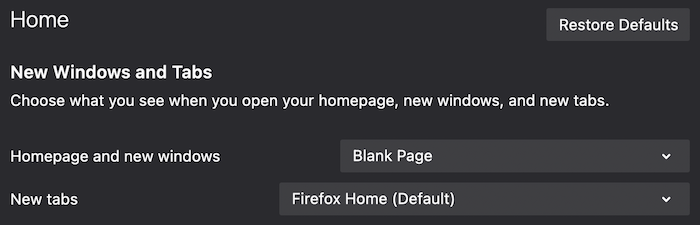
However, to open a new blank page in any browser, simply type about:blank as the URL and press Enter.
Wrapping Up
Although you may use your browser nearly all of the time, something like the about:blank page may give you reason to take drastic measures. However, the only remedy is to “click the X” and close the tab (unless you’ve specifically opened it).
If you’re still concerned about security issues, especially around children using the Internet, you may want to check out our roundup of child-friendly web browsers. Are you more comfortable with what the about:blank page means now? Share your thoughts in the comments section below!