


Telegram is one of the most popular instant messaging apps for a reason. It offers quite a few useful features, such as messages that can self-destruct, enormous group sizes of up to 200,000 members, and fantastic stickers. Added to that, Telegram also supports bots that can access all sorts of information and tools. The number of bots is quite extensive. Here are some of the most useful Telegram bots you should use.
1.@nowtrendingbot
If you like getting the latest news on what’s trending, then this is a bot you’re likely to use a lot. By just typing “@nowtrendingbot,” you’ll get the news of what everyone is talking about.
2. @whalebotalerts

With Bitcoin going over 1 trillion dollars in market capitalization, crypto traders would do well to receive prompt alerts whenever an institutional investor (whale) makes a move. For a crypto invester, @whalebotalerts is probably the most useful Telegram bot. It makes sure you take advantage of the price supports and resistances of your favorite crypto coins.
3. @wiki
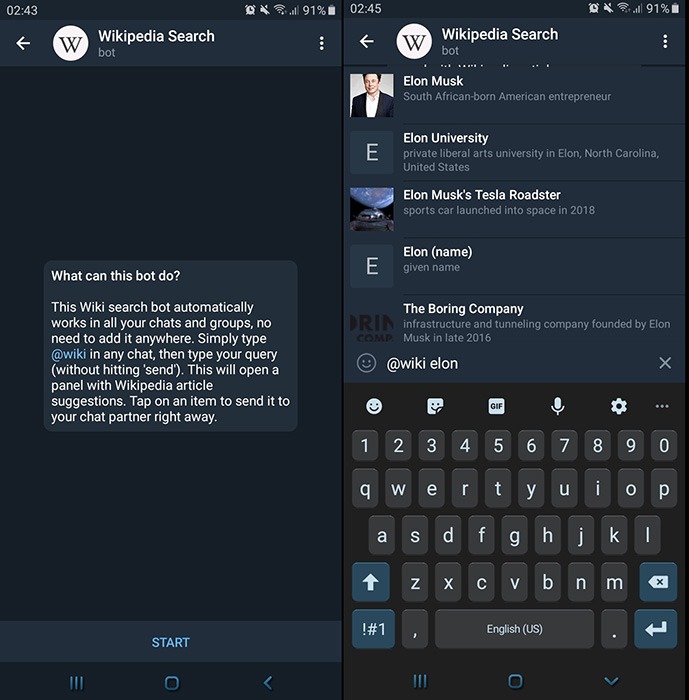
The next time you want to send someone information on just about anything, you can use the @wiki bot. Let’s say you want to send information about Elon Musk, just type in “@wiki Elon Musk,” and swipe up for more details.
4. @hotelbot
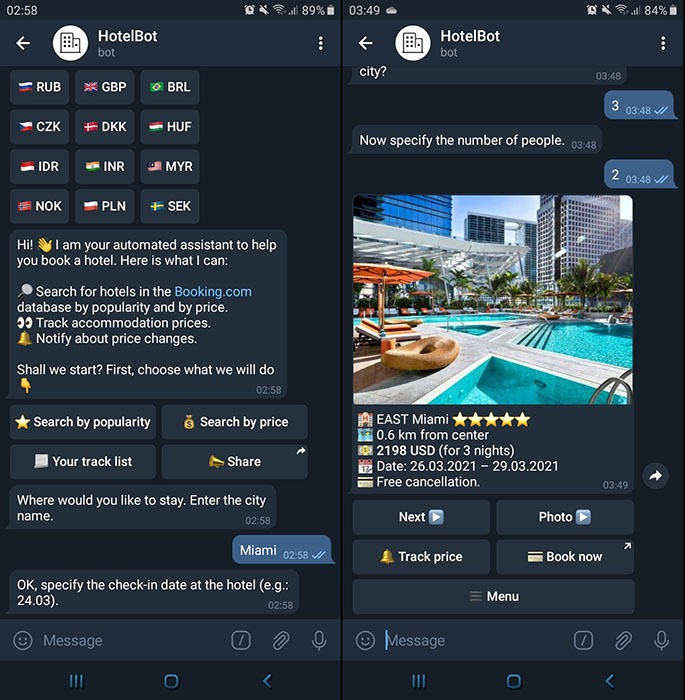
Although there are countless tourist and travel apps, you can use HotelBot to quickly apprise you of accommodation options in your area of interest. It allows you to select your language, country, and currency. More importantly, it updates hotel/motel prices in real time, keeping you apprised of the right time to book.
Don’t forget to enable notifications so that you don’t miss the alerts as they arrive.
5. @airtrack_bot
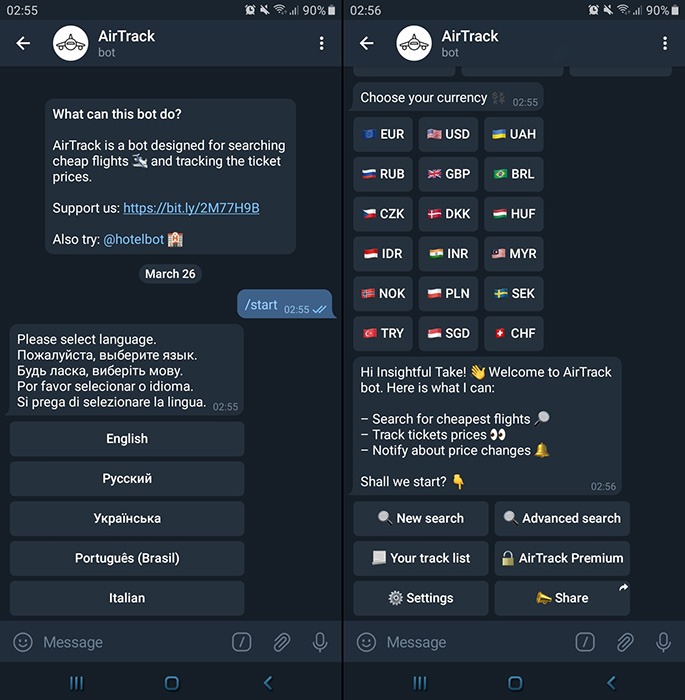
Cheap flights are difficult to come by in a timely manner. This bot keeps track of all the prices, making it a perfect companion to @hotelbot.
And just like @hotelbot, airtrack will guide you to your airplane seat without spending more than you need to and wasting time by missing or waiting for flights.
6. @imdb
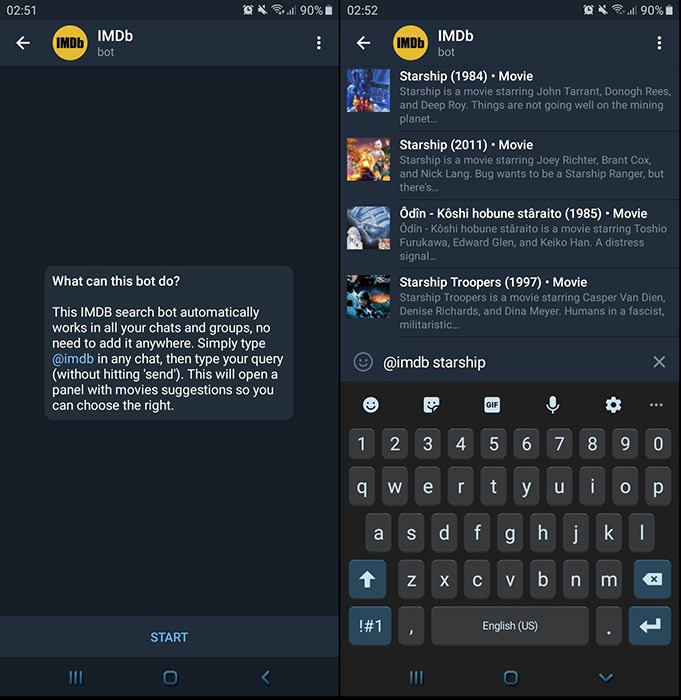
In the mood for a movie but don’t know which one to watch? Not to worry, as there’s a bot for that, too. Type @imdb, and you’ll see a list of what movies are playing. If you want information on a particular movie, you can type the name of the movie after @imdb. Make sure to have a space between the bot and the name of the movie.
7. @spotybot
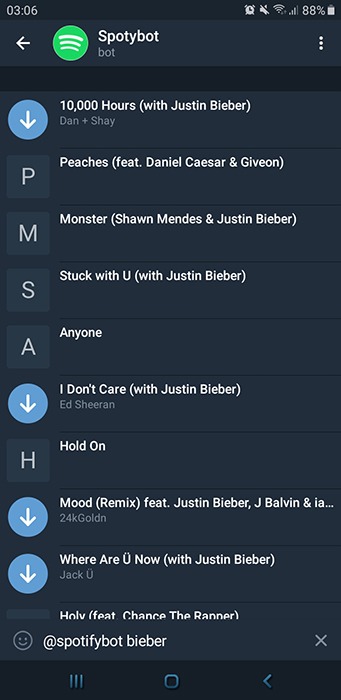
Summing it up, Spoty is the Telegram version of Spotify. Type @spotybot, and the name of either an artist or song. You’ll get a list of songs by that artist, and when you tap on a song, you send the other person a 30-second preview of the song.
8. @SkeddyBot
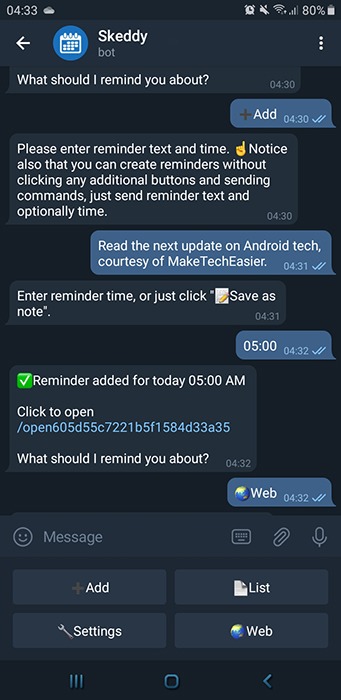
With this bot, Telegram can serve you as your personal assistant. By simply crafting a text message and adding a time, you can create a reminder for the bot to alert you via the Telegram app.
First, you need to select your timezone so that there is no mishap with reminder notifications.
9. @gif

What message wouldn’t be complete without a GIF, right? The next time you want to say something with a GIF, type @gif, space and what you want the GIF to be about. Follow this by choosing the GIF you want.
10. @songidbot
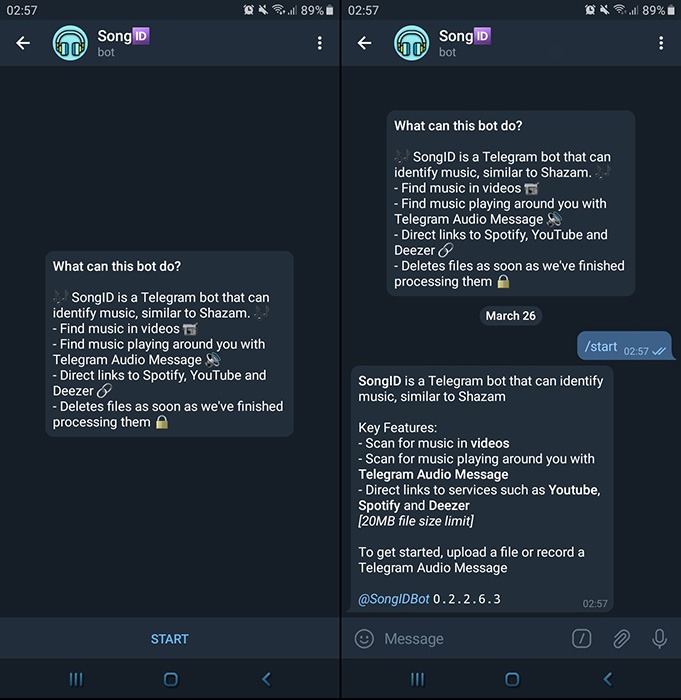
SongIDBot is the equivalent of Shazam for Telegram. The purpose of this bot is to identify songs you are listening to. To make use of it, open a chat window and hold down the Record button.
When you release it after a few seconds, the bot will identify both the artist and the track of the recording. If you want a way to detect songs from Instagram or other platforms, this is it.
11. @gamebot
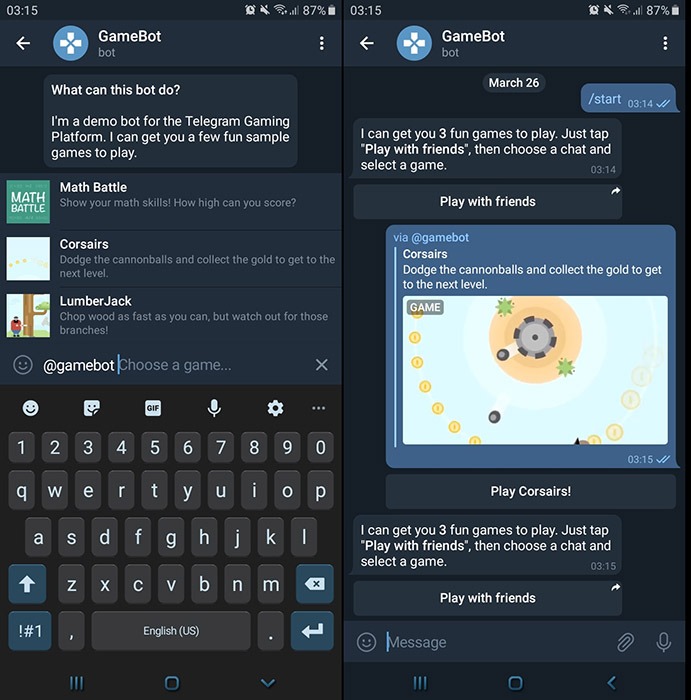
Who doesn’t like playing games, right? The next time you want to play a game without leaving Telegram, type @gamebot and choose what you want to play. A word of warning: these are not going to be HD Assassin’s Creed-type games, but they will help you pass the hours.
12. @voicybot
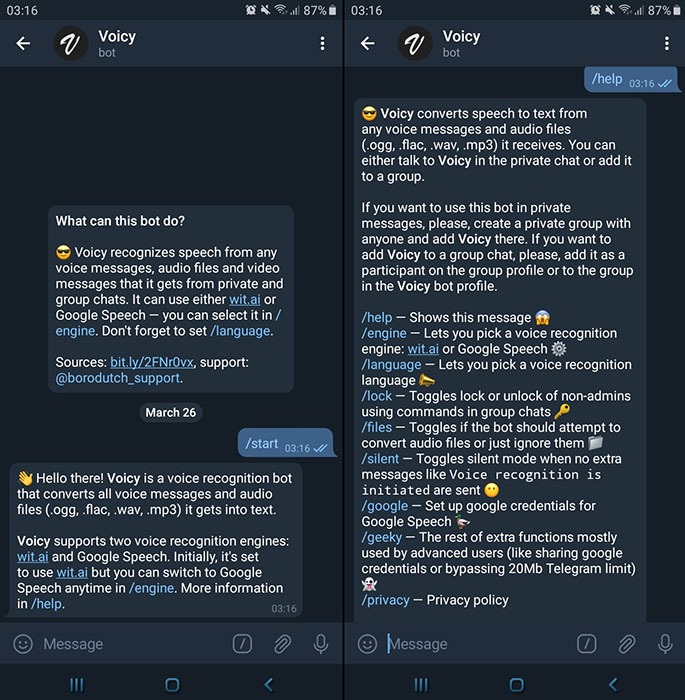
You’re dead tired from work, and your friend won’t stop messaging you. For those times when you don’t feel like typing at all, use @voicybot. Once you type the command, tap Send, then tap on the link that will take you to the chat thread to get the job done.
With this useful tool, you can record your voice in its chat thread, and it will turn the audio into text. It saves you from having to do all that typing.
Wrapping Up
This list is not conclusive. There are plenty of Telegram bots, and we only showcased some of the useful Telegram bots that you can use daily. If you are still wondering if Telegram is good for you, check out our comparison of Telegram vs. WhatsApp and some of the cool features of Telegram.