
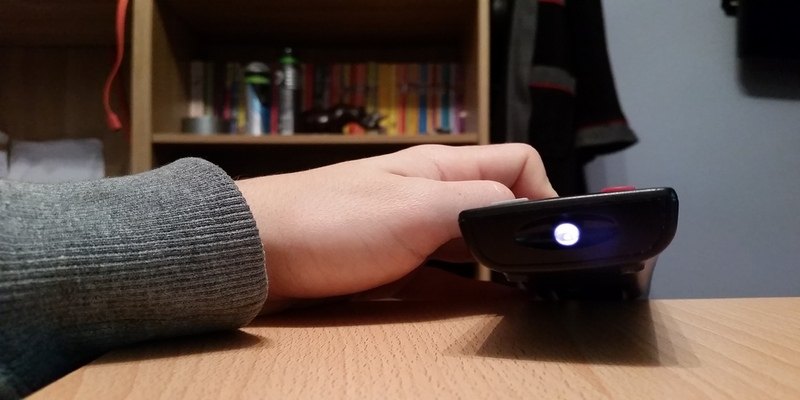

Is your remote control faulty? Or is it just that the batteries are dead? Your smartphone can help you to answer these questions.
We’ve all been there. You’re surfing channels lazily while reclining on the sofa. Then all of a sudden, the remote starts to misbehave. You begin to notice slow response times, and at times the remote may even stop working. Out of frustration, you press the buttons harder, lift the remote up higher, or maybe even give the batteries a bite (I’ve tried that one).
At this point, you can’t help but wonder whether there is something wrong with the remote, the TV, or the batteries. But there is a powerful, yet lesser-known, trick that you can use to determine whether your remote control is on its last legs. And this trick is hidden right inside your smartphone’s camera. Here’s how to go about it.
Also read: How to Turn Your Android Phone into a Security Camera
Test Your Remote Control’s Batteries with Your Smartphone
Testing your remote control’s batteries with your smartphone is an easy task and should take just a minute or two of your time. Here’s how to do it.
1. Pull out your smartphone and launch its camera app. Next, tap to switch to the selfie (front-facing) camera. Now point your remote control at the front-facing camera. Then press and hold a button, any button on the remote while pointing it towards the camera.
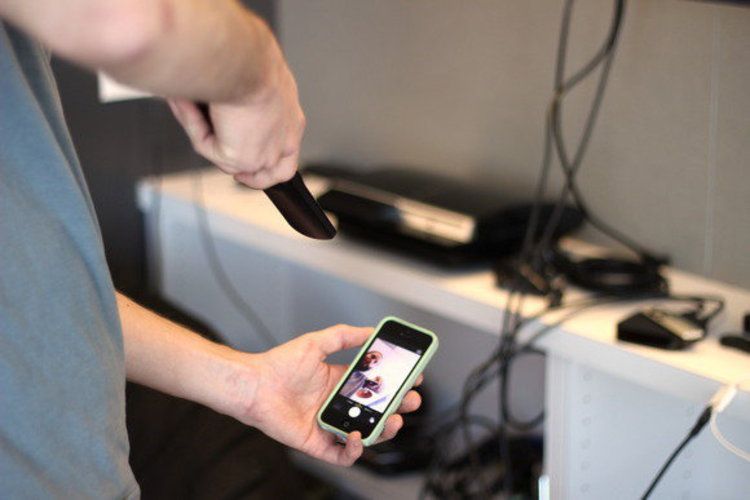
If your remote control is functioning properly, you should see a flickering light originating from the remote’s IR blaster. If you don’t see a flickering light or the light is very faint, it means you probably need to replace your remote control’s batteries. And if even after replacing the batteries with new ones, the flicker of light does not appear, then your remote is the problem, in which case you might want to consider replacing it.
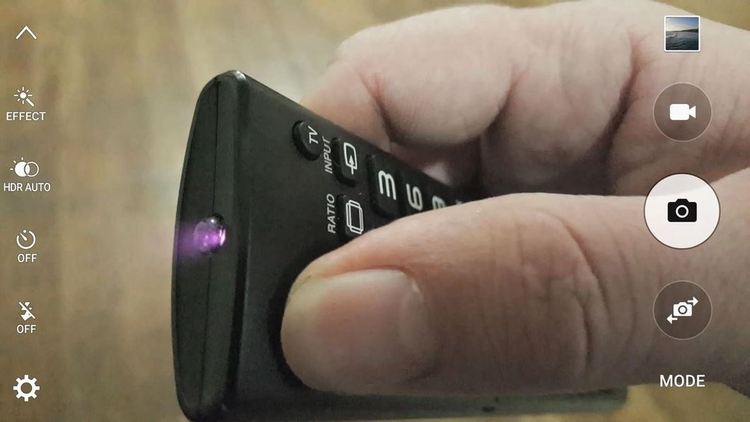
This trick does not only work with smartphone cameras. It can also work with any other digital camera out there. So if all you’ve got is a laptop, try using the built-in webcam, and it should do the trick.
Note: Not all smartphone cameras will work. Some camera apps have built-in technologies that might bar this trick from working. So before you conclude that your remote is faulty, it’s wise to try using a different smartphone camera to see whether you’ll get the same result.
Why it Works
A standard remote control typically sends signals to your home theater or TV using a beam of infrared light. This beam gets picked up by a sensor in your home theatre or TV. The thing about infrared light is that just like ultraviolet light, it lies outside of the color spectrum that is visible to the naked eye.
Once the remote emits flashes of infrared impulses to the TV sensor, the sensor interprets by telling your TV which channel it should tune to.
A smartphone’s camera has a lens that acts more or less like the TV sensor when a beam of infrared rays is projected towards it. Unlike the human eye that is unable to see these rays, your smartphone camera can detect these infrared rays easily, and that’s why a flickering light appears on the smartphone’s camera.
To Sum Up
Smartphones have come a long way to become the most versatile devices on the market today. They can perform multifarious tasks, some of which are lesser known, like the ability to test the functionality of a remote control’s batteries. Also, check out our article on 10 ways to make good use of your smartphone camera.
Now that you know it’s possible to test your remote control’s battery with just a smartphone, why not try it out at home. Remember to share your experiences with us in the comments section below.