

Working with Google Drive is a convenient way to manage files on the go. It’s fast, easy and works on any device with an Internet connection. If you’re frequently downloading files from different sources on the Web, you’ll be glad to know that the Save to Google Drive for Firefox add-on lets you save files directly to Google Drive. This saves you the trouble of having to download the file to your computer and upload it to Google Drive manually if you plan to access it from another device or share it with other Google Drive users.
To get started, download the add-on Save to Google Drive.
After installation, you should get an icon on the top right corner of the browser and a smaller one on the add-on bar located at the bottom. If you don’t see this, press “Ctrl+/” or go to “Menu -> Options” and click on “Add-on Bar”.
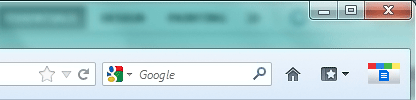
If you’re already on the web page where a link to a file is located, then you can go ahead and click on any of the Save to Google Drive icons. If not, navigate to the download page that shows the link first.
The icon will show a popup box with two options: “Add to Queue” and “Analyze this page for links”. Add to Queue is used when you copy a link and paste it into the text field above it. If you don’t want to open a new tab or window for a link, you can right-click on a link and click “Copy link location.”
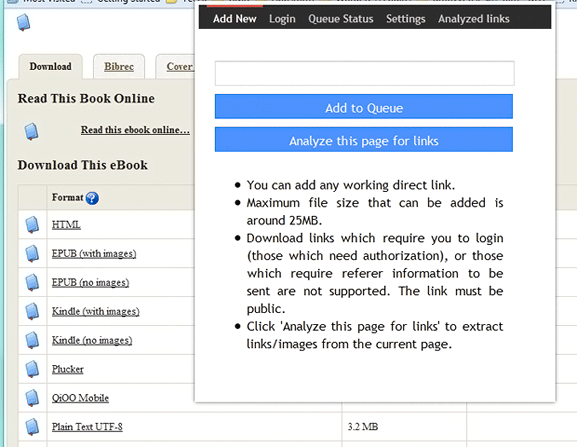
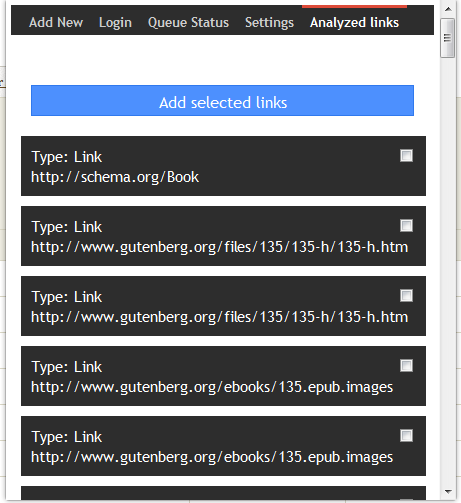
If you want to download more than one link on a page, you can select “Analyze this page for links” to get a list of all links. You can then select the ones you want to send to Google Drive.
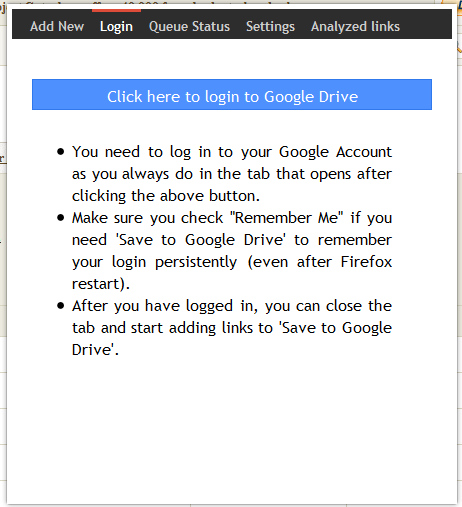
After selecting files, you can now go to the add-on’s “Login” tab to log in to Google Drive.
You should see the files in the My Drive folder.
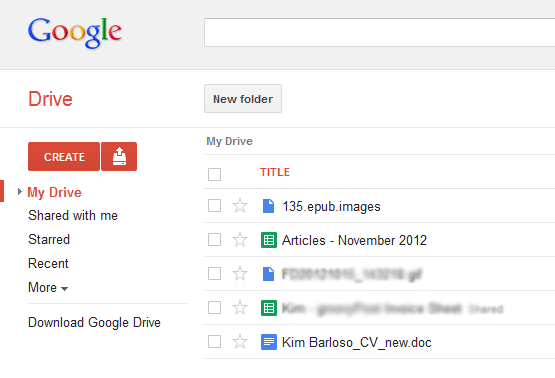
If you don’t see the files, they might still be in the queue. To check this, go back to the add-on pop-up box and click on the “Queue Status” tab.
The add-on also lets you turn off notifications of login and save failures as well as setting the default action for right-clicking on the icon on the add-on bar.
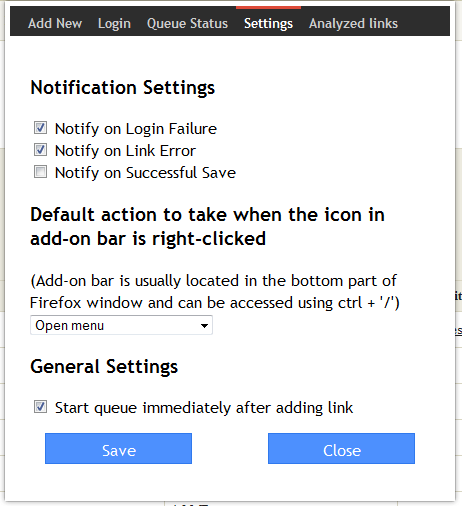
To see a list of previously analyzed files, you can go to the “Analyzed files” tab. Here, you can add more files than previously selected to add to the download queue.
Note that some conditions must be met for the add-on to work properly. Links should be direct from the source and are publicly accessible. There also is a 25MB limit for each file download.
Provided these requirements are met, Save to Google Drive is a brilliant add-on for saving files in the cloud and on the go. Whether it’s for sharing with others or for your own use, it can work wonders for saving time and hard drive space.