
Adobe Flash is technically gone, with Adobe having stopped development on it on December 30, 2020. This means that none of the major browsers – Chrome, Edge, Safari, Firefox – support it any more. You can forget about Flash videos, Flash games, vintage Flash sites – the whole lot.
Why did this happen, and what do you do if you really need to access Flash content later? Is there any browser with Flash support still around, or at least a suitable alternative available? Let’s find out.
Also read: How to Know If Someone Else Is Logging in to Your Windows PC
Why has Flash gone away?
Sunsetting Flash was largely a security-driven move. Flash was once the standard for videos, games, and other Web content, but it was terrifically vulnerable to exploits, thanks to the way it used memory and other issues. Another issue was its difficulty integrating with mobile technology due both to its tendency to suck power and its lack of support on both iOS and Android.

Keeping a piece of mostly-desktop software with more holes than a spaghetti strainer patched and somewhat safe was, as you can imagine, kind of a headache. Once other standards, like HTML5 and WebGL, became more functional and widely supported on both desktop and mobile, Flash’s days were numbered.
Will I still be able to access Flash content?
Since the start of 2021, accessing any remaining Flash content on the Web will still be possible, but it’ll take some work. Up-to-date browsers are no longer able to load Flash, but truly desperate Flash fans could use an older version of a browser, block it from auto-updating, and use it only for Flash content.
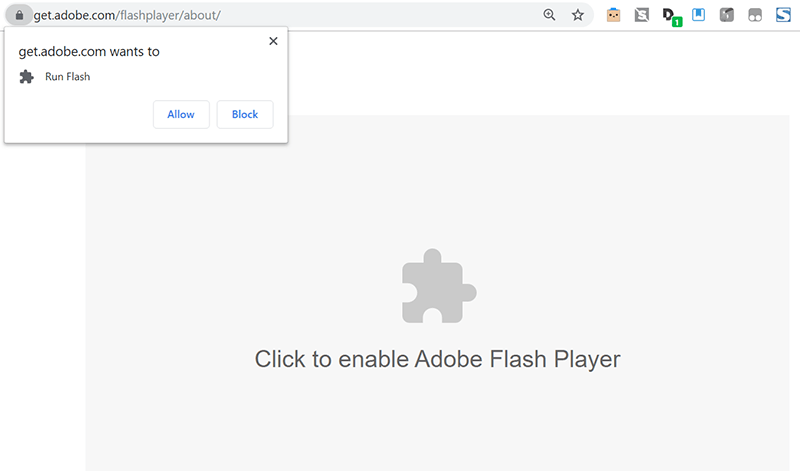
Of course, that comes with its own security issues, so do this at your own risk and take precautions like running it in a sandbox and only visiting sites you trust. Alternatively, there may still be a browser or two out there (Firefox/Chromium forks) that offers Flash support in some form, so finding that may also help.
Of course, with Flash effectively off the Web, sites that offer Flash-based content are now redundant. If there’s any Flash content you really want to save, you’ll need to use an old version of a browser that still supports Flash, download the Flash file (SWF) and use a desktop Flash player (like SWF File Player) to open it.
This approach could be time-consuming and technical if you’re trying to save all of your favorite content, though.

The best option you’ll probably find for accessing this stuff is Flashpoint, an ongoing project to archive and distribute the Web’s Flash content.
Thousands of games and animations have now been catalogued and are available for you to download and play as you like, so chances are good that you won’t even need to go manually back up the game you were afraid would disappear. If something isn’t on their list of content, you can always contribute to the community and add it yourself.
A Flash in the Pan
A lot of Flash-based content has either already been updated to use a modern standard like HTML5, WebGL, or Unity. If it hasn’t been updated, it’s ceased to be usable. There are workarounds to access your favorite Flash content (the best of which is Flashpoint), but for the most part, the world has now moved on.
Also read: How to Disable Web Page Auto-Refresh In Your Browser
Another problematic piece of software is Windows itself, so see our guide on how to fix Windows 10 update problems. If you’re still using Windows 8 or 8.1, should you consider upgrading? To refine your web-browsing, you should also head over to our list of the best Chrome flags.








