

Google Chrome’s new tab page is very minimal with a few quick links to the most viewed websites. For many, this default new tab page is boring and uninspiring, and the lack of customization options make it unpopular with the crowd. Luckily, there are lots of good chrome extensions which can totally revamp your default new tab page to a more useful one.
1. Start!
The Start! new tab page has the perfect name for the extension to start off our list! This new tab page replacement does one thing really well: it puts your bookmarks on the page so you can easily and quickly access them when you open a new tab.
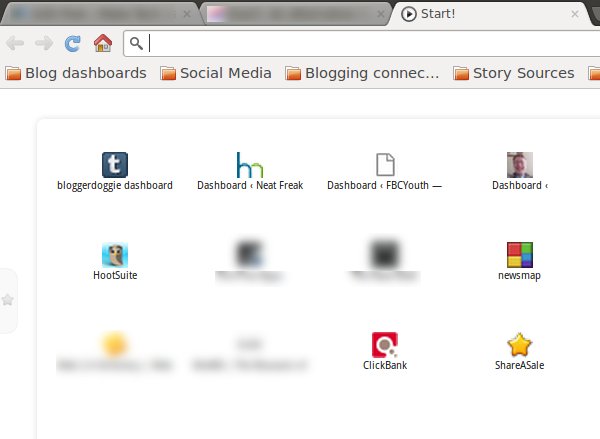
You can also set up Flickr for a more personalized backdrop. You can also do stuff like place RSS feeds and customize the page’s layout.
2. Awesome New Tab Page
As far as graphics, or how cool it looks, Awesome New Tab Page is a really good choice. It’s made up of custom placed tiles that really does end up appealing to the eyes.
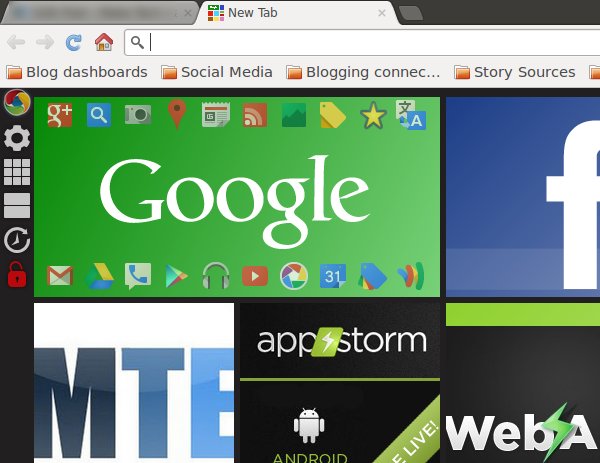
You can add links, widgets and apps to the new tab page setup which makes for a real customized situation. For an added touch, use the note widget to leave messages as reminders to yourself.
3. Incredible StartPage
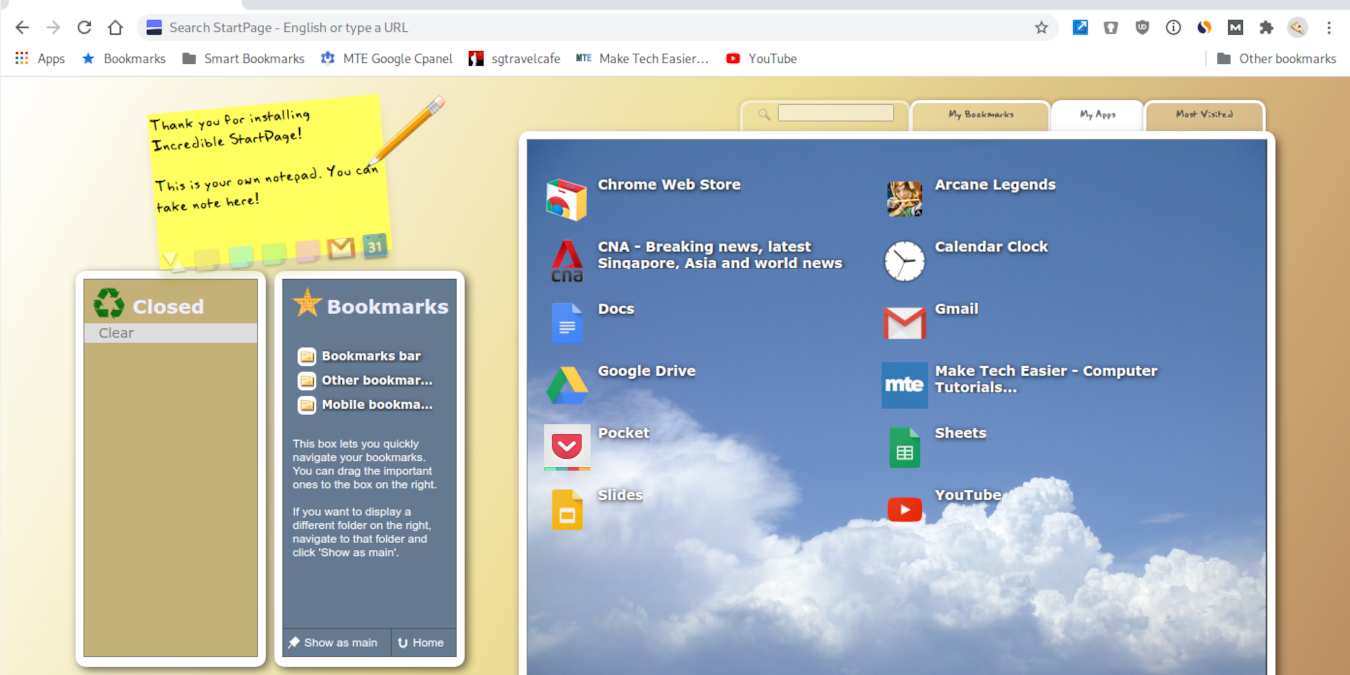
The Incredible StartPage really does live up to its name, in my opinion. I has three main boxes: recently closed tabs, bookmarks, and the main or large box. The larger box has three tabs: my bookmarks, my apps, and most visited sites.
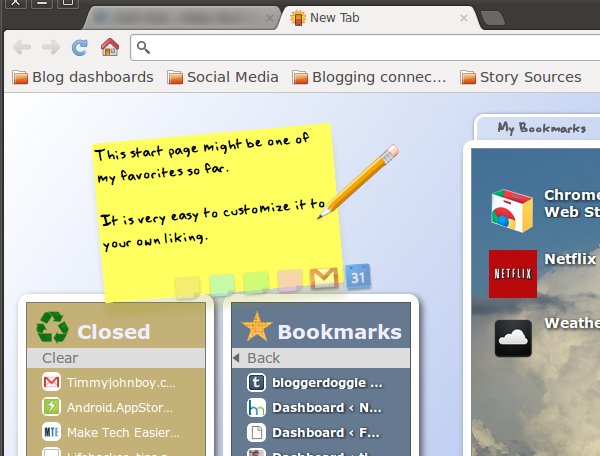
You can really make this one your own by changing the background color, choosing your own wallpaper for the large box, and several other design elements. Then there is the handy sticky note where you can type your own messages, much like the note app.
4. Speed Dial 2
Another customizable option is Speed Dial 2. The default setup has several of your favorite links right up front with a screenshot of each site. Then there is a pull out tab to the right that offers lists of applications, bookmarks, and recently closed tabs.
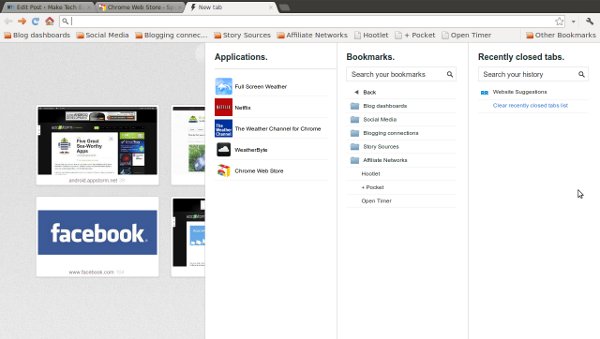
Seriously though, there are so many settings you can tweak to get things customized to your liking. Check them out and see what you can pull together for yourself.
5. Momentum
Momentum is your one-stop space for motivation to focus on what matters in a beautiful way. Every day it will let you enter a task to focus on that you need to get done, and it shows a new background and quote every day to motivate you. It also has a built-in to-do list where you can enter everything you need to do and easily access it whenever you open a new tab.
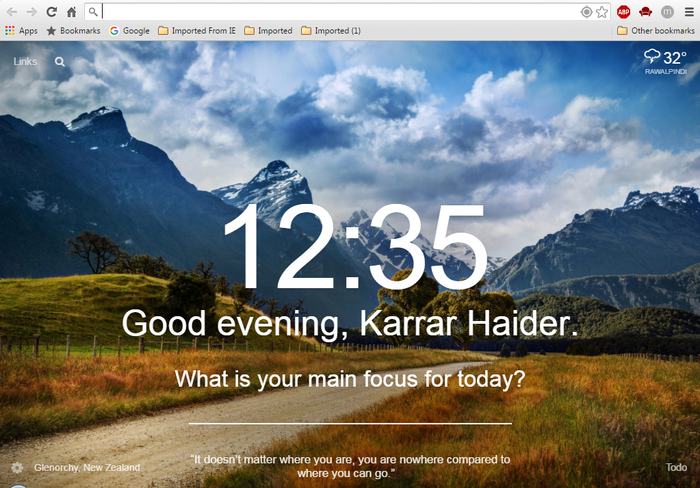
Momentum also has a premium version ($1.99/month) that lets you change themes and fonts, skip backgrounds and quotes, fetch data from popular to-do list apps and fully customize to-do lists. It does ask you to supply your email to sync changes across all your devices, but you can decline it if you don’t want this feature.
6. Mortality
One thing many of us forget is that time is limited for everything, thus we just keep putting today’s tasks off until tomorrow. Mortality is a somewhat harsh approach to remind you that today is the day to get up and get things done. You just need to give your date of birth, and Mortality will show your current age in years, months, days, hours, minutes, seconds and even milliseconds on your new tab. The timer keeps running and tells you how quickly the time is slipping out of your hands. It literally makes you feel that you have less time, especially the milliseconds – they are quite scary.
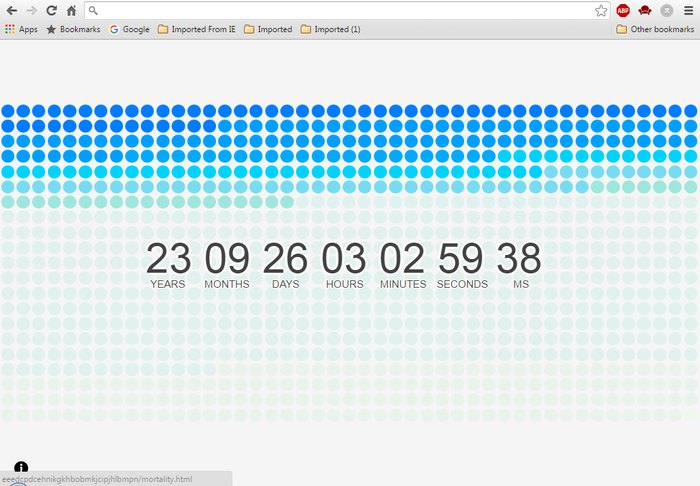
On top of the timer it shows the total months spent as colorful circles and squares to let you know how much you have already spent.
7. Random Quote
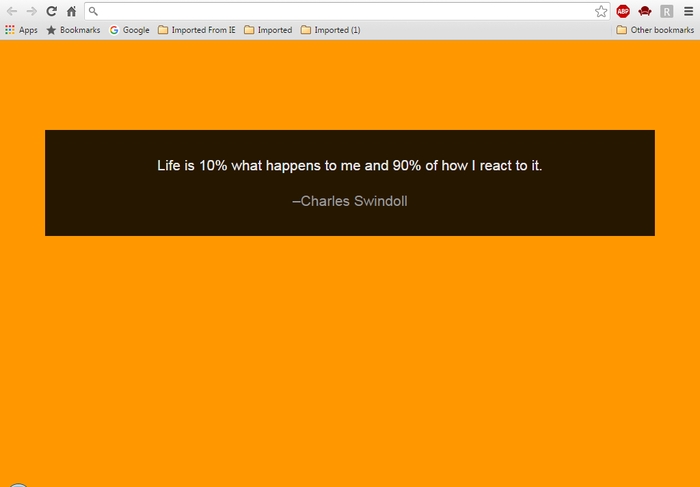
Random Quote takes a simple approach of showing a random quote whenever you open a new tab. There are no bells and whistles, just a plain single color background with a random quote on it. The color and quote changes every time you open a tab, and I have opened more than fifty tabs without repeating a single quote. I also found my new tab opening faster compared to the new default tab of Chrome after installing the above extensions.
If the above are not enough, there are plenty of Chrome extensions to extend its functionality, or even to speed up your browsing speed.