

Now that Google Reader is gone, most of you have moved to Feedly and used it as the alternative to Google Reader. If you are a Google Chrome user, here are some extensions that you can use to improve your Feedly experience.
1. GGReader
Feedly comes with its own interface and design. However, if you are too used to the Google Reader experience, this GGReader extension can turn your Feedly page into a Google Reader look-alike.
Once installed, you just have to reload your Feedly page for the changes to take effect.
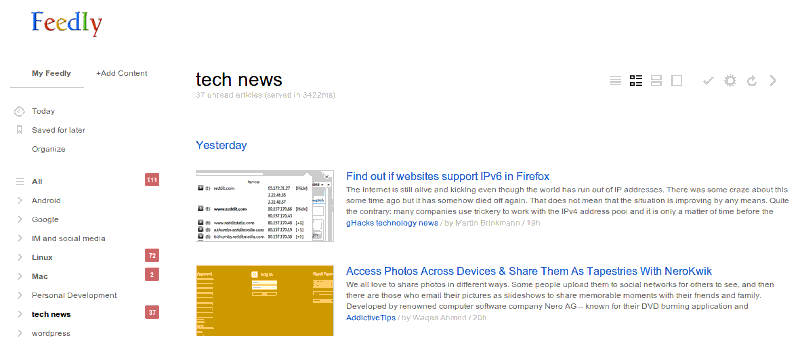
This is how Feedly originally looked like:
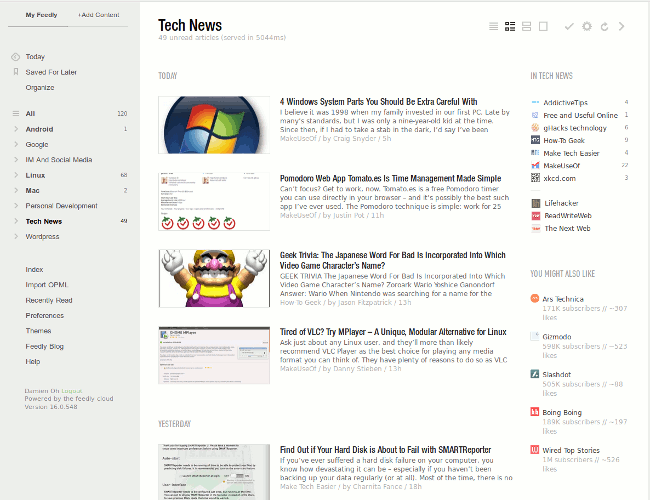
And this is how Feedly looks after the installation of GGReader:
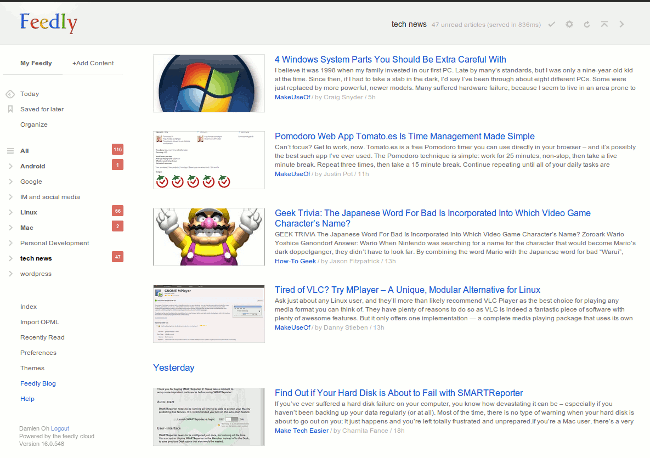
Did you notice that even the Feedly logo has been styled to look like Google?
The bad thing about this extension is that it doesn’t allow you to change the color scheme, nor does it show a distinction between read and unread articles. It will be great if all these issue are fixed.
2. Feedly Background Tab
When you are reading an article in Feedly, you can press the shortcut key “v” to load the article in a new tab and switch to this new tab immediately. What if you want to open it in a background tab and read it later? The Feedly Background Tab extension allows you to do just that.
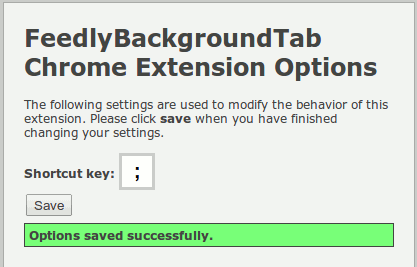
Once installed, you can assign a shortcut key (the default is “;”) to the extension. While reading a feed in Feedly, you just have to press the shortcut key (;) and the article will load in a background tab. You can then continue to read other feed in Feedly.
3. Feedly Pooqer
If you are always crazy about the number of new items in your RSS reader, then this extension will be handy to you. Feedly Pooqer add an icon to your Chrome’s system tray and shows the number of unread count in your Feedly account.
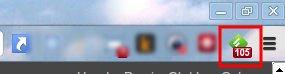
You can set the interval that Feedly Pooqer polls Feedly for the unread count, but you need to be constantly logged on to Feedly (or Google).
4. Add to Feedly
Google Chrome doesn’t come with any RSS subscription feature by default. This extension not only adds a RSS subscription feature to Google Chrome, it also allows you to add the RSS feeds directly to Feedly.
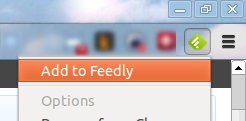
Once installed, you will see a new Feedly icon on the system bar. At any website, you just have to click this icon and it will add the RSS feed of that website to Feedly.
5. Feedly Readable
For those who prefer to read their feeds in a distraction free environment, the Feedly Readable extension can transform the current Feedly design into a minimal distraction free interface so you can focus purely on the readability of your articles.
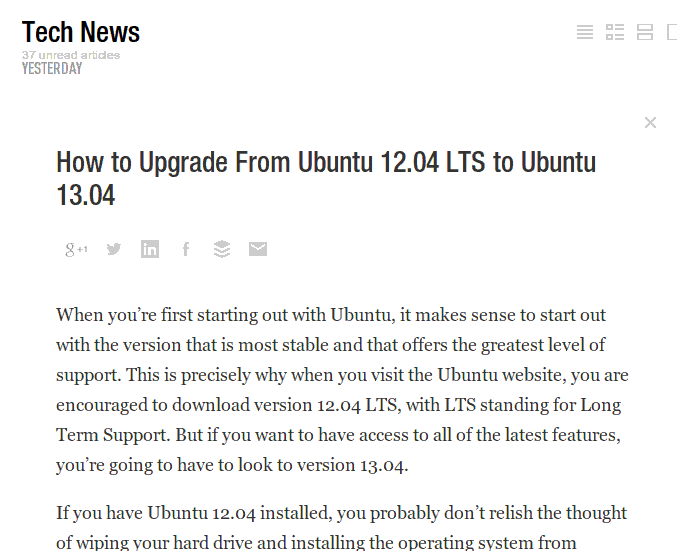
When this extension is active, the Feedly’s navigation pane will be missing from the interface. You just have to hover your mouse over the empty area and the navigation pane will appear.
Conclusion
With Feedly replacing Google Reader as the most popular RSS reader, there is no doubt that more and more extensions will appear to give Feedly a better user experience. The above mentioned extensions are some of the more useful extensions for Feedly. If you come across, or are using any extension that are not mentioned above, do let us know in the comments.