


Linux is often praised as one of the most powerful and flexible operating systems available today. It runs most of the internet, powers servers, supports developers, and gives users complete control over their systems. It is also hailed as a great Windows alternative, good for those who want to move away from Windows. However, despite all these strengths, Linux is not always the best choice for everyone. The right operating system depends on your needs, skills, and expectations, and Linux may not align with all of them.
In this guide, we explore why Linux is a popular choice for many users and also explain why it may not be suitable for everyone.
Why Linux Is Considered Great
Linux stands out because it offers freedom, control, and transparency that other operating systems do not always provide.
One of the biggest advantages of Linux is that it is free and open source. You do not need to pay for licenses or subscriptions to use it. Anyone can download Linux, study its code, modify it, and share it with others. This openness makes Linux especially appealing to students, developers, and people who want to understand how an operating system really works.
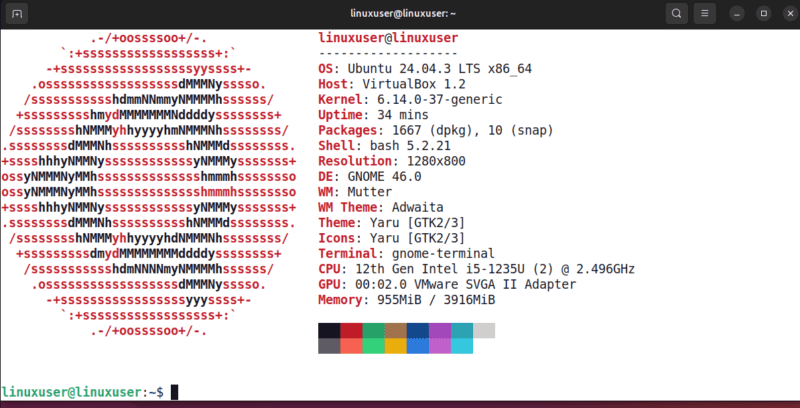
Security is another strong point. Linux has a robust permission system that limits what applications and users can do. Most Linux distributions receive frequent updates and patches from active communities, which helps reduce security risks. Malware exists on Linux, but it is far less common compared to other platforms.
Linux is also highly customizable. Users can choose different desktop environments, change system behavior, and fine-tune performance according to their preferences. This level of control allows Linux to run efficiently on both old hardware and modern high-performance machines.
For developers and system administrators, Linux is often the preferred environment. It provides powerful command-line tools, native support for programming languages, easy package management, and seamless access to servers and containers.
Another major advantage is the strong community. Linux users contribute guides, tutorials, forums, and documentation. In most cases, if you face a problem, someone else has already solved it and shared the solution online.
Even with all its strengths, Linux has real challenges, especially for users who value simplicity and consistency over control.
The Learning Curve Is Still There
Although Linux has become more user-friendly over the years, it still feels very different from Windows and macOS. Linux does not follow a single, standardized user interface. Instead, it offers multiple desktop environments, each with its own layout, settings, and behavior, which can feel confusing for beginners.
Beyond the interface, some tasks require using the terminal, managing packages, or editing configuration files. These tools are powerful but can be intimidating for users who just want things to work.
For those who enjoy learning and experimenting, Linux can be rewarding. For others, it can feel overwhelming and take extra time to get things done.
Professional Tools Work, but Not the Way You Expect
Linux has become more capable for professional work, thanks to stronger open-source and platform-independent tools. Applications like GIMP, LibreOffice, and FreeCAD are now powerful enough for creative, office, and technical tasks.
Still, they work differently from industry-standard software such as Adobe Photoshop, Premiere Pro, Microsoft Office, or AutoCAD. Differences in shortcuts, workflows, and muscle memory can slow productivity, especially for professionals working under tight deadlines.

At the same time, many commercial applications do not have native Linux versions. Workarounds like Wine, Proton, or virtual machines exist, but they can be complex and sometimes unreliable. For users who depend on specific proprietary software, Linux may require extra effort to achieve the same results as Windows or macOS.
Hardware and Driver Support Can Be Unpredictable
Linux supports a wide range of hardware, but support is not always seamless. Some devices work perfectly out of the box, while others require manual configuration or may not work at all.
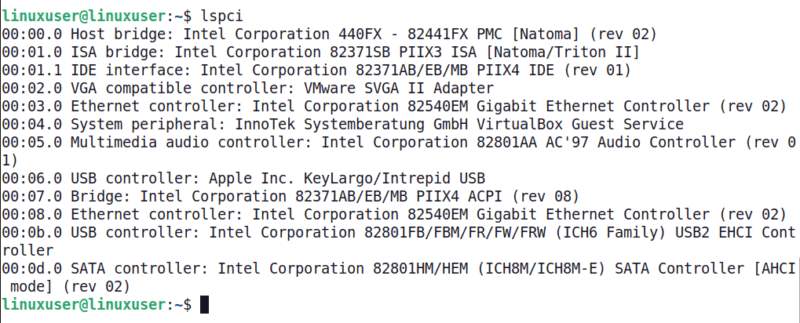
Problem areas often include Wi-Fi and Bluetooth adapters, NVIDIA graphics drivers, printers, audio interfaces, and specialized peripherals. Even when hardware is supported, system updates can occasionally break drivers, forcing users to troubleshoot issues that never existed before.
Gaming Has Improved, but It Is Still Not Effortless
Linux gaming has advanced significantly, with Proton and Steam Deck/SteamOS expanding support. Many popular titles now run well, and Steam’s Linux market share has grown.
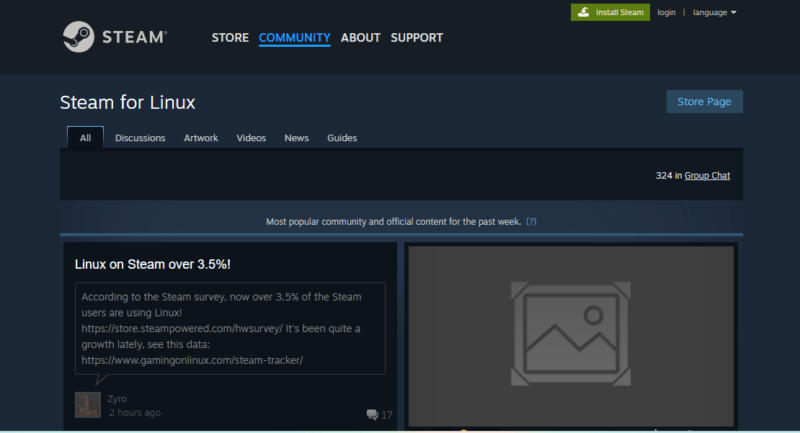
Still, anti-cheat systems and some competitive multiplayer games can cause problems. Users seeking maximum game compatibility with minimal setup might still prefer Windows.
“Free” Often Means Paying with Time
Linux does not cost money, but it often costs time. Installing the system, configuring it, fixing issues, and maintaining stability can require research and experimentation. When something breaks, there is usually no official support line to call.
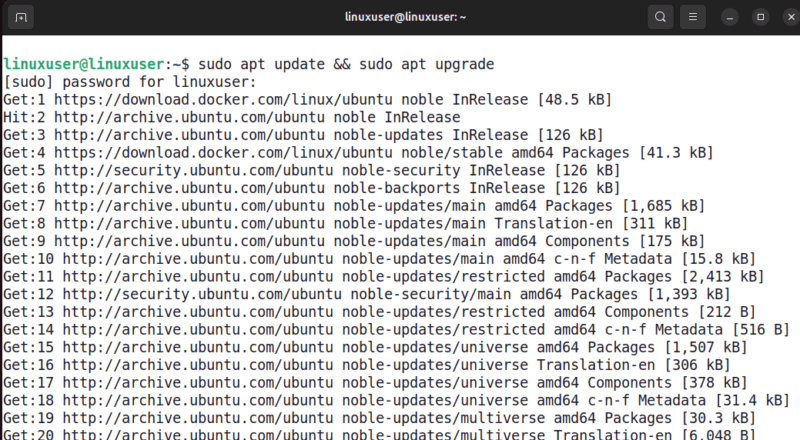
For problem-solvers and curious users, this process can be enjoyable. For others, it can feel like unpaid technical work.
Community Support Is Helpful but Not Always Beginner-Friendly
Linux communities are knowledgeable and passionate, but they often expect users to research problems before asking questions. While this culture encourages learning, it can be intimidating for beginners who simply want straightforward answers.
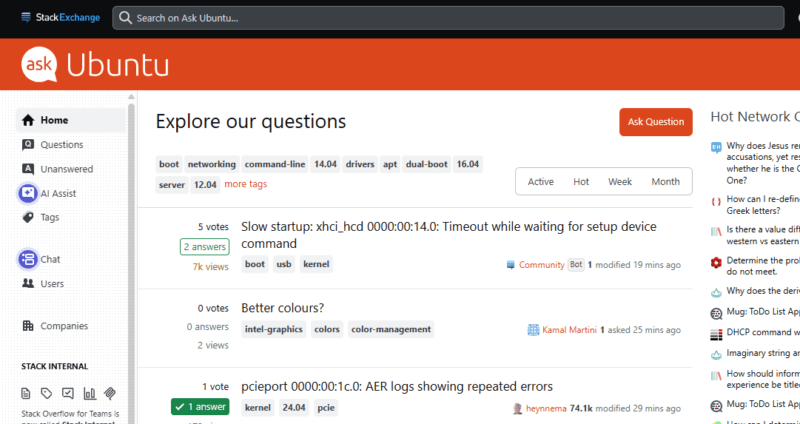
There is also no single, centralized support system unless you pay for enterprise-level services.
Who Linux Is Best Suited For
Linux is a great choice for users who enjoy learning, experimenting, and having more control over their system. It works especially well for developers, system administrators, students in technical fields, and users who value privacy and security. Linux is also ideal for those looking to breathe new life into older hardware or avoid the cost of software licenses.
However, it may not be the best fit for casual users who prefer a system that works out of the box with minimal setup. Gamers who rely on the latest titles, creative professionals who depend on industry-standard software, and businesses that require guaranteed vendor support may find Windows or macOS as a more suitable option.
Should You Try Linux?
Yes, but with realistic expectations. Don’t believe everything others tell you how good Linux is. Test it out for yourself, and for a period of time to see if you like it. The safest ways to explore Linux include running it from a Live USB, installing it in a virtual machine, or dual-booting alongside your current operating system.