


Web developers for the most part have had to use the development tools given to them by browser makers. For the most part this works great because companies like Google and Microsoft include these tools in browsers everyone already uses. However, at the end of the day browsers like these are for consumers, not developers.
It is because of this the company behind Firefox has taken it upon themselves to make a web browser centered around developers and not everyday internet users. Mozilla’s Firefox Developer edition browser gives web developers the ability to debug and inspect web applications with ease.
As many web developers actively use Linux to get their work done, this browser is available for Linux, too, though the installation is not as straightforward as it should be. So, how do you install it?
Getting Firefox Developer Edition
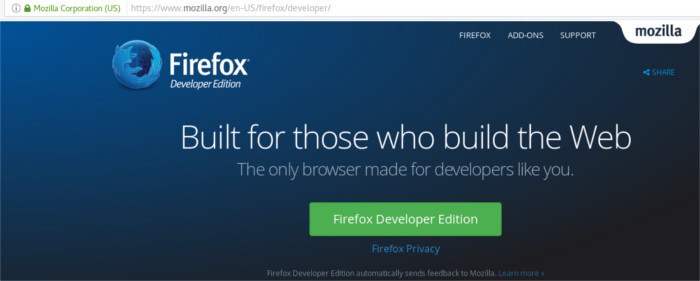
Developer edition can be downloaded for Linux at this link. Once downloaded, extract the downloaded “tar.bz2” file and move it to the home folder with the file manager. The extracted files won’t stay in the home folder, just temporarily as we work with the files and install them.
Installing the Firefox Developer Edition
With the files extracted, the files can be moved from the home directory to the “/opt” directory on the file system. To start, open a terminal window and enter the following commands:
sudo -s
This will give the terminal a root shell and be easier to work in.
cd /opt
mkdir -p firefox-developer
Making a folder labeled “firefox-developer” will allow the user to easily tell that this is the Firefox developer edition files and not something else.
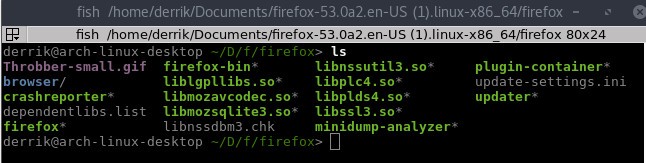
cd /home/username/firefox*.en-US.linux-x86_64
ls
Entering the “firefox-*.en-US.linux-x86_64” folder and then showing all of the contents with the ls command reveals there is a Firefox folder.
mv firefox /opt/firefox-developer
The move command will place the Firefox folder inside of the newly-created “firefox-developer” directory in “/opt.” This is where the core of Firefox Developer edition will live on the system.
Making the Desktop Icon
The program is installed on the system, though it will not be able to launch. A launcher must be created so that the user can launch the program. Open a text editor and paste the following code:
[Desktop Entry]
Name=Firefox Developer
GenericName=Firefox Developer Edition
Exec=/opt/firefox-developer/firefox/firefox
Terminal=false
Icon=/opt/firefox-developer/firefox/browser/icons/mozicon128.png
Type=Application
Categories=Application;Network;X-Developer;
Comment=Firefox Developer Edition Web Browser.
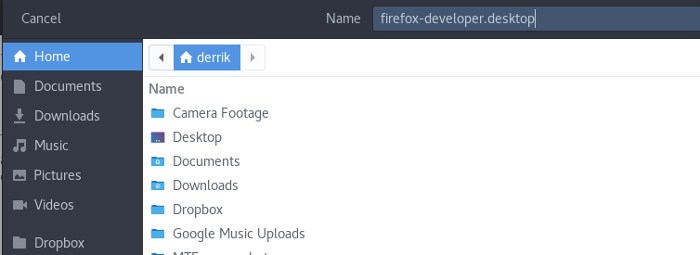
Save the file as “firefox-developer.desktop” to your user’s home folder. Then, in the terminal do the following:
sudo chmod +x firefox-developer.desktop
sudo mv firefox-developer.desktop /usr/share/applications
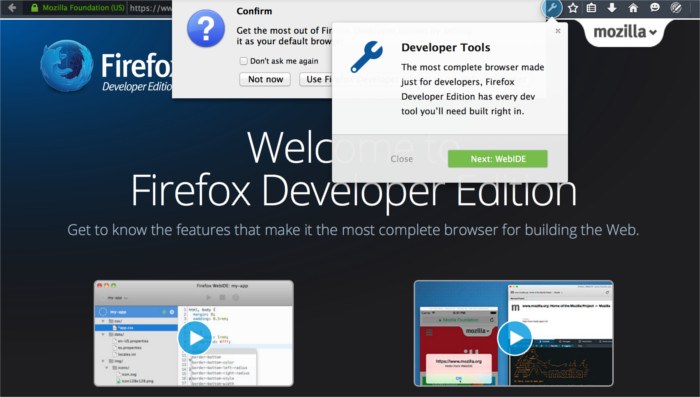
With the shortcut installed, just open the application menu on your desktop, and Firefox Developer edition will be right there to use.
Conclusion
Though Firefox isn’t as glamorous as Google Chrome, it still has a lot to offer. Especially when it comes to web development. A lot of the tools included are on par with the Chrome tools. In some cases, they even surpass them. If I were a web developer, I would go the Firefox Developer edition route for the features, but also because of the sort of company that Mozilla is. They care about the web and it’s openness.
If you’re a web developer on Linux looking for a new set of tools, be sure to give this app a try. You won’t regret it!