
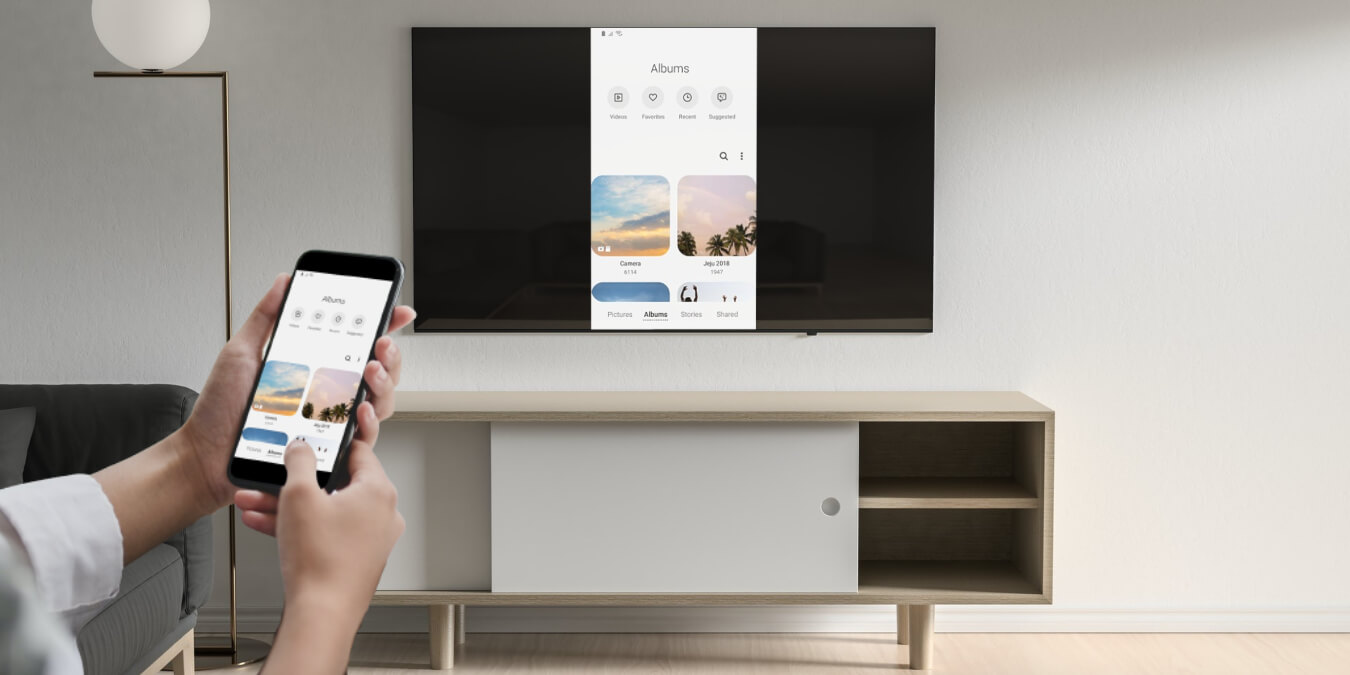

DLNA is a convenient moniker for something altogether more scary sounding – Digital Living Network Alliance. What it does, however, is anything but scary, allowing you to connect DLNA-compatible devices to each other and seamlessly stream data between them over the air: photos, videos, your Android homescreen, you name it.
It’s a pretty old format, but it’s still going strong, proven by the fact that both Microsoft and Sony tried omitting it from their Xbox One and PS4 respectively, but both ended up adding it back in due to popular demand. Long live DLNA!
We’ve sifted through the good and the bad of DLNA streaming apps, and whittled it down to the best. So scroll on down and take your pick.
1. VLC
The ubiquitous media player has a tendency of showing up in areas we wouldn’t naturally associate with it.
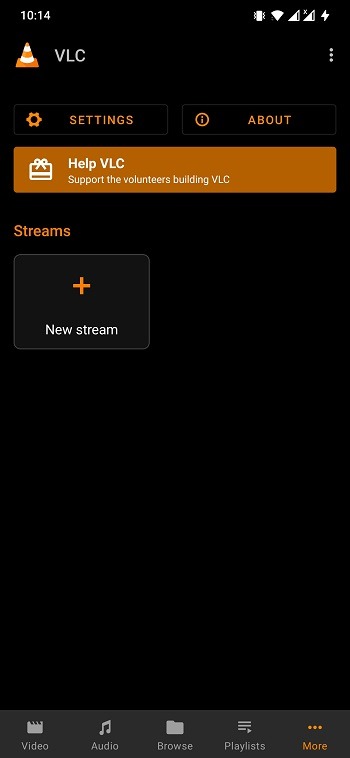
For example, VLC is not only an excellent video player but a great DLNA receiver too, letting you easily snoop around the files held on your local media server and play them. From there, you can use VLC’s streaming functionality to beam your content straight to Chromecast or other streaming gizmos.
The app has a simple, easy-on-the-eyes interface, and has evolved immeasurably since it came out of beta a few years ago. Even though VLC isn’t as renowned on Android as it is on PC, it remains a top option.
2. Plex
Plex is one of the best media-streaming apps around today. Its interfaces are elegant, it downloads all kinds of metadata for your media to make it look sleek and professional, it rocks all-around. On top of that, Plex can also be activated to work as a DLNA server (Settings -> Server -> DLNA), so you can wirelessly connect it with all your DLNA-certified home devices and give them the frontend they deserve – whether it’s on your Android tablet or Android TV.
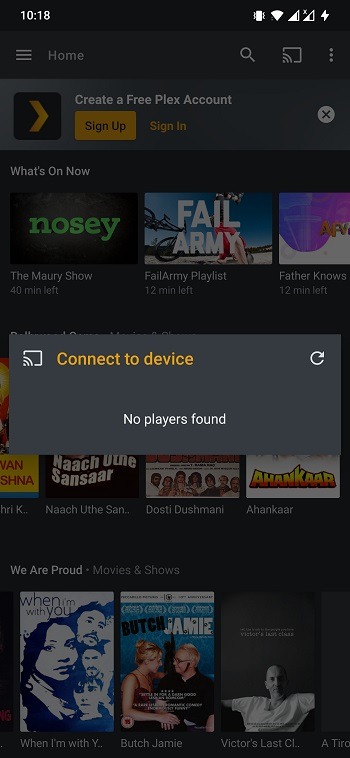
Plex comes with all the best media streaming features, such as shared playlists between devices, resuming videos on different Plex devices, using your Android device as a Plex TV remote, and plenty more. We can’t recommend it enough.
3. Cast Videos: Castify
Castify is another popular choice of users willing to cast videos from a web browser or their Android phones to DLNA-compatible devices. You can also make use of the Castify app to cast videos to Chromecast, Fire TV, etc. For Roku devices, the app features a remote control option.
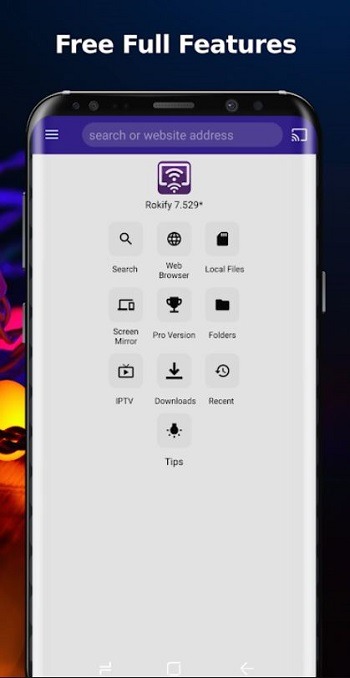
It supports streaming videos from Android phones to all DLNA-compatible TVs from brands such as TCL, Phillips, Sony Bravia, Sharp, Samsung, LG, and more. However, you will have to tolerate the ads on the free version of Castify.
4. LocalCast
One of the more established in-home streaming apps in our list, LocalCast communicates with DLNA, UPnP, and even Samba devices to stream content from your phone throughout your home. If you have a Chromecast, LocalCast lets you rotate and zoom pictures on the fly, and it’s also integrated with Opensubtitles.org, letting you quickly download subtitles for movies and so on as you’re watching them.
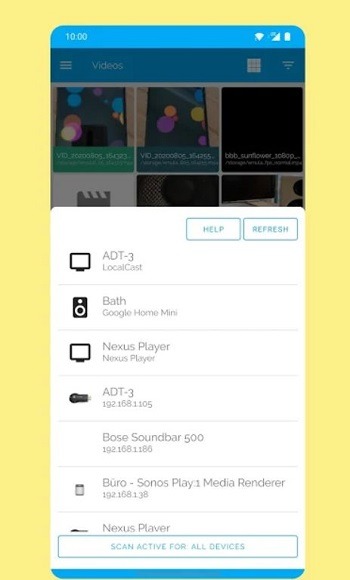
LocalCast works with popular devices like the Chromecast, Amazon Fire TV, game consoles, and all the big Smart TV brands. It tends to have a higher-quality video streaming output than even Google’s own apps like Google Photos, has its own web browser that you can cast, and can stream from network storage in your home, making it an excellent and easy-to-use package.
Also read: 10 of the Best Kodi Add-ons to Stream Your Favorite Sports
5. Kodi
No article about streaming apps can ever really avoid mentioning the most famous (or infamous?) one of them all. Kodi is a media center app that isn’t designed exclusively with DLNA streaming in mind (it’s more for DLNA’s parent tech, UPnP), but you can set it up that way if you so wish.
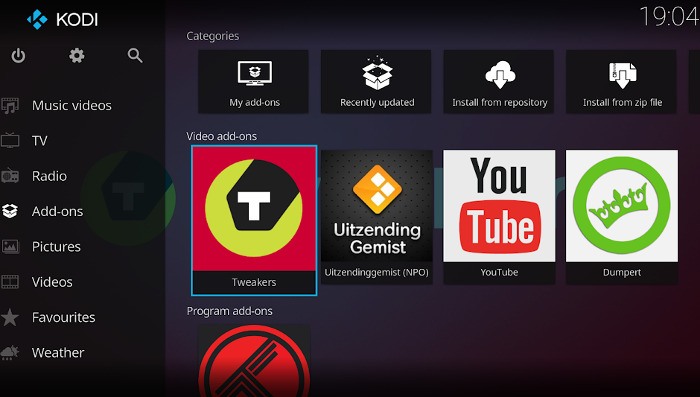
Kodi’s biggest perk for Android users is that it’s heaving with add-ons, from official ones like YouTube and the major sports channels to repositories that give you access to channels all around the world. Naturally, it’s fantastic for streaming locally-stored media, too.
Kodi’s specialty is video, and its UI is tailored towards that, but you can also use it to view pictures and listen to the radio. If you’re looking to stream music, then there are better options available.
6. Hi-Fi Cast + DLNA
Hi-Fi Cast + DLNA is dedicated to music and supports playing most common music file formats – MP3, AAC, FLAC, WAV – to Google Home devices, as well as other devices that support DLNA streaming.
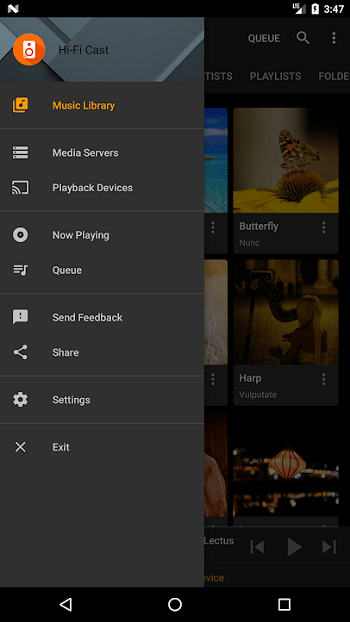
You can set up all kinds of shuffling for your music, whether it’s individual tracks, artists, or albums, and you can play music from either your Android device or other DLNA devices containing the music. If it’s just music you want to stream, then this is your best choice.
7. XCast
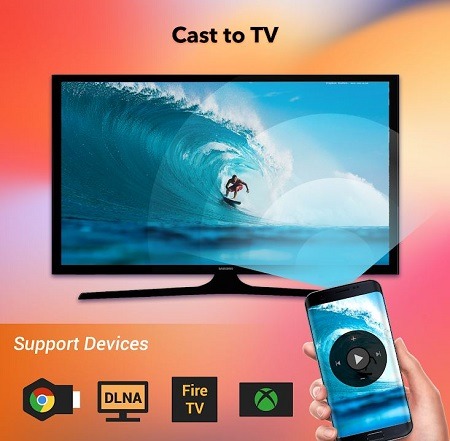
XCast is a free Android app that can help you with DLNA streaming. You can select photos, videos, and other media files from your internal memory or external SD card over Wi-Fi. All you have to do is download the DLNA/UPnP app to your Android phone to send media directly to the DLNAsupported devices. Further, you can control your TV with your phone, play media in shuffle, loop, and repeat. The connection is also easy to establish. Moreover, it supports multiple wireless transmission protocols other than DLNA.
8. MediaMonkey
MediaMonkey does a whole lot more than DLNA, allowing you to sync and stream media across multiple devices via WiFi, UPnP, Bluetooth, and of course DLNA. What makes it stand out is the neat interface and plethora of media management tools to keep your library organized: playlist management, multiple file editing, and bookmarks, just to name a few.
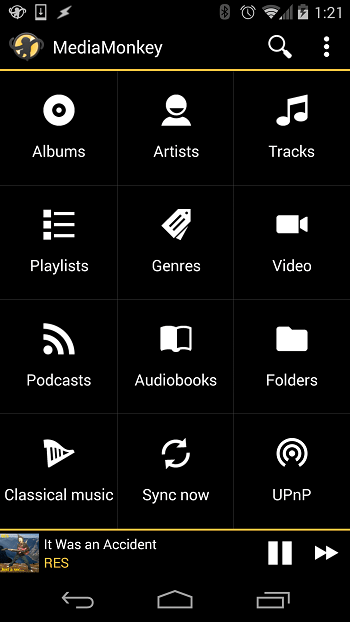
You’ll need to pay for extra features like unlimited DLNA usage, but coughing up a few bucks for one of the most complete streaming apps is worth it in our eyes.
9. BubbleUPnP
BubbleUPnP UPnP/DLNA lets you broadcast your content right from your device to your compatible DLNA device. It supports Chromecast, any DLNA-enabled TV, and the latest generation of gaming consoles. Other than basic streaming, it also comes with features like playback queue, editable playlists, scrobbling, sleep timer, and various shuffle modes. It has a full-screen image viewer and a remote-control function.
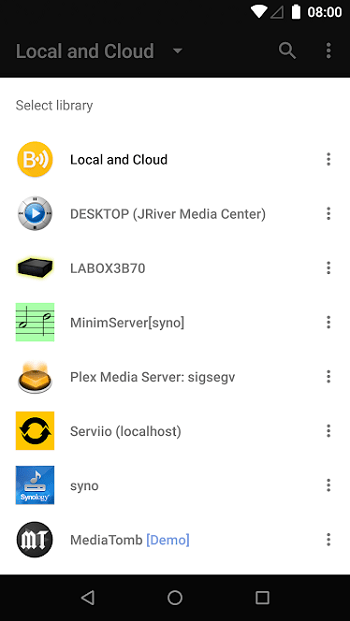
Best of all, it costs nothing!
10. iMediaShare Personal
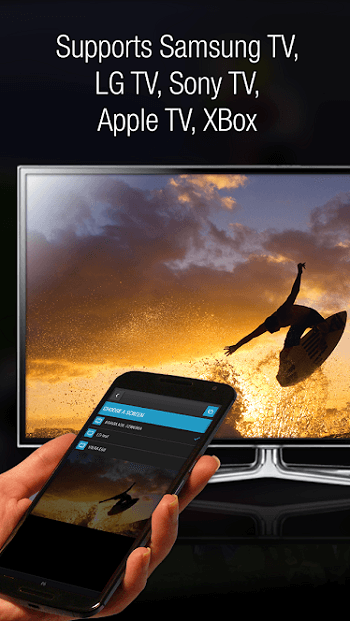
If you want a DLNA app with an awesome interface, give iMediaShare Personal a try. The app lets you stream your digital media right from your Android device to your large TV without needing any cables. While your media is being played on your TV, the app acts as a remote for you to control the play, such as pause, next, and so on using your hand gestures.
11. AllCast
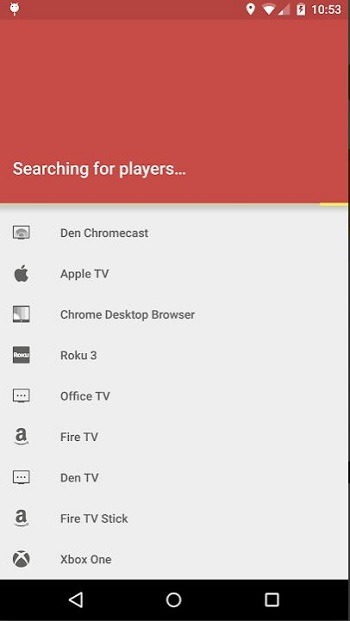
While all the apps listed up to this point stream content to any device, AllCast offers the most compatibility. It can stream media to Chromecast, Amazon Fire TV, Apple TV, Xbox 360 and Xbox One, PS4, and other DLNA-enabled devices. It also lets you stream from your Dropbox, letting you directly stream content without having to download it first.
Why use shoddy old hard drives when you can do so many wonderful things wirelessly and share content using DLNA streaming apps? Setting yourself up for DLNA streaming may sound kind of complicated because it involves an acronym for a long and complicated tech term, but it’s really quite easy. For more Android-based tinkering, see our guide on how to turn your Android flashlight on and off as well as our list of the best Android hacking apps.