
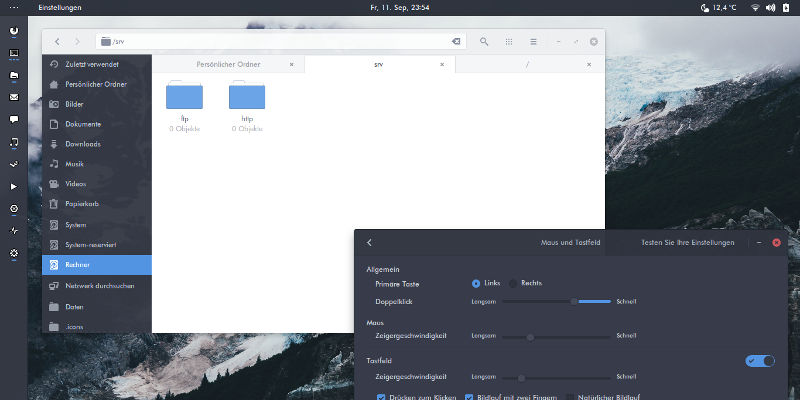

Customization is a big part of the Linux experience, and your desktop theme is no exception. The world of Linux desktop themes is an ever-evolving one, with new ones replacing old favorites all the time. Of course, the desktop environments and GTK itself are always changing, so that adds another dynamic element to consider. That said, some of the best desktop customization happens on the simplest desktop environments, like XFCE.
As of now, in early 2018, there are some really excellent GTK themes available. These themes aren’t ranked in any particular order. That comes down to a matter or preference. Any one of them can add a whole new look to your GTK-based desktop.
1. Arc
Arc is somewhat of a classic by now. It’s been around for a while, and it’s still liked by the community and actively maintained. It’s even been expanded and adapted to work on a wider number of platforms, including KDE.
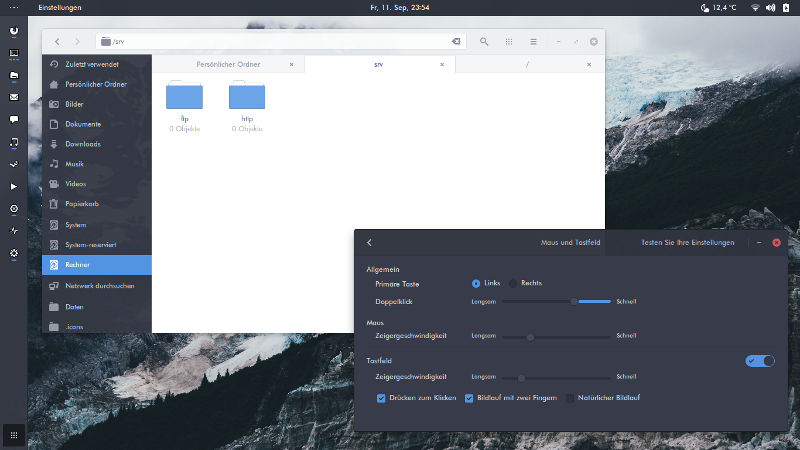
The default Arc theme uses a lot of shades of blue. Some people like that, while others don’t. That’s why the Arc theme has also been forked and adapted to multiple different colors to match whichever look you want for your desktop.
2. Numix
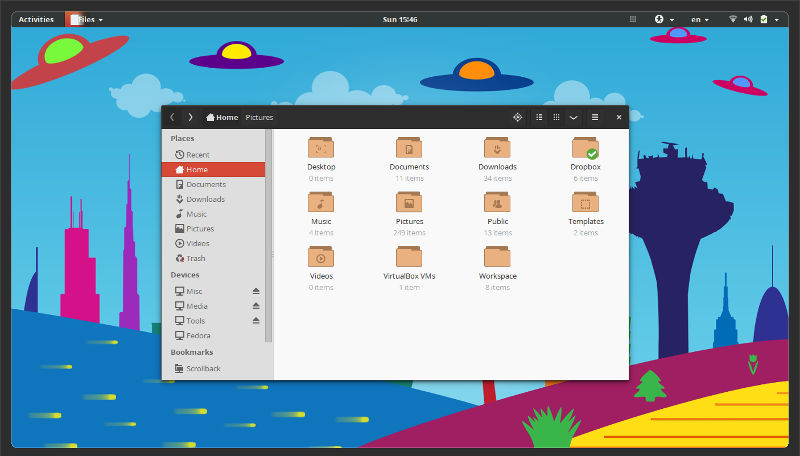
Numix is another old standard. It’s been around long enough to be packaged for most major distributions. Numix even has an accompanying icon theme to match. This theme is clean, modern, and flat. The color scheme is based on orange dark gray, but there are variants based on different colors available.
3. Pop
The Pop theme is relatively new, and it comes from a somewhat different place than the others on this list. System 76, a popular Linux computer manufacturer, decided to make its own Ubuntu-based distribution, called Pop OS. The Pop theme was developed specifically for that OS.
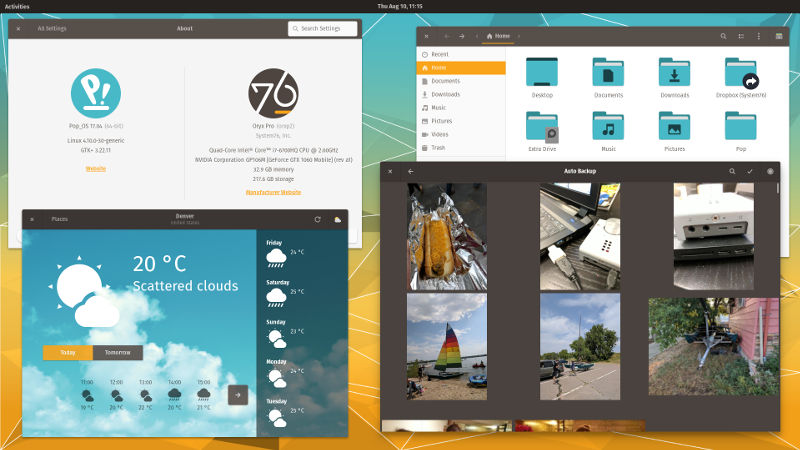
The Pop theme uses a light blue and dark brown color scheme, and it also has an accompanying icon theme. Pop stands out because its color choice is unique, and the theme itself is very well-polished and well-designed.
4. Ant
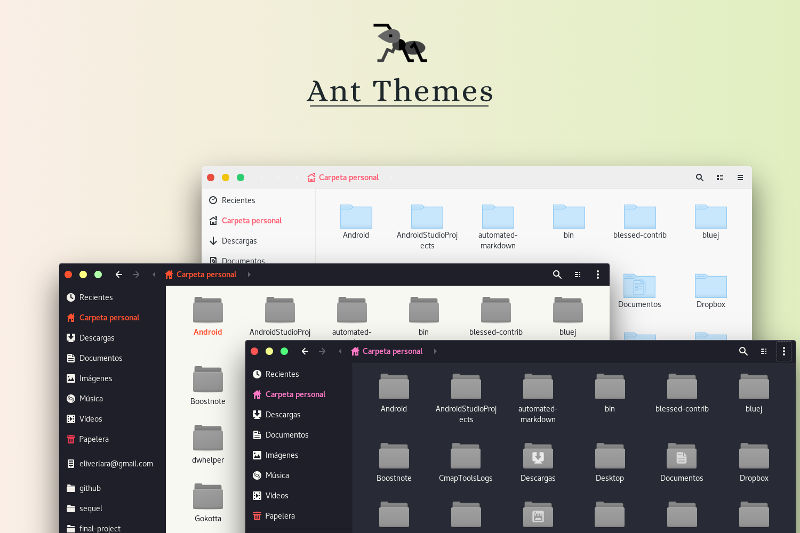
The Ant themes have been around for a few years, but they haven’t quite reached the level of notoriety that the likes of Arc enjoy. That doesn’t mean they aren’t great themes, though. Ant is available in a few versions with varying lightness and darkness. The Ant themes also use different shades of red for accented elements. As a whole, Ant is flat and modern.
5. Adapta
Adapta is a fairly robust theme based on Google’s material design guidelines. It’s an active project with a whole lot of support for different desktop environments and configurations. Adapta is based around blues and greens, creating a look reminiscent of KDE’s Breeze themes.
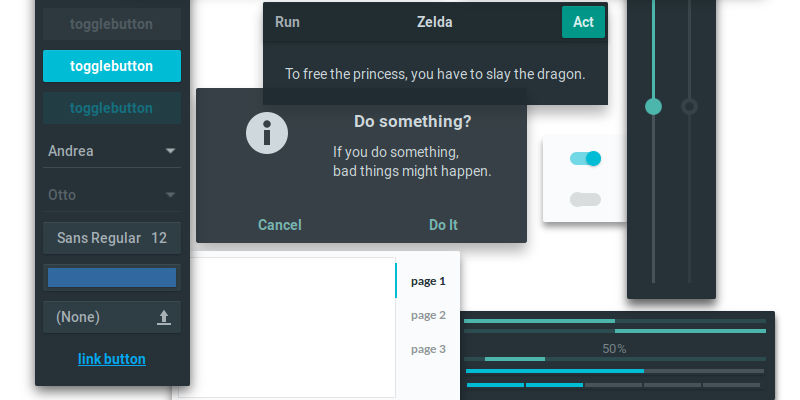
There are several variants of Adapta available, and they’ve all been well-thought-out and well-designed. Adapta is available as a package for a number of distributions, either through their official repositories or third party ones.
6. Arrongin
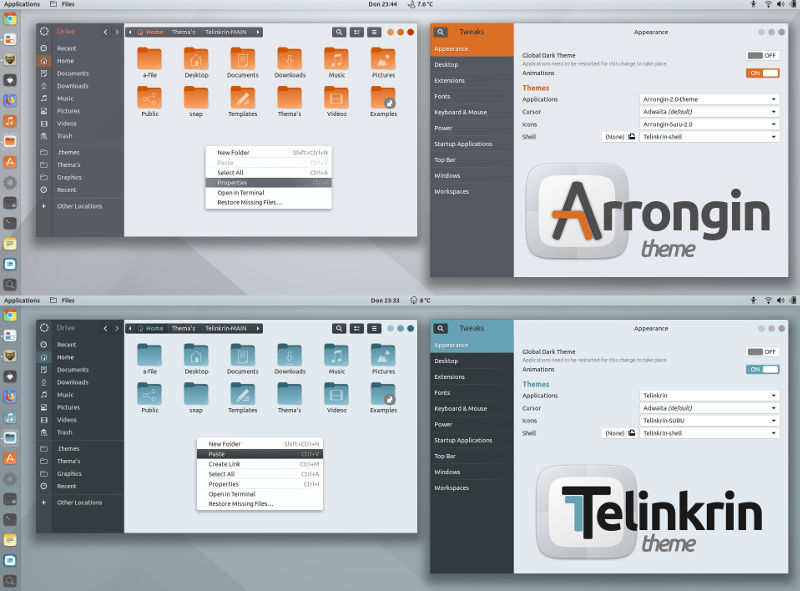
Arrongin has gained a lot of attention lately. It’s actually been a sort of polarizing theme. The orange accents the main cause. As a result, the developer created a blue variant, Telinkrin. Both themes are based loosely on Ubuntu’s Ambiance and come complete with their own icon theme.
7. Matcha
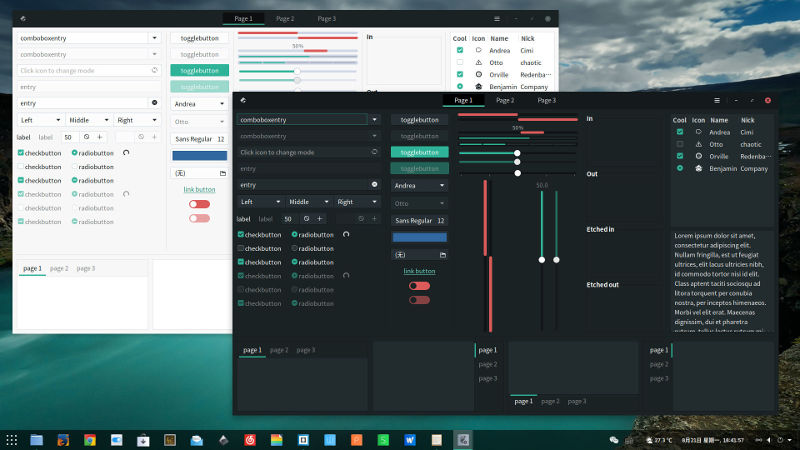
Matcha doesn’t get a lot of attention, but it certainly deserves some. It feels like a cross between two of the other themes listed here, and it blends them in just the right way. Matcha was based on Arc, but it clearly takes its color inspiration from the likes of Adapta.
8. Zukitwo
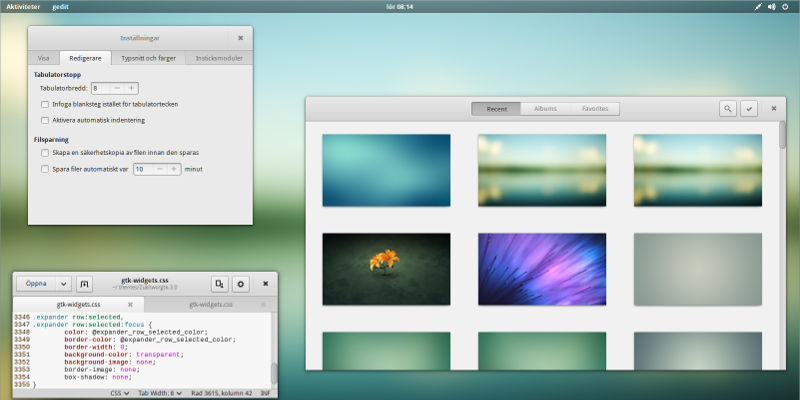
Zukitwo has been around for a while. It’s still under development, and not a whole lot has changed. It’s a clean modern theme with clear inspiration coming from Apple. As a result, it’s become a no-nonsense option of sorts. Zukitwo has been packaged by a number of distributions over time, so check out your distro’s repositories before installing.
9. Vimix
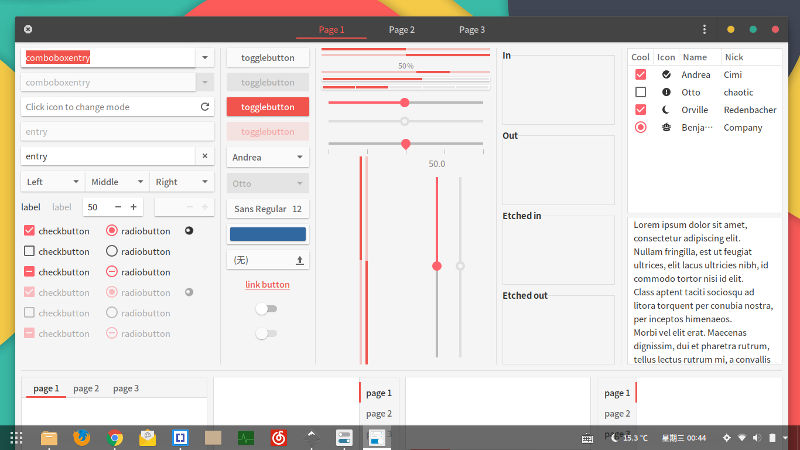
Vimix is another flat material design theme. This theme, though, is more colorful than a lot of others. That might not be for everyone, but it does add some variation to your desktop. Vimix works great to make minimal designs more lively.
Conclusion
You can find any of these themes by the provided links. Installing each of them is different, so consult the developer’s page for the theme you want. Most Linux themes can be found in “/usr/share/themes” or “/home/username/.local/share/themes.” It depends on whether you want to install them system-wide or just for your user.
This article was first published in October 2014 and was updated in April 2018.