

When most people think of online office services, Google Docs comes to mind. The reason is simple: Google makes a very competitive product – one that for the longest time remained unchallenged on the Web.
Not interested in Google docs? Good news! The days of Google being the only one with a good online office tool (or suite) have ended. Check out these Google Docs alternatives.
1. Office Online
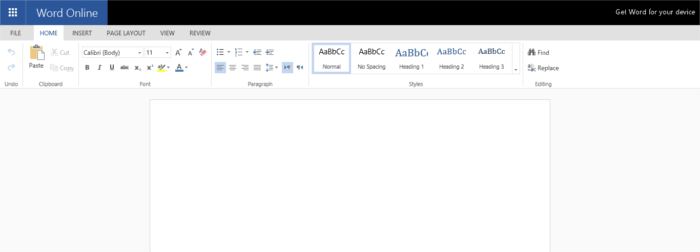
Office Online: Microsoft’s answer to Google Docs. It’s nearly exactly like what Google offers. When you use this program, you’ll be able to collaborate while working on documents, save your documents in One Drive (much like how GDocs works with GDrive), and a whole lot more.
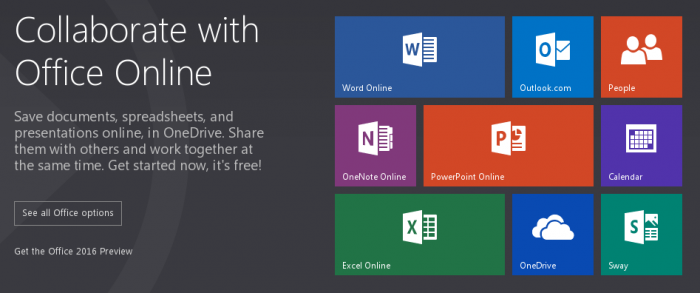
The real strength with Office Online as opposed to the others on this list boils down to one thing: Microsoft. This program won’t be going away as MS is keen on competing with Google in the online office space. You can depend on it.
This isn’t even the best part, though. Since Office Online is a Microsoft product, you can be certain that you’ll be able to easily use your abundance of MS Office files with this program right in your browser. Do yourself a favor and check this program out!
2. Hackpad
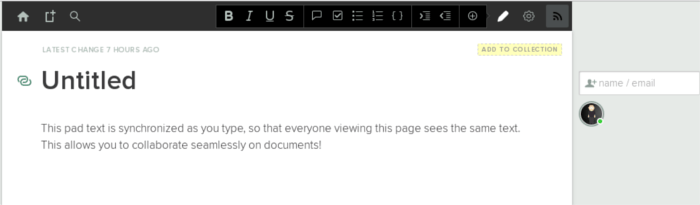
Hackpad: An elegant, collaborative, online office tool owned by Dropbox. Outside of Office Online, this is the closest to a Google Docs clone as they come. Just like Google’s tool, you’ll be able to easily create documents in your web browser (they also have an iOS app) and collaborate with friends and colleges too.
Hackpad is a great alternative because it’s backed by Dropbox. It’s safe to say that they’re a well-known company, one that isn’t known for buying up tools only to shut them down later on.
The only real downside to Hackpad is that it’s just a writing tool. With it, you only get the ability to create text documents. Still, if what you want is an easy tool for documents in your web browser, Hackpad is worth looking into.
3. Etherpad Lite
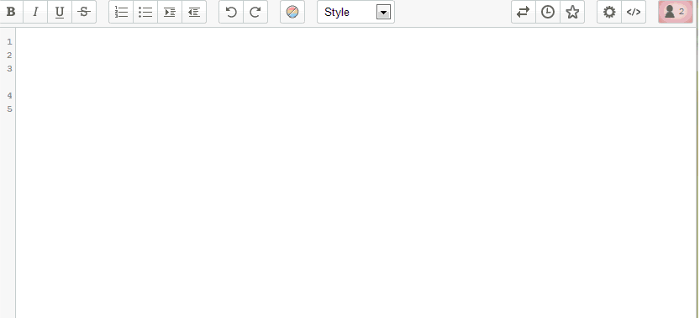
For those not interested in leaving their precious document files in the hands of big companies like Google or Microsoft, check out Etherpad lite. What is it? It’s an open source office program that when combined with this plugin, can be accessed on your own website.
Etherpad lite is a great tool if all you’re really looking to do is work on a document or two. It’s not as fancy and loaded with features like something a giant corporation like Microsoft could create. Still, it’s killer if you’re interested in combining the ability to collaborate online with colleagues and control all of your data too.
4. PiratePad
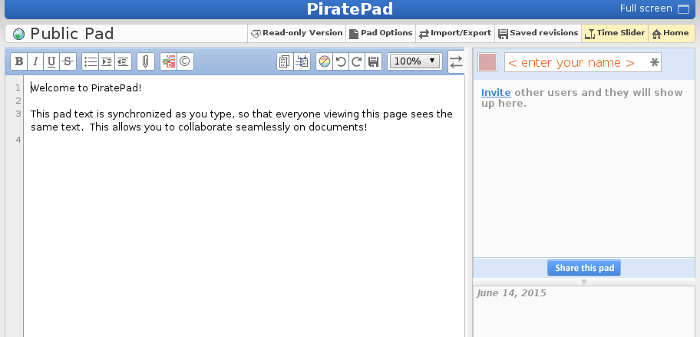
Want to make a quick document and not interested in signing up for services or setting up anything? Check out PiratePad. It’s a basic, online-only office document tool. The program has all the features you’d expect (formatting, attachments, etc.), along with the ability to collaborate with other people, too.
This program is really basic, if I’m honest, but If what you want is a quick way to make documents online with no hassle, PiratePad might just be worth checking out.
Conclusion
There is no denying that Google Docs is a fantastic tool. When it comes to online office programs centered around ease of use and simplicity, few can compete. In fact, it’s hard to find a free tool the caliber of what Google has created.
This is precisely why we’ve created this list. We rounded up the best, most formidable alternatives out there and put them in one easy place. Hopefully, with the help of this list you’ll get one step closer to finding the perfect replacement for Google Docs.
Know of any alternatives to Google Docs? Tell us in the comment section below!