
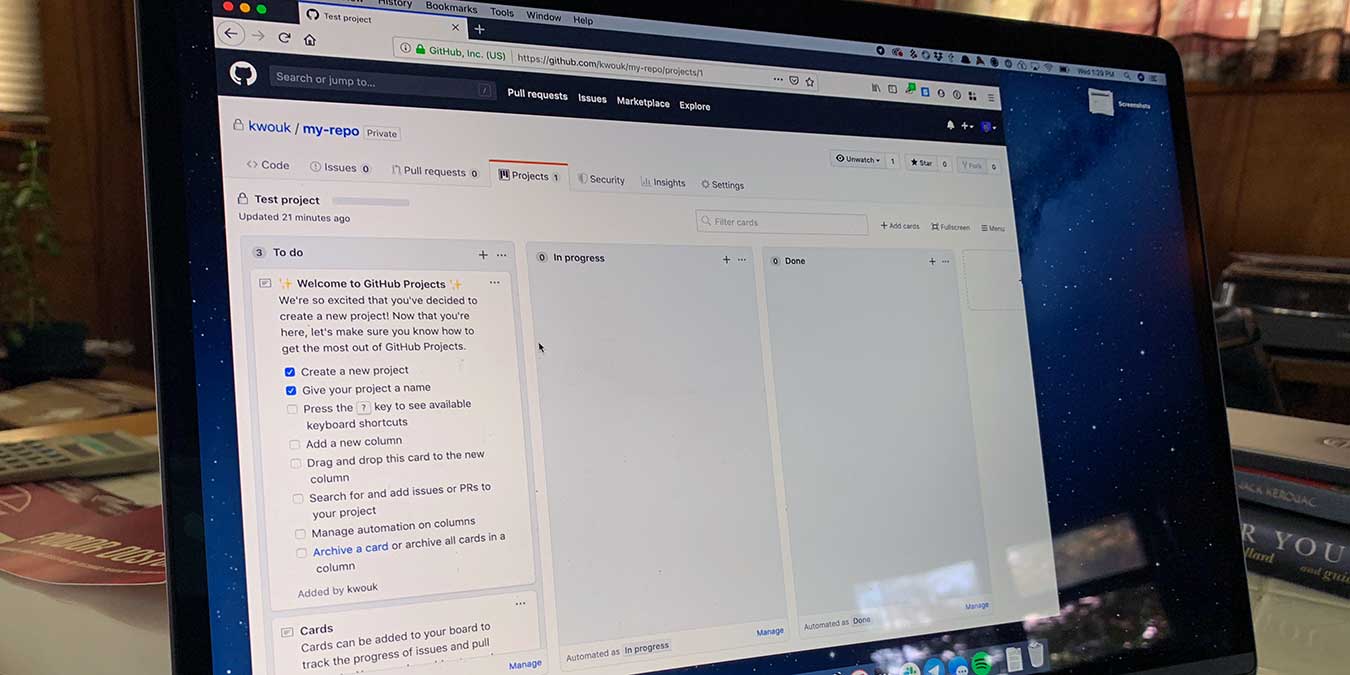

As you may imagine from the name, most people who use GitHub use it mainly for version control. After all, the Git version control system is where the service got its name. That said, GitHub has added quite a bit of functionality in addition to simple version control.
Two aspects of that functionality is support for issue tracking and even project management. This is useful for larger coding projects, but you don’t have to be a programmer to make use of the service’s project management tools. You don’t even need to write a single line of code.
Also read: 7 of the Best Self-Hosted Alternatives to Github
Introducing Issues & Projects
Traditionally, developers use GitHub issues for bug fixes, feature requests, and other similar use cases. You can use them almost any way you want, however. You can create a new issue, assign members to the issue, and add it to a project. With labels, you can make them easier to organize as well.
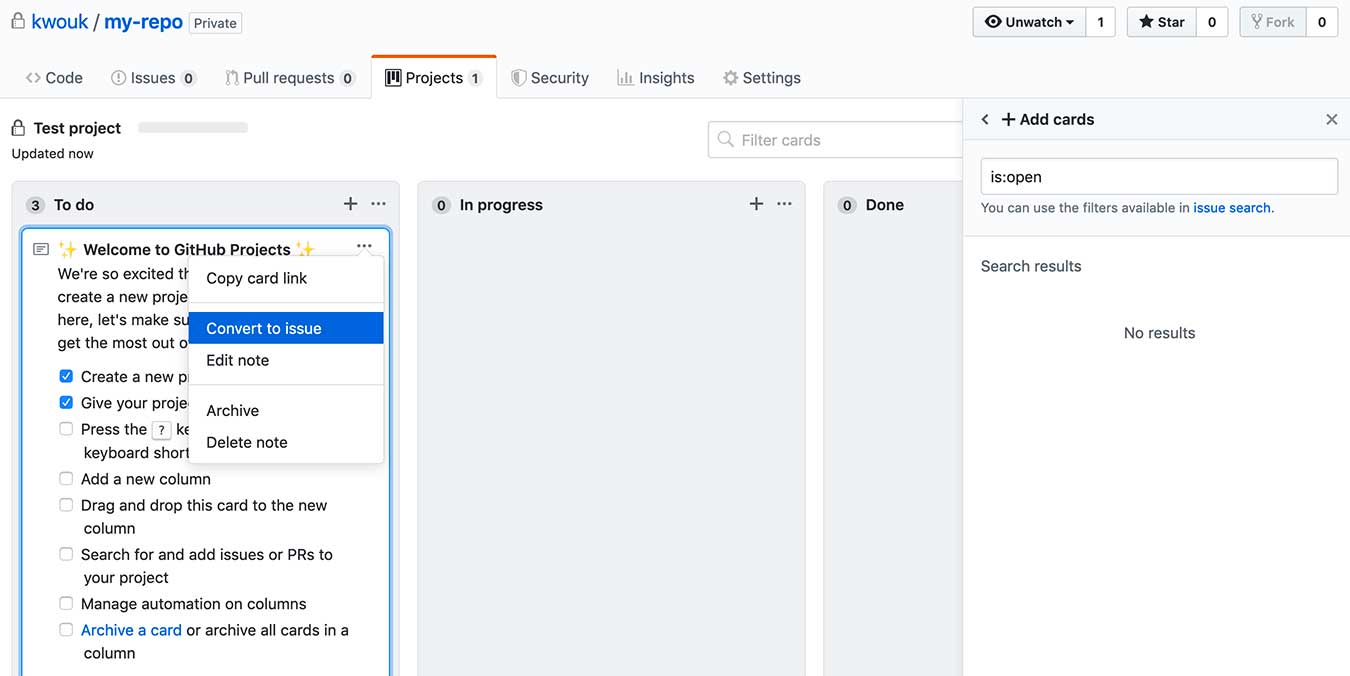
Projects are traditionally used to track GitHub Issues and other aspects of a large piece of software. Like Issues, you can use these pretty much any way you want. Projects use a Kanban board style, similar to Trello, and other tools, but can also have automation tied to them.
Creating a New Project
To create a GitHub Project, you need a repository in which to create the Project. This doesn’t mean you have to have any code, and this repository doesn’t need to be visible to outsiders either. Simply create a new private repository with whatever name you like and add as many projects as you wish.
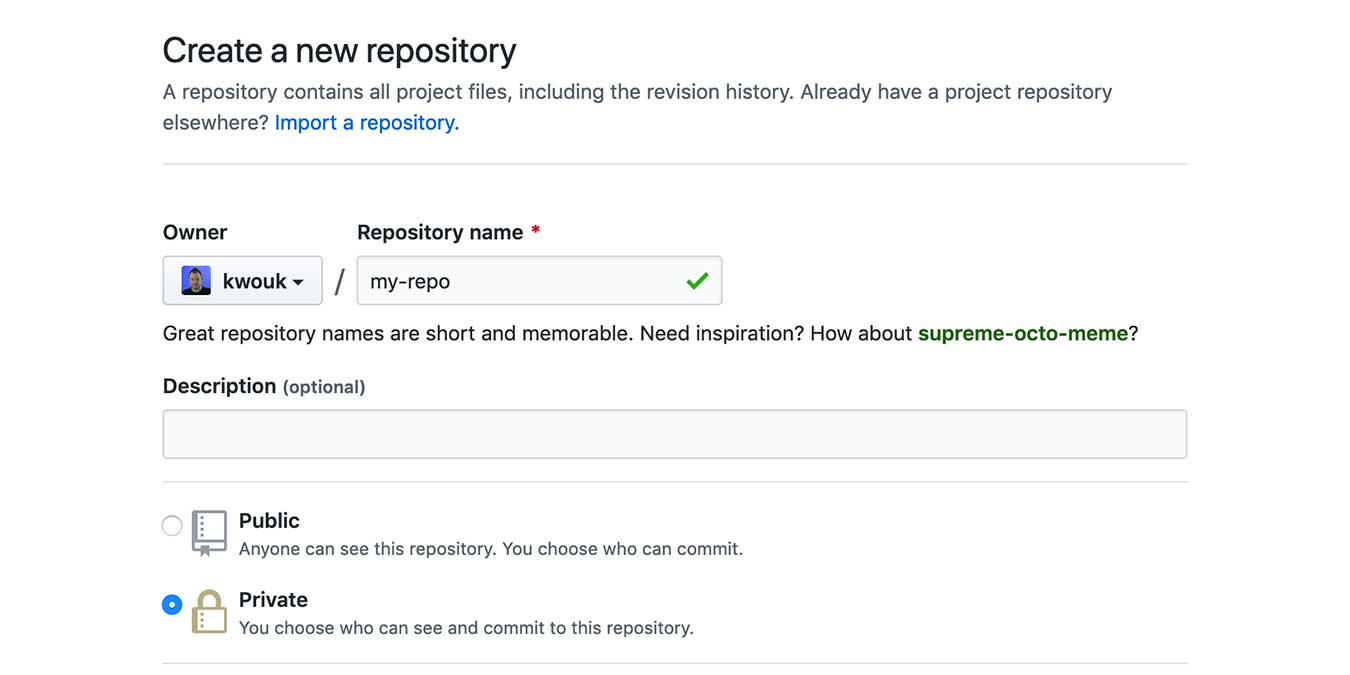
You need to create a GitHub user account if you don’t already have one. After this, log in and select “New” in the Repositories section on the left side of the screen. Once you’ve created a repository, click on it if you’re not already viewing it.
Near the top of the screen, right under the repository name, is a toolbar. Click on Projects, then “New Project” on the right side of the screen. Give the project a name and a description if you wish.
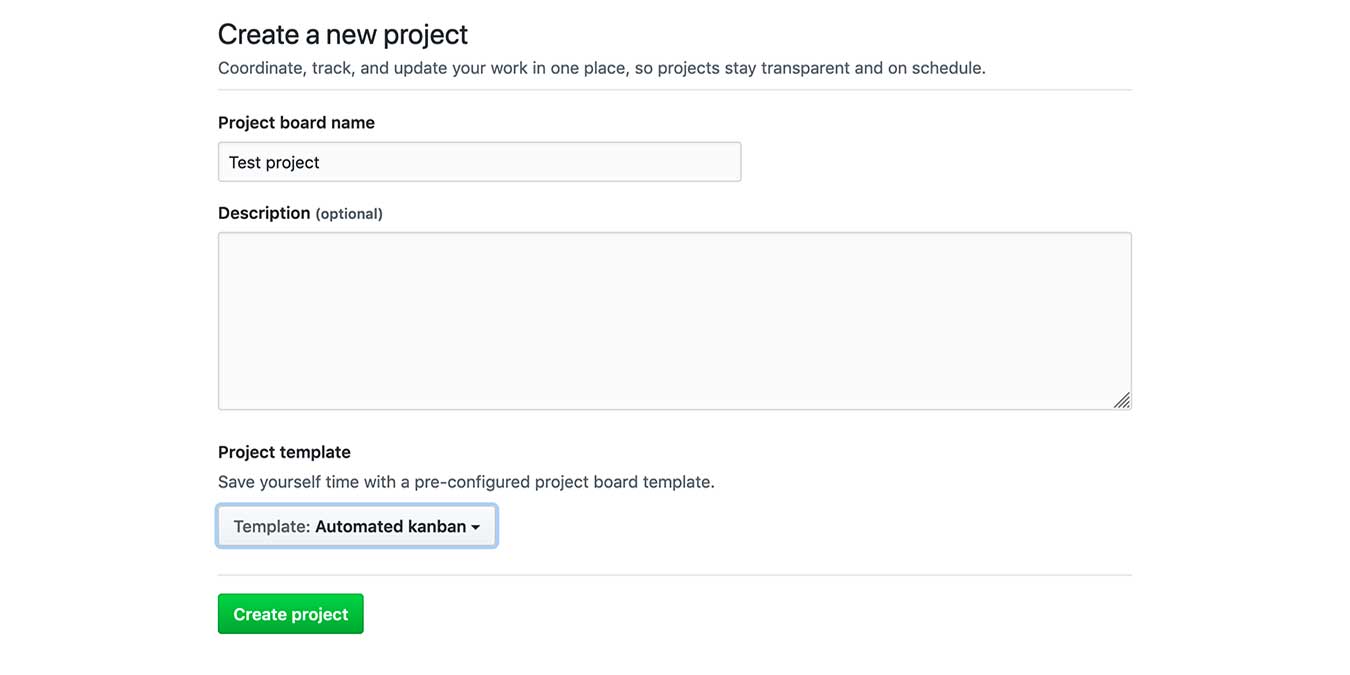
You can also add various layers of automation using the Project templates near the bottom of the screen. Some of these are meant more for coders, but if you use the “Automated Kanban” style, Issues you close with automatically move to the Done section of the project board.
Creating a New Issue
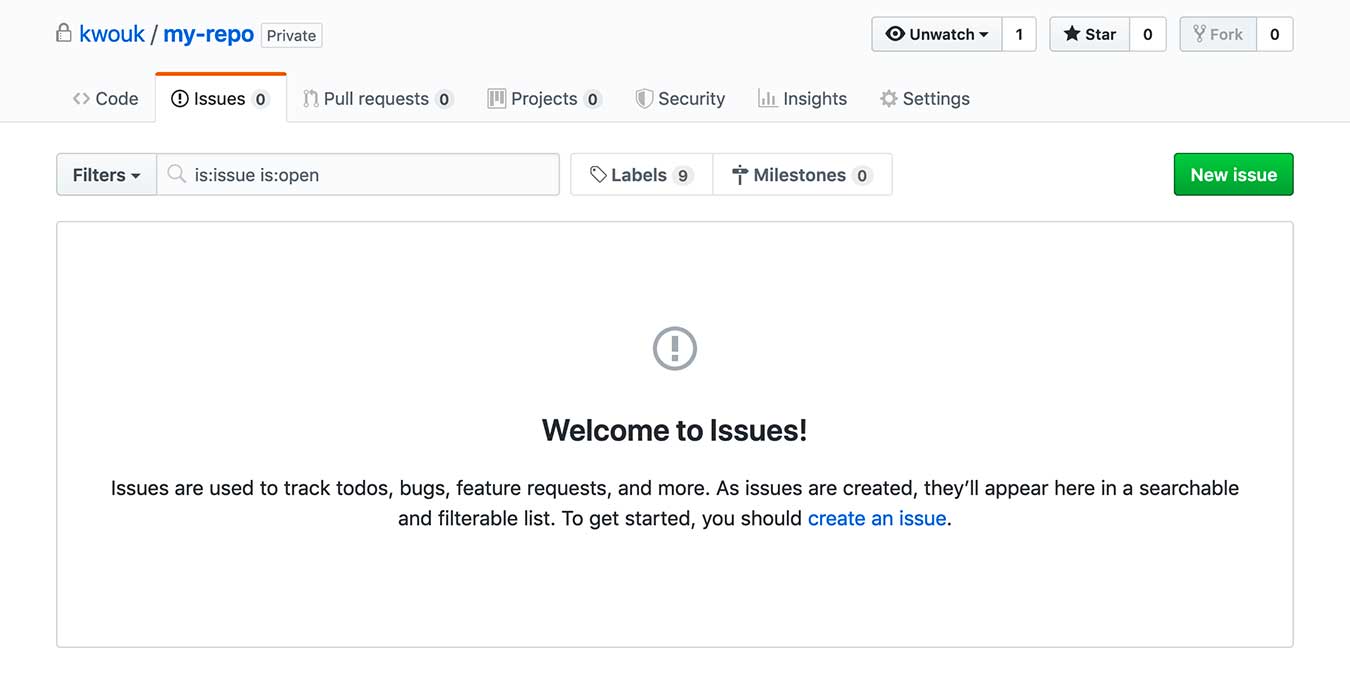
Like projects, Issues need a repository to live inside, but you don’t need to have any code. Creating an Issue is easy. Just select Issues in the navigation bar for your repository and then click “New issue.”
Here you can give the issue a name as well as leave notes below using Markdown formatting. Add subtasks to an issue by typing - [ ] at the start of a line. You can also assign members to the Issue, add labels, and associate the Issue with a project.
If you already have a card in a project, you can turn it into an issue as well. Simply find the card in the project, click the ... icon, then select “Convert to issue.” This is handy, as you can’t assign cards to Milestones, but you can with Issues.
Milestones
Using Milestones, you can group issues with certain goals or due dates. This is especially handy since Issues don’t have any support for due dates by themselves.
Creating Milestones is simple but slightly different from Issues or Projects. To start, select Issues or Pull requests in your repository’s navigation bar. Here, you’ll see a search bar at the top of the page. Select Milestones to the right of it, then click “Create a Milestone.”
You can give the Milestone a title and, optionally, a due date. Use the description to note what you hope to achieve for this milestone. Now you can assign individual Issues to this milestone across all of your various projects.
Are you hosting proprietary content? Link an SSH key to your Github account to protect your Git repositories.
Conclusion
As we’ve seen, GitHub’s project management features may not be its core offering, but that doesn’t mean it isn’t incredibly useful. If you’re looking for a more lightweight alternative to Trello and other services, GitHub Projects may be a great fit for you.
That’s not all you can do with GitHub outside of version control either. For another example, take a look at our guide to hosting your blog for free using Jekyll and GitHub Pages.