GitHub is currently the world’s largest host of open-source projects. There are many popular GitHub page examples including Atom text editor, TensorFlow by Google and React by Facebook. It is best known for housing advanced projects on Big Data, Artificial Intelligence or Internet of Things, but you can also find animations, emojis, games, and simpler software. The technique is somewhat analogous to “torrents” except for software and apps.
If you just started to exploring GitHub, you’ll find a steep learning curve. Therefore, we have prepared a step-by-step guide that will gently introduce you to the world of GitHub.
Also read: How to Get Started With GitHub Project Management
1. Create a GitHub account
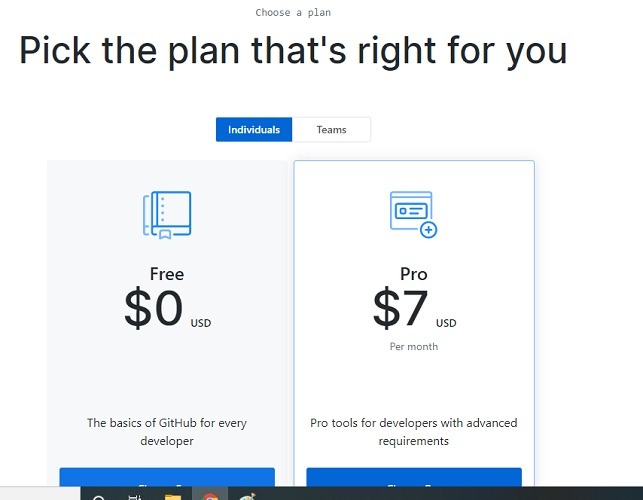
Go to this link and create your GitHub account. You can start with a free account for individuals, which limits you to only three collaborators. There are professional, team, and enterprise editions which support unlimited collaborators.
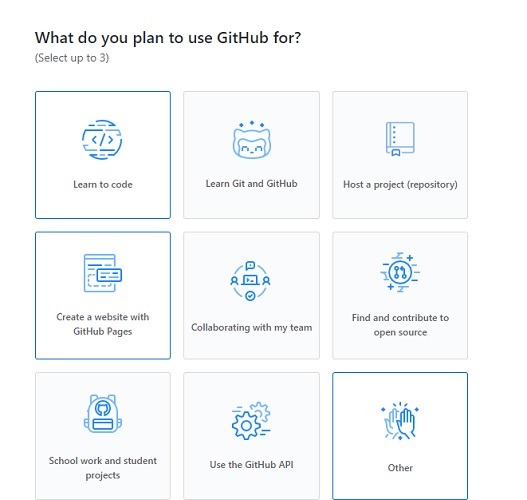
Select what you plan to use GitHub for.
2. Create Your First GitHub Repository
After your account is created and verified, click the “+” sign on the top-right to create a new repository.
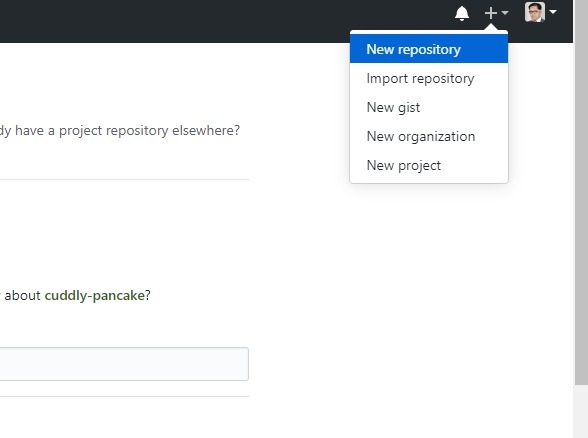
Choose whether you want your repository to be public or private. Don’t forget to check the box “Initialize the repository with README.” It is the the first item a visitor will see when visiting your repository. Include in the README a description of your project, what they can do with it, and how to install/use it.
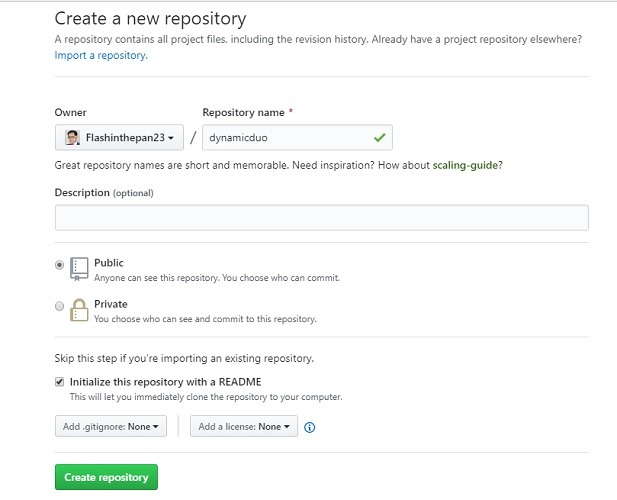
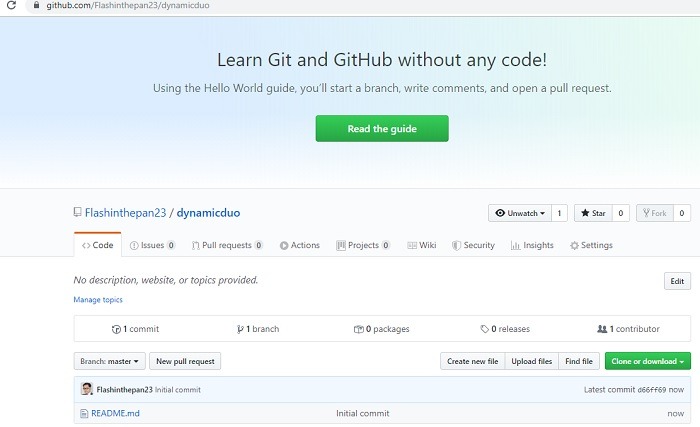
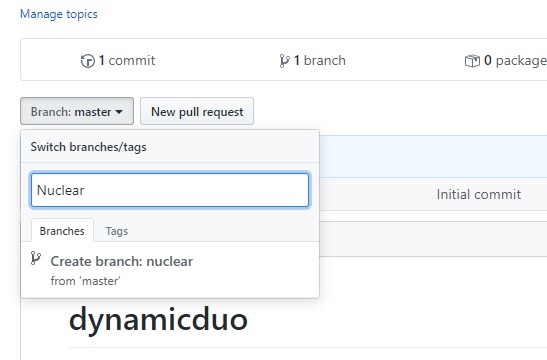
Once your first repository is created, you can see the repo page. This will be your home address on GitHub, also known as “master” branch. If you want new repositories to be added, you can create new branches which are separate from the main development branch.
Developers use these branches to store different file versions, ensure bug fixes, and other activities.
Tip: Protect your Git repositories by linking an SSH key to your Github account.
3. Download GitHub and Git to Create a Staging Environment on Your PC
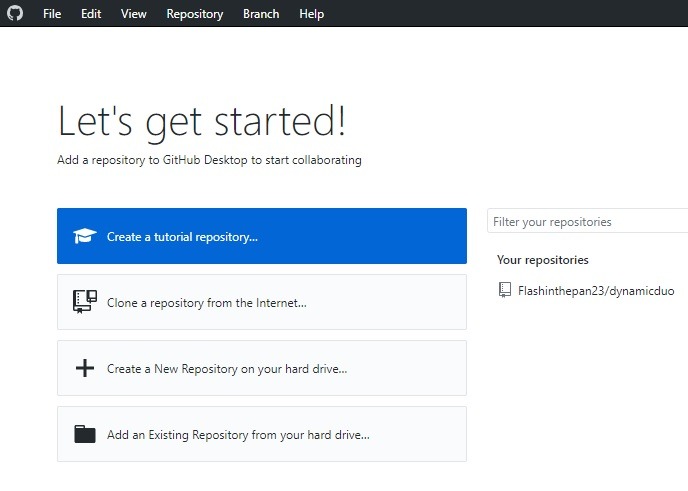
Once your GitHub account and first repository are created, you need to create a staging environment on your PC to receive GitHub files and version updates. For this, you have to download and install GitHub Desktop. It supports Windows and macOS.
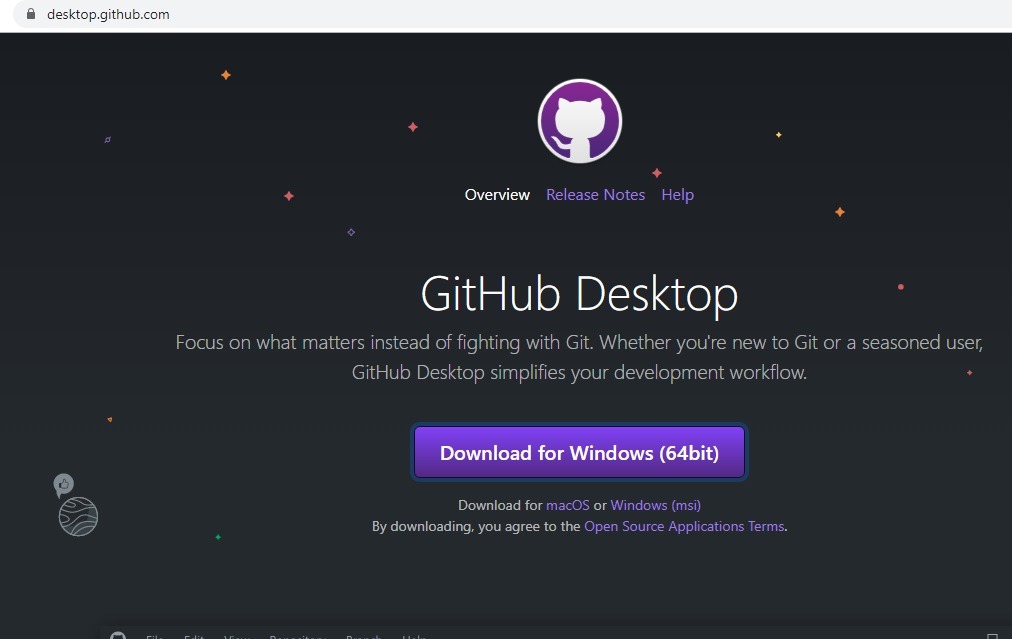
After installation, you will have to sign in using your GitHub account. GitHub Desktop is used to import GitHub repository downloads, but it can also help you push your own updates to the repositories (more on that later).
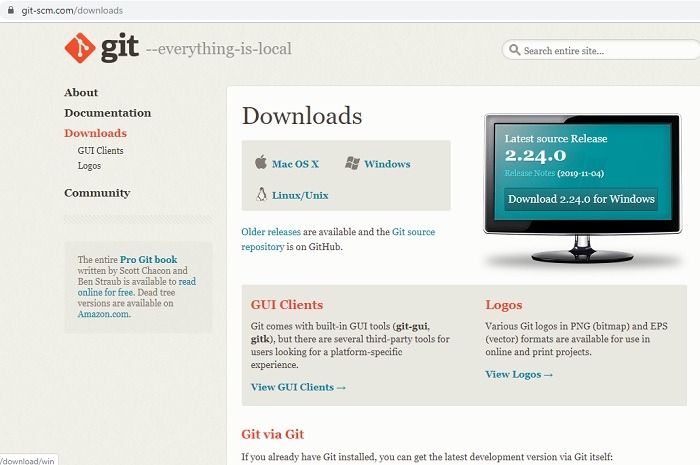
You need another tool called “Git.” The difference between Git and GitHub is that the former is a version control system and the latter a cloud service. You can run Git locally on your computer because it is independent of GitHub. Git is what helps you run all the applications from a command terminal (more on that later).
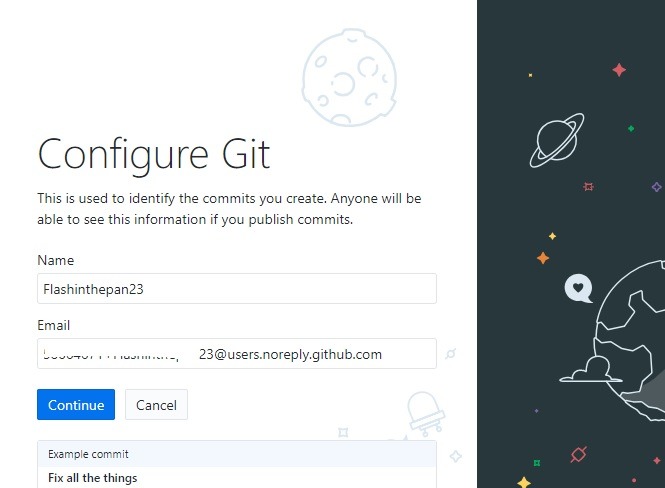
It takes a while to configure Git. Note down the unique email address it uses to register your account.
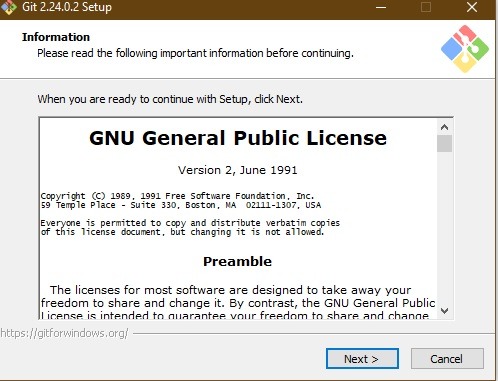
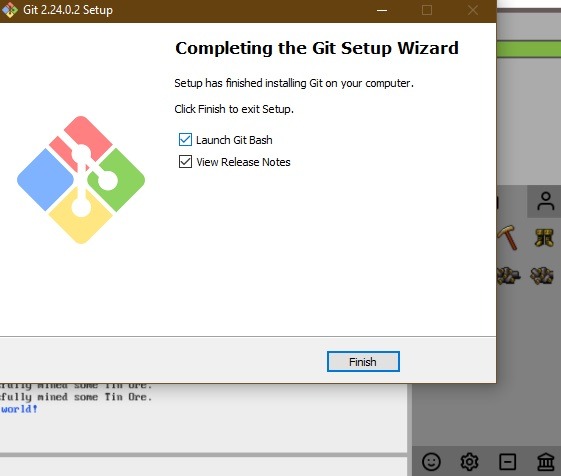
Git is installed as a GNU General Public License. The installation takes just a little while.
Once it is installed, you can launch “GitBash,” which is the command terminal for Git used to run the software or applications downloaded from the GitHub repositories.
4. Clone or Download Applications
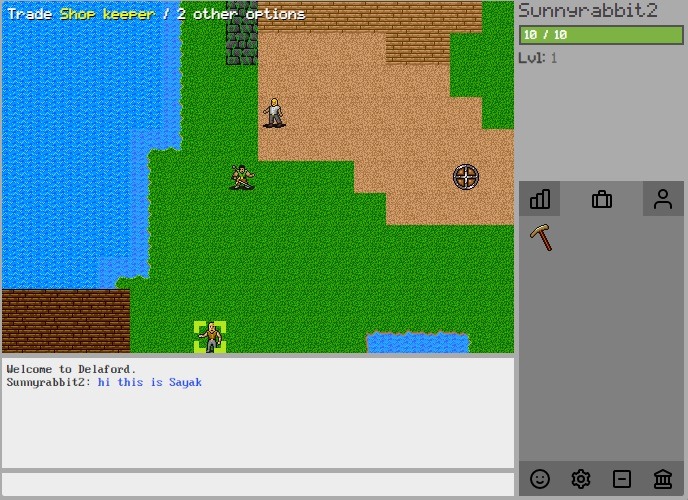
To clone or download applications, go to any GitHub page of the developer. For example, here I visited the gamepage of a JavaScript RPG. You can either download it as a ZIP file or simply download the application to GitHub Desktop (see step 3). You can search for any GitHub repository on the GitHub browser homepage or GitHub desktop.
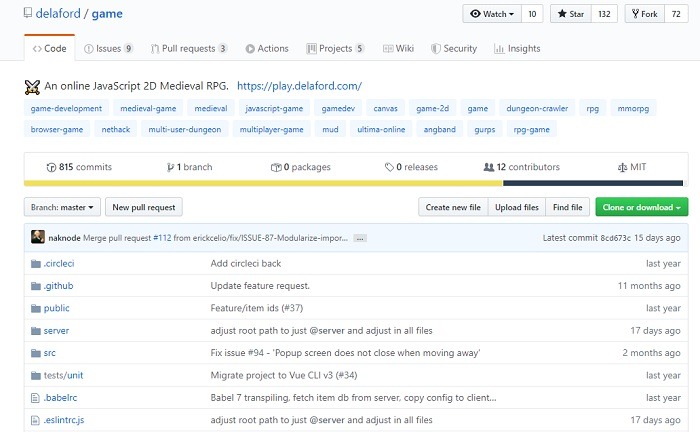
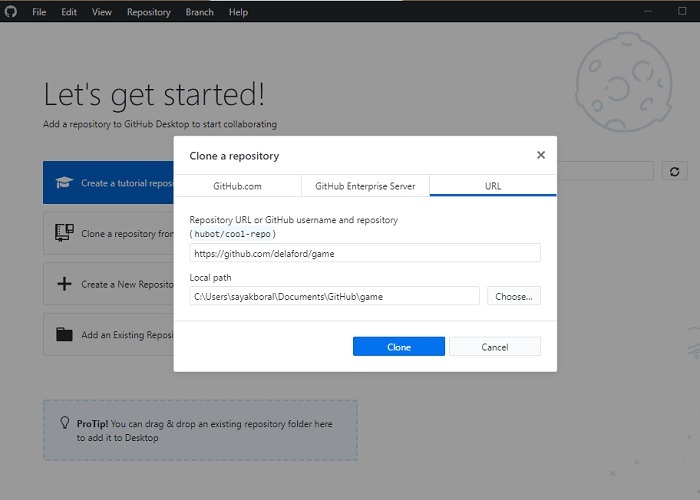
Once the application is imported to the GitHub dashboard, click “clone.”
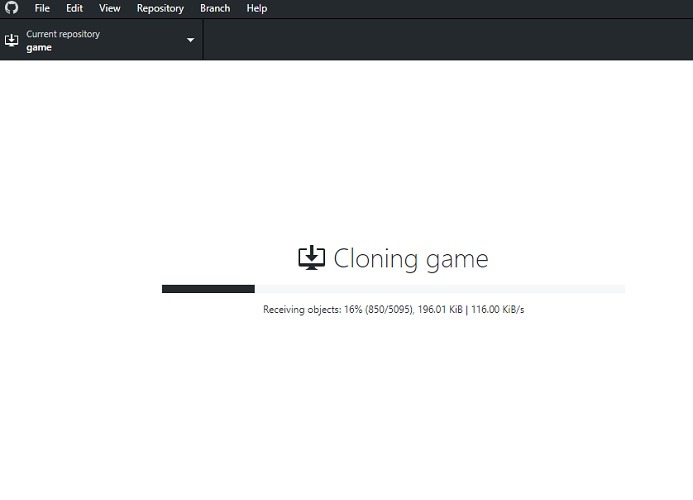
The application will now start cloning itself in your system. In a while, it will be available as a repository with your GitHub Desktop.
Once done, launch “Git.” (Refer to the installation steps in the above section.) Follow the instructions on the GitHub repo page on how to download and run the application.
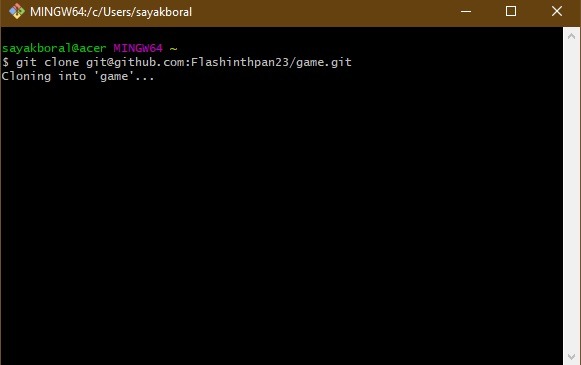
In this case, it was a simple game.
5. Contribute to GitHub Community
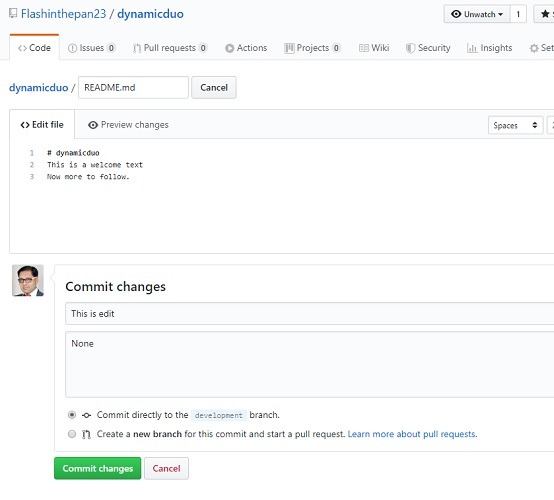
Do you want to contribute to the GitHub community? On GitHub, any saved changes are called “commits.” Make the changes by clicking the “README.md” file. Explain to other users why you made the changes.
Finally, you’re at the heart of the GitHub community: “pull requests.” Make some changes and tell the author of the software or application to “pull” your changes into his or her GitHub repo. Here I added a Maven file.
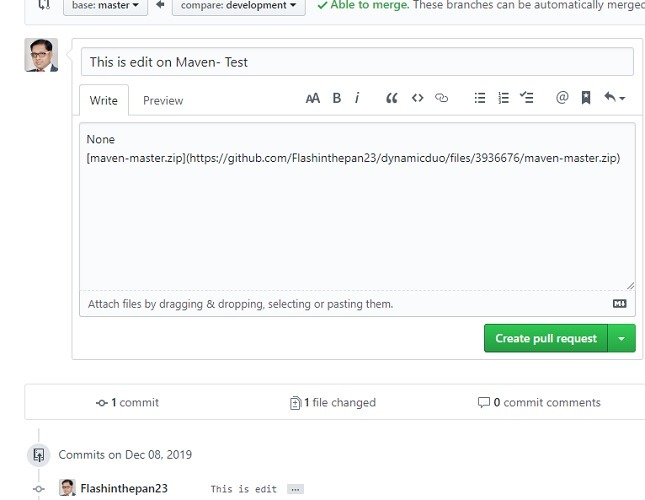
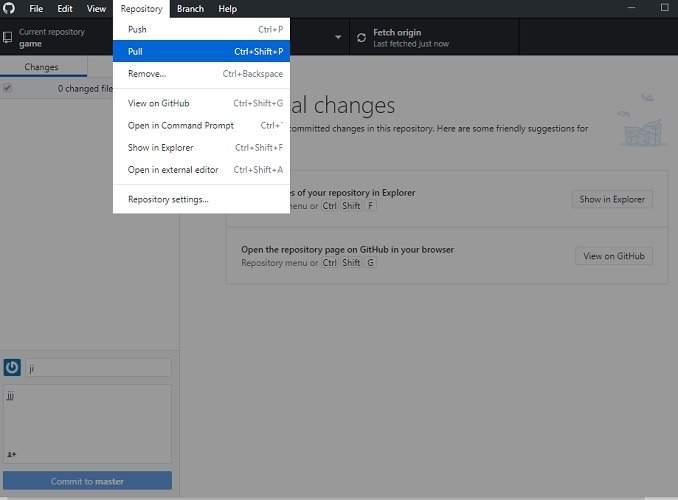
You can also pull requests from GitHub Desktop.
Conclusion
GitHub repositories are one of the most awesome secrets of today’s Internet. From Big Data to IoT to industrial applications to fun games, it houses everything. Using this guide, you can start tinkering with these superapps right away.








