


Usually, Google Maps shows you nearby places of your current location. But what if you want to explore the restaurants, hospitals, etc. near a location that is located far away? With the following steps, you can perform such an action via Google maps.
Also read: How to Drop Pins in Google Maps for More Accurate Directions
Through PC
Go to Google Maps and search for a geographical area you wish to explore. The screen will reorganize to bring you a map of that area.
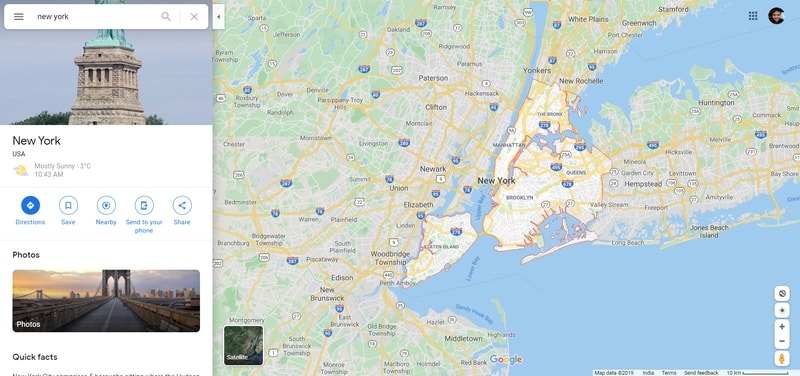
If you are interested in an even more specific part of the map, you can use the left button of the mouse to explore surrounding locations and use the +/- buttons near the bottom-right corner of the page to zoom in and out of a particular section of the map.
Once you have a view of the exact section of the map you’re looking to explore, click on the X button at the right end of the location search bar next to the magnifying glass icon. The name of the location that you searched for will disappear, but its map will still be visible onscreen.
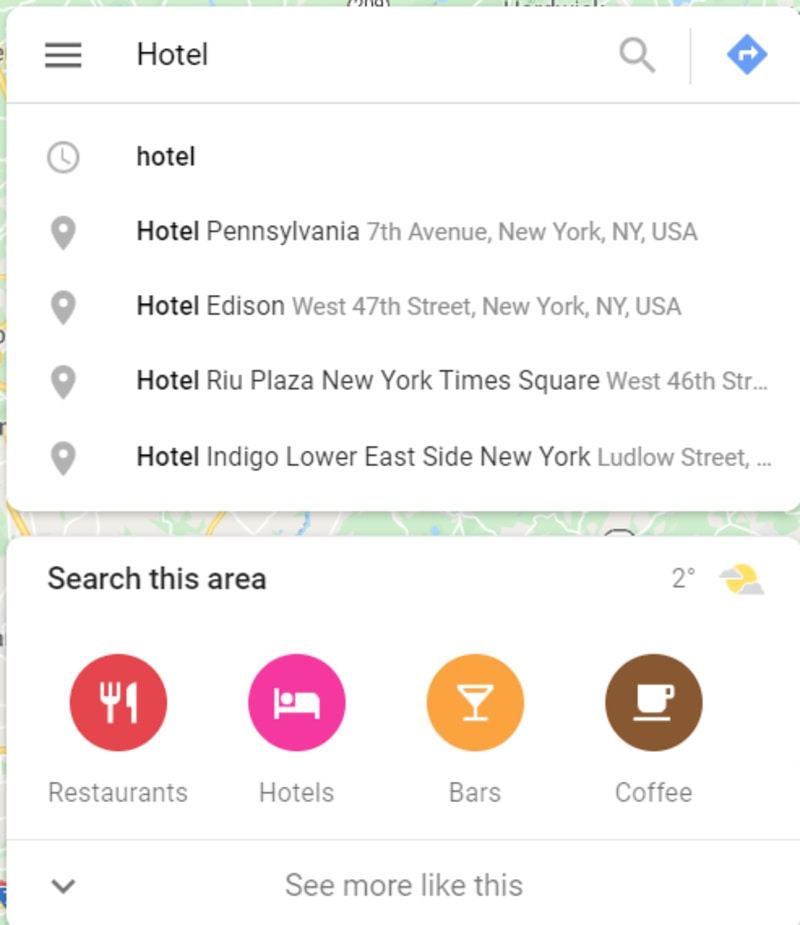
Now, simply type out the word for the type of establishment you wish to look for in the search bar, like restaurant, hospital, gym, etc. and hit Enter. Alternately, you can use the “Search this Area” section that appears beneath the search bar to look for local services.
The map will now show you all the establishments you searched for highlighted as gray dots. Click on a dot to open a pop-up menu containing details about the establishment including its name, visiting hours, user rating, contact information, etc..
Repeat the process for as many establishments as you want to search for.
Also read: 4 Things You Can Do with Google Maps Location History
Through Android
In the search bar at the top of the Google Maps app on your phone, put in the name of the area you wish to search for.
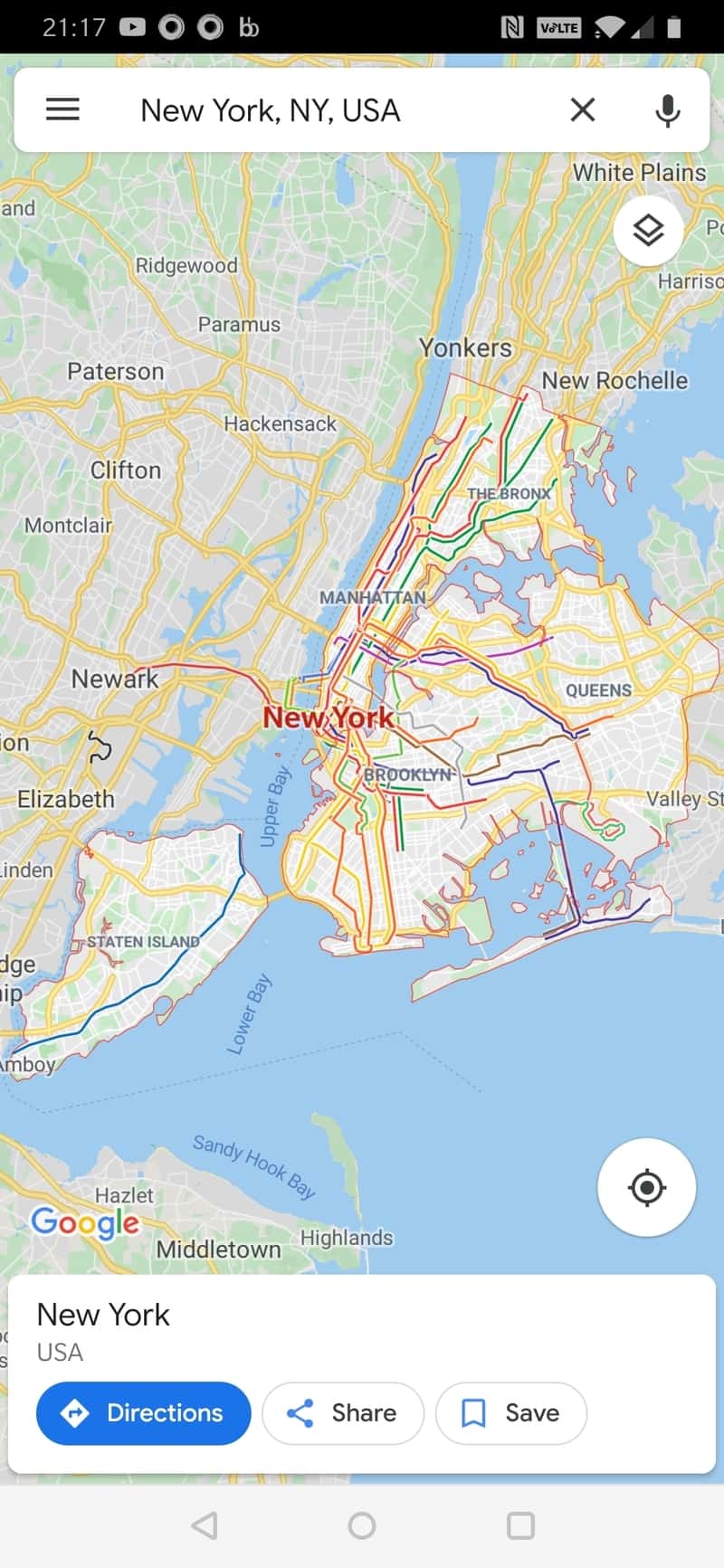
Within moments, the map for the area will be laid out on your mobile screen. This time, if you wish to explore different sections within that area of the map, you can drag one finger across the screen to move to different parts of the map or two fingers to zoom in or out by widening or narrowing your fingers across the screen on that particular area on the map.
Once you have set the exact area you wish to search in, click on the X button at the right corner of the search bar at the top.
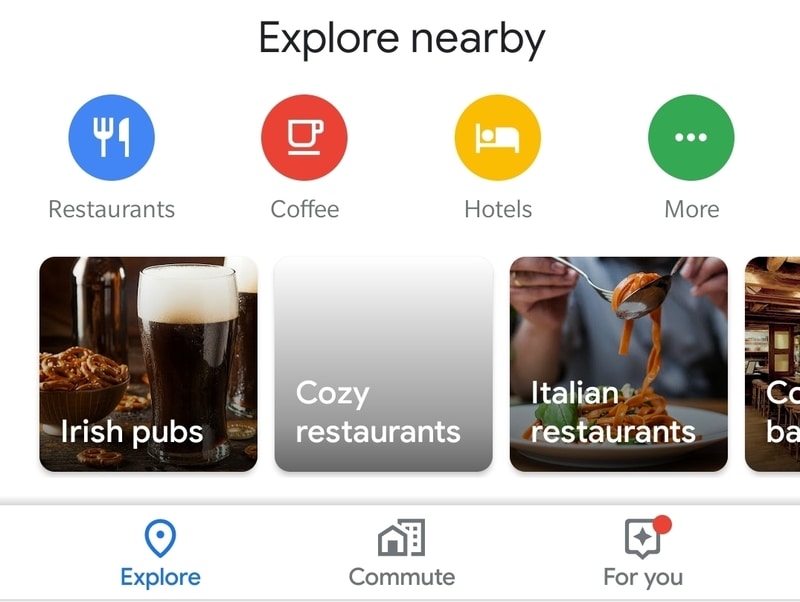
Now go to the bottom of the screen, where you will see the Explore option. Click on this option, and a new window will pop up carrying a list of the local establishments from restaurants and bars to hospitals, etc. Click on the More button at the far right to get a complete list of the types of establishments you can search for.
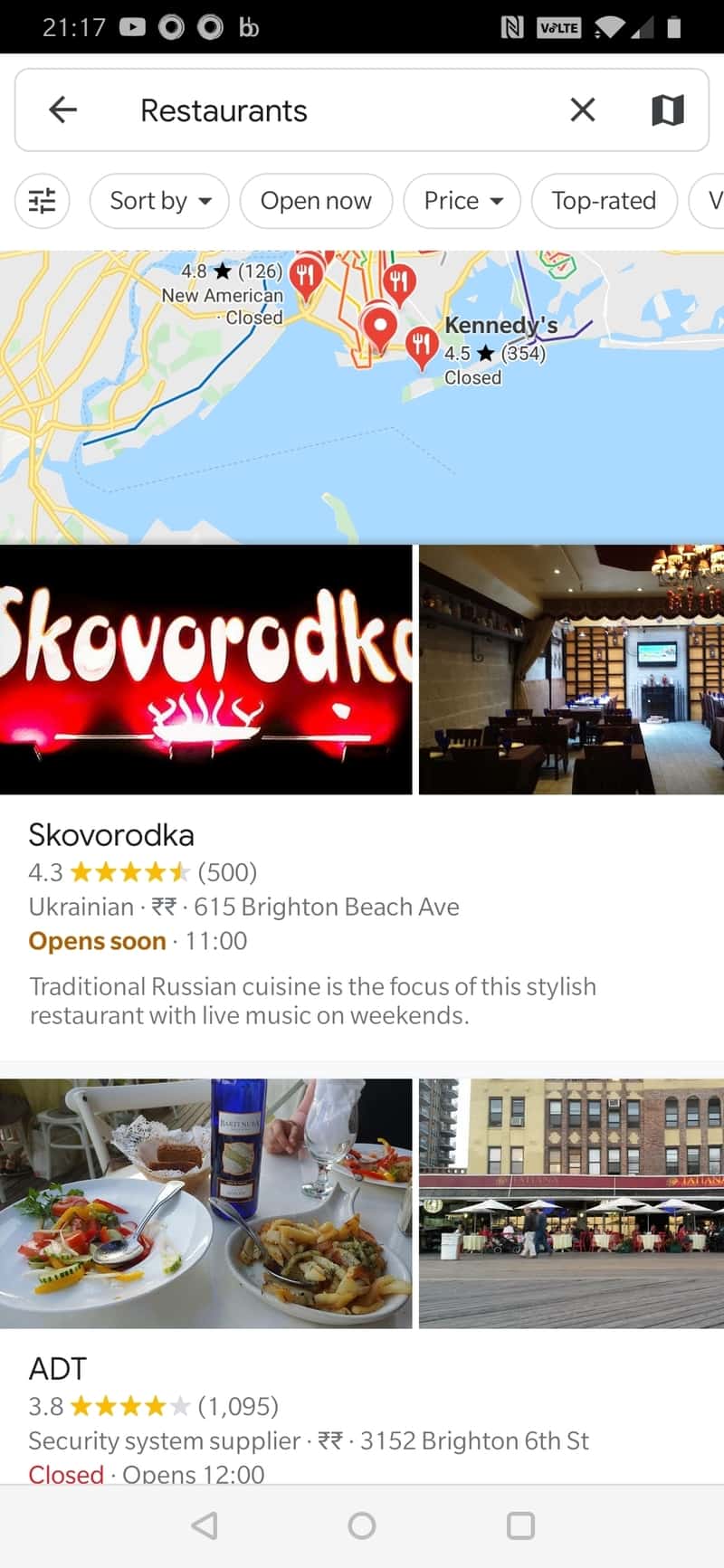
After choosing a type of establishment, a list of available options of that type will appear on the screen, along with user ratings, contact information, and other details.
Also read: 8 Sites and Extensions to Make Google Maps Even Better
Conclusion
Google Maps can be a huge help in exploring areas of your city you are not familiar with and establishments within that area except in those rare cases where the establishment located on the map have since shut down or moved without updating the move on its Google Maps profile.