


When you install a plugin in WordPress, it automatically creates all the necessary folders, files, and database tables for it to work properly. However, when you deactivate and remove the same plugin, it may not delete the database tables along with the files and folders.
For instance, when I deactivated and deleted a plugin called Wordfence, it did not delete its more than twenty database tables along with the created files and folders.
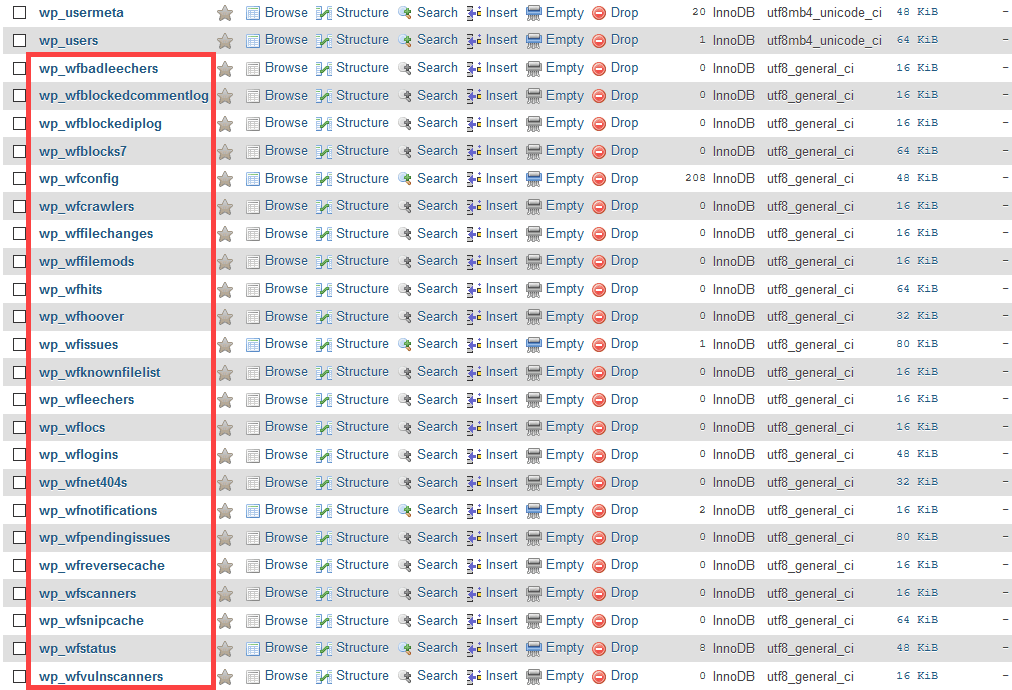
More often than not, plugin developers intentionally choose not to delete the plugin tables when you uninstall a plugin. There are many reasons for this behavior, but the most popular reason is to retain user settings, data, and other options within your database so that they can be restored when you reactivate the plugin.
Retaining settings and user data is a good thing. However, with all the plugins you install and uninstall over time, the database size may increase due to the leftover database tables. Moreover, any leftover plugin database table may prove to be a potential liability.
Here’s how to delete all those leftover database tables in WordPress with just a few clicks.
Also read: How to Set Up WordPress Using Docker in Ubuntu
Delete Leftover Plugin Database Tables
Note: Before making any changes, it is very important that you back up your WordPress database. The backup helps restore your site in the event of any unintended consequences. If necessary, back up your entire WordPress site, just to be sure.
For most things in WordPress, there is a plugin called Plugins Garbage Collector. It is specifically designed to find and delete leftover tables.
1. Open your WordPress dashboard and navigate to “Plugins -> Add new.” Search for the “Plugins Garbage Collector” plugin. From the search results, install and activate the plugin.

After activating the plugin, go to the “Tools -> Plugins Garbage Collector” page, select the “Search non-WP tables” radio option, and click on the “Scan Database” button.

After completing the scan, the plugin will display all the database tables that are not related to the core of WordPress or any of the installed plugins. Generally, these are the tables that are left over after deleting a plugin.
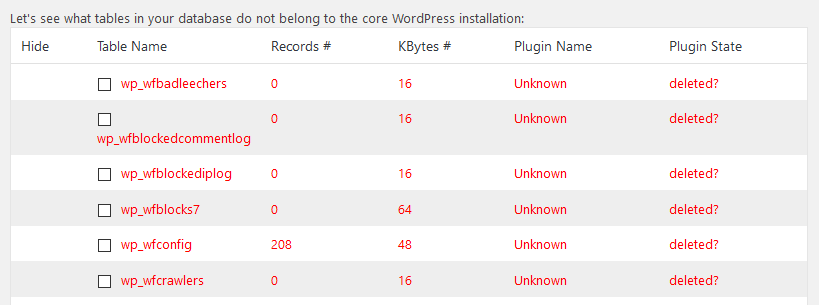
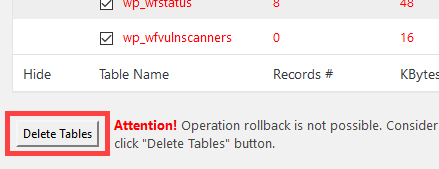
There is no select all option for obvious reasons, so double check each and every table and manually select all the tables you want to delete. Then, scroll down and click on the “Delete Tables” button. Again, only press this button if you are sure and have a good database backup.
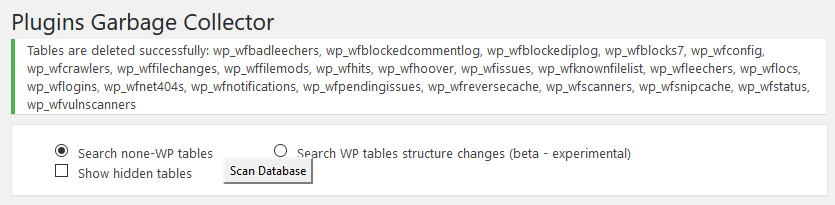
If everything goes well, you’ve successfully deleted all the leftover plugin tables, and your site is still working as it should. While you are at it, you can use plugins like WP-Optimize to further clean and optimize your WordPress database.
Comment below sharing your thoughts and experiences regarding using this approach to delete unused and leftover plugin database tables in WordPress.