
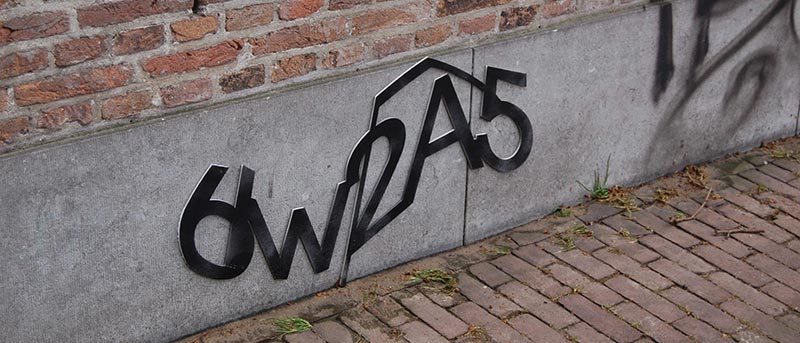

If you have a website then it is a given that you need to protect it from spam, random unwanted users, and bots. One way to protect your website from these activities is to add Captcha to all important forms on your website like the comments section, registration forms, etc.
CAPTCHA (Completely Automated Public Turing test to tell Computers and Humans Apart) is a simple test that can tell bots from humans. The good thing about using Captcha is that it not only protects your WordPress site from spam but can also protect your login form from brute force attacks. So, here are some of the best Captcha plugins for WordPress that you should definitely look into.
1. Google Captcha (reCAPTCHA)
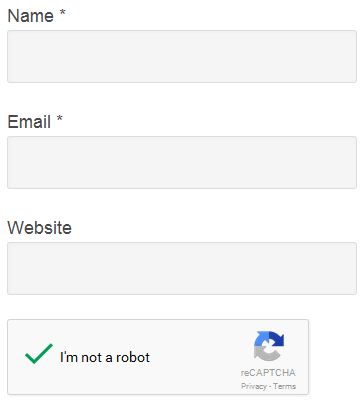
As you can tell from the name, Google Captcha uses the all new Google reCAPTCHA technology to protect your site from spam and unwanted users. To use this plugin, you first need to register your website with Google and get the Site key and Secret key. This free plugin protects all the default forms like the registration form, comments form, login form, etc.
2. SI-CAPTCHA Anti-Spam
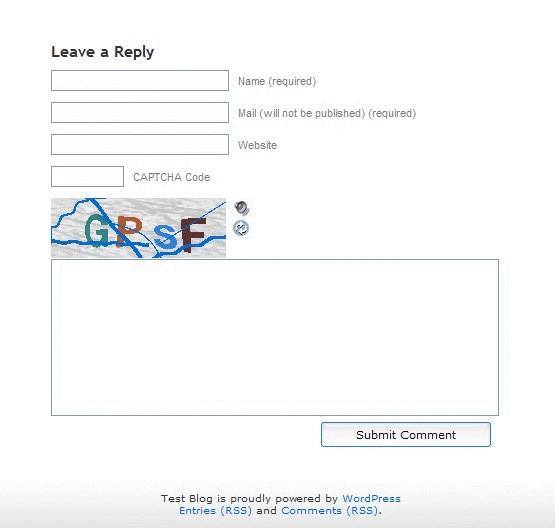
SI-CAPTCHA Anti-Spam is one of the famous Captcha plugins for WordPress that uses the traditional approach of asking users to type the letters in the displayed image. This plugin supports all the default WordPress forms, and the good thing about it is that it is fully compatible with Akismet, BuddyPress, and WPMU.
3. Captcha by BestWebSoft
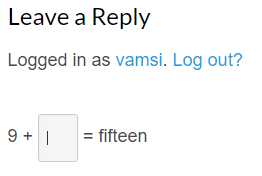
Captcha by BestWebSoft is yet another popular Captcha plugin that uses simple math problems instead of the messy images with random letters to identify humans from bots. The plugin provides much more control over how the captcha is displayed and how complex it should be. Moreover, you can also whitelist IP address if the need arises.
4. Captcha Bank
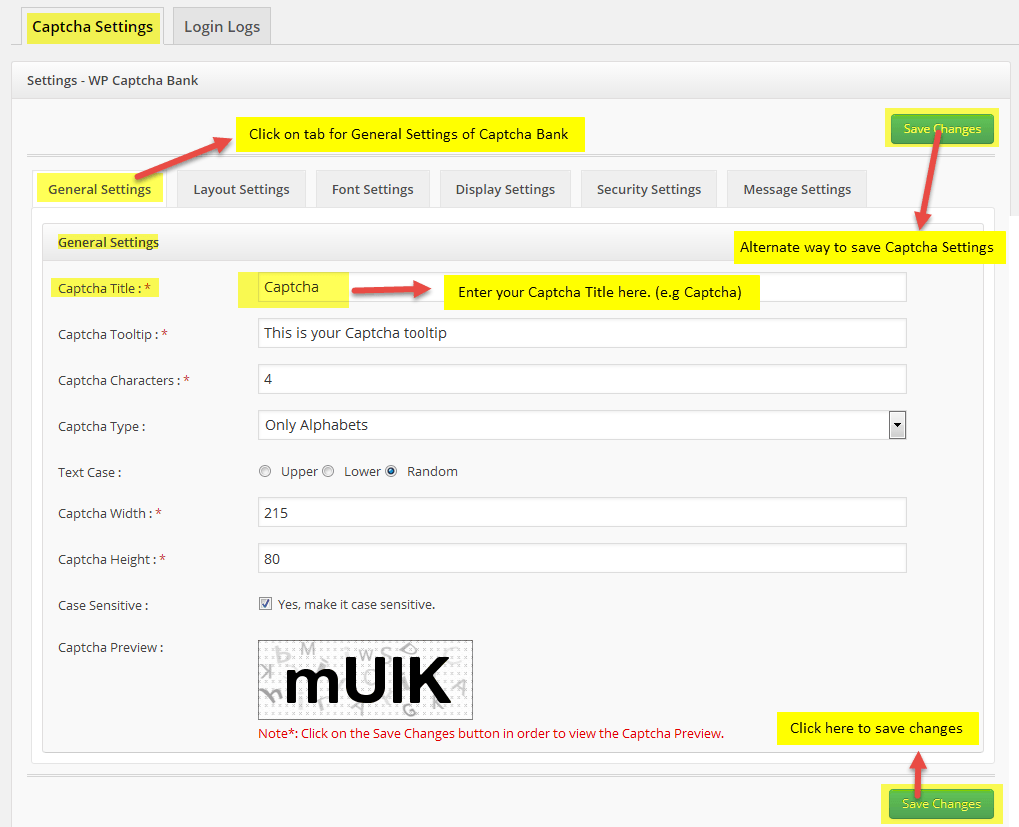
Captcha Bank is a simple yet powerful Captcha plugin that provides easy-to-solve Captcha tests while still being hard on the bots. Unlike the other Captcha plugins, Captcha Bank gives you a lot of options to customize the complexity of displayed Captcha, such as layout settings, display settings, security settings, etc.
5. Blue Captcha
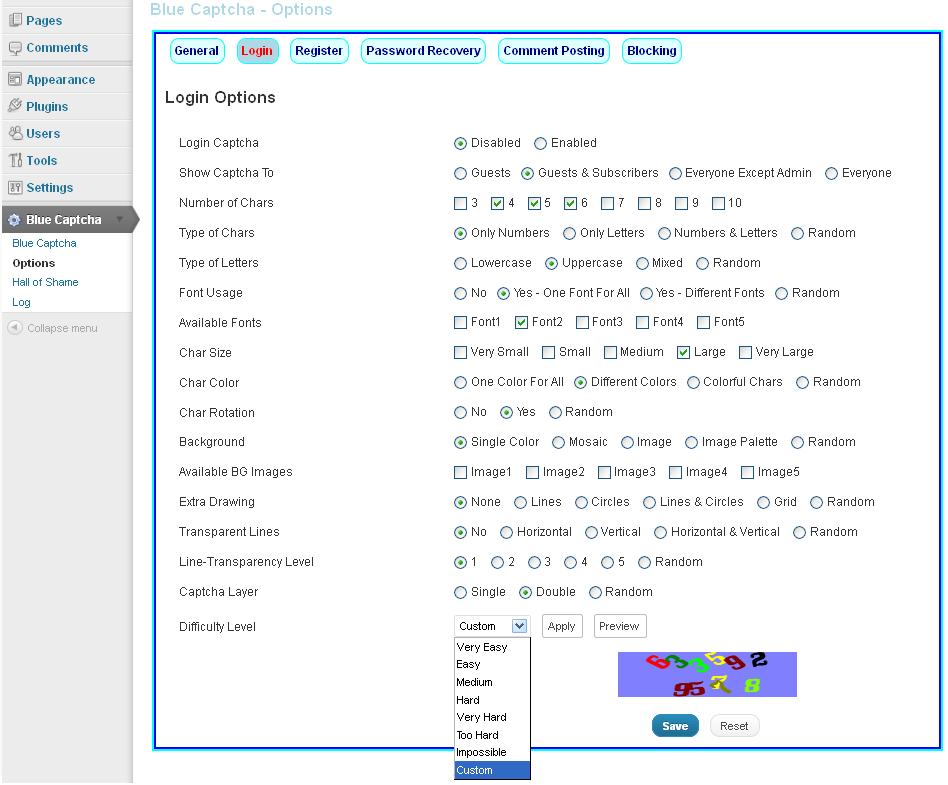
Blue Captcha is one of the highly customizable WordPress Captcha plugins that protects your site from bad bots and unwanted human visitors. The plugin has seven different Captcha difficulty levels and also supports both the single and double layer Captcha. The other notable features of the plugin include but are not limited to activity logging, Hall of Shame, blocking options, and Captcha image customization.
6. Conditional CAPTCHA
Unlike all the other plugins on the list, Conditional Captcha works differently and only shows the Captcha if certain conditions are met. On the basic level, the Captcha is only displayed if the user is not logged in or has no previously approved comment. On the other hand, you can also configure the plugin to only display the Captcha if Akismet flags the comment as spam.
As you can tell, the plugin is neat and uses a different approach. If you are looking for a plugin that doesn’t annoy users every time they interact with your forms, then do give it a try.
7. Math Captcha
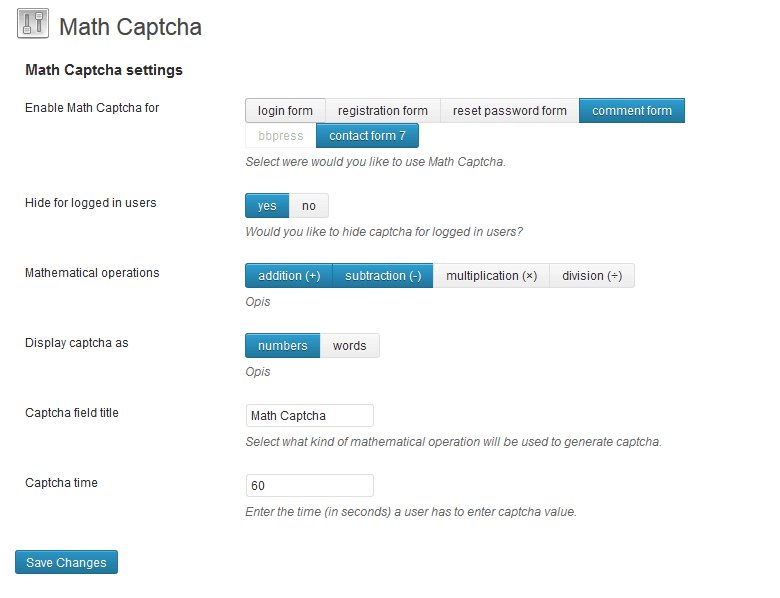
As you can tell from the name, Math Captcha is a simple plugin that uses simple math problems like addition, subtraction, multiplication, and division to tell the difference between humans and bots. The plugin seamlessly integrates with all the WordPress forms, BBPress, and Contact Form 7. The plugin is optimally configured out of the box. All you have to do is install the plugin, select where the Captcha appears and hit the “Save Changes” button.
8. HumanCaptcha by Outerbridge
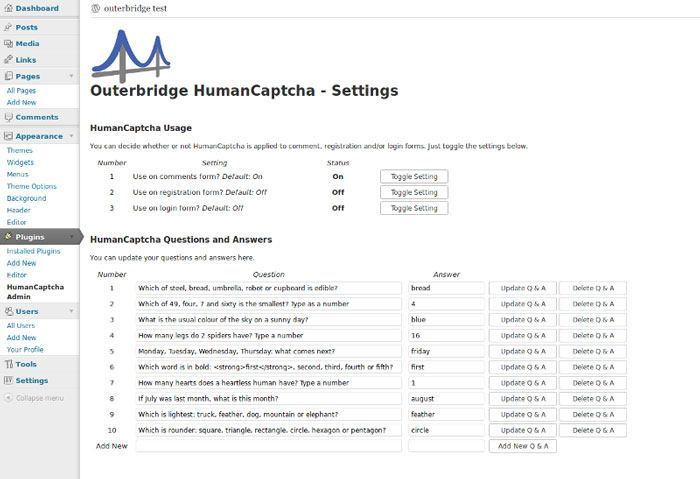
HumanCaptcha uses a rather unusual approach to differentiate humans from bots. Unlike other plugins which use images or math problems, the plugin asks questions that require human logic to answer. If the answer is correct, they pass the Captcha test. The plugin comes with a few pre-defined questions for quick start. But if you want to, you can add your own questions and answers.
Do comment below if you think I missed any of your favorite Captcha plugins that didn’t make the list.