

You probably know Google Docs supports dictation in dozens of languages, but what if Google Docs’s “live dictation” feels a bit restrictive, or you don’t like the complicated interface?
There are alternatives to Google Docs with practically the exact same levels of accuracy (since they use the same Google Voice API), but a different interface, that could be better-tailored to your needs. Let’s see how you can use some of the best web apps to type with your voice instead of your keyboard.
Note: at the time of writing, all web-based dictation solutions that rely on Google’s voice API only work on the Google Chrome browser.
Also read: 5 Pro Tips for Dictation on Mobile Devices
SpeechTexter: Unstoppable Dictation
The dictation experience in Google Docs is, unfortunately, far from optimal, particularly thanks to a problem: pauses. If you stop talking for five or six seconds to collect your thoughts, the dictation stops. You have to click the icon to get it started again. That’s where SpeechTexter comes in.
SpeechTexter is a simple online notepad that allows you to use your voice to type.
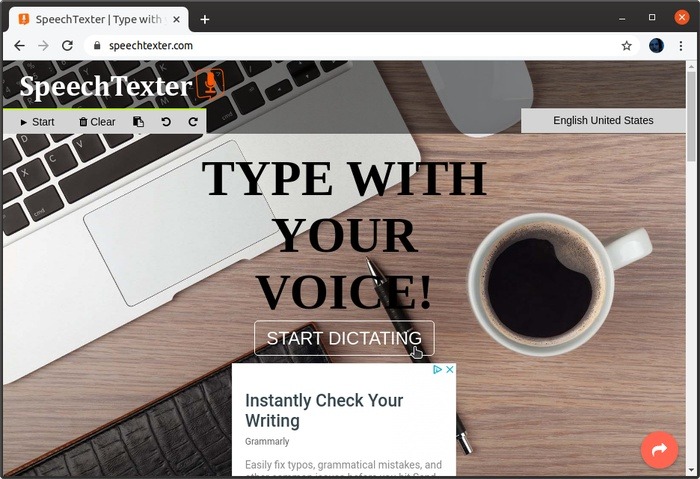
On the site, the first thing you see is the “Start Dictating” button. Click on it to get started.
It will ask for your permission to access your microphone.
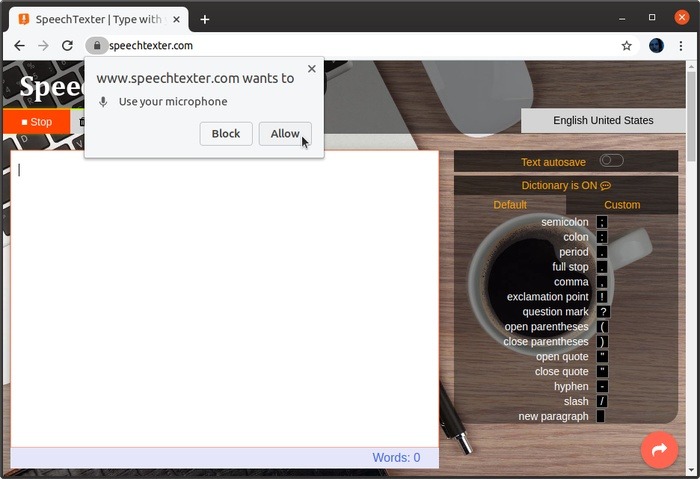
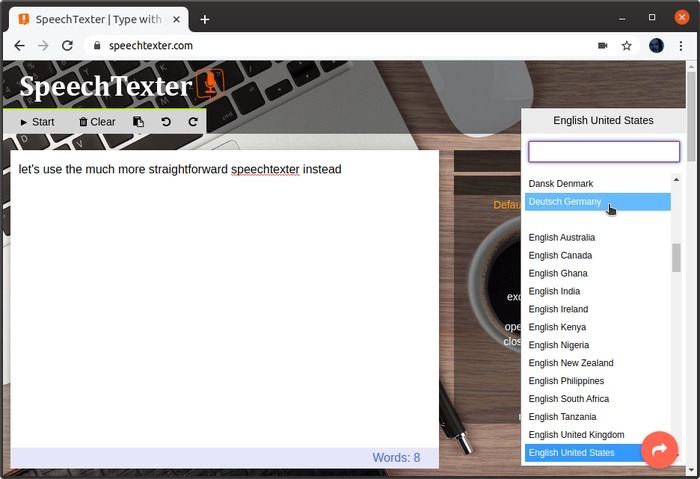
After that, you can immediately start dictating. Click on the first Start/Stop button to manually control SpeechTexter so that it doesn’t stop when you pause.
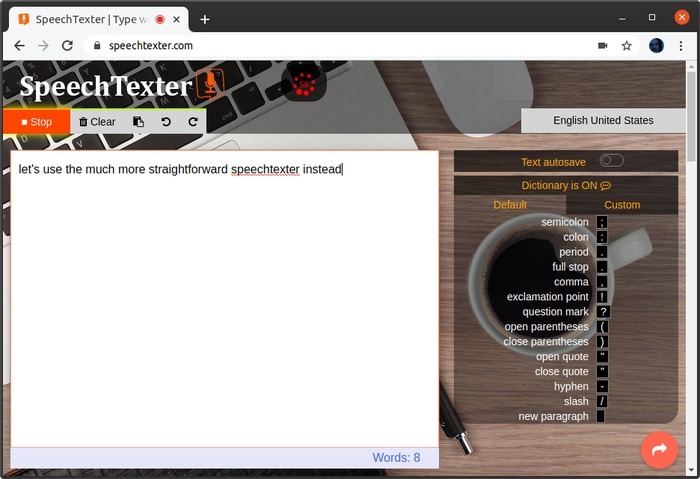
Bilingual users will appreciate that swapping the active language in SpeechTexter is two clicks away. Click on the active language on the top right and then choose the one you want to jump to.
Dictanote: Your Online Voice-Powered Notebook
Dictanote is another great option that follows a very different approach: it can work as a web-based “lite” alternative to apps like Evernote and OneNote. Yes, that means that it is an online-only voice-powered notebook.
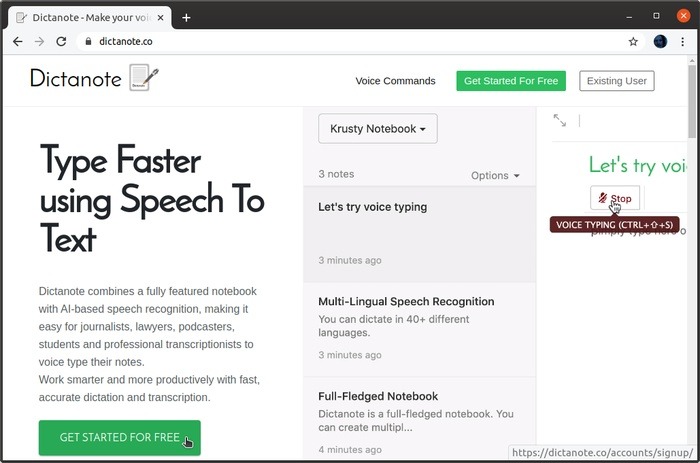
To use it, visit the site and click on “Get Started for Free.”
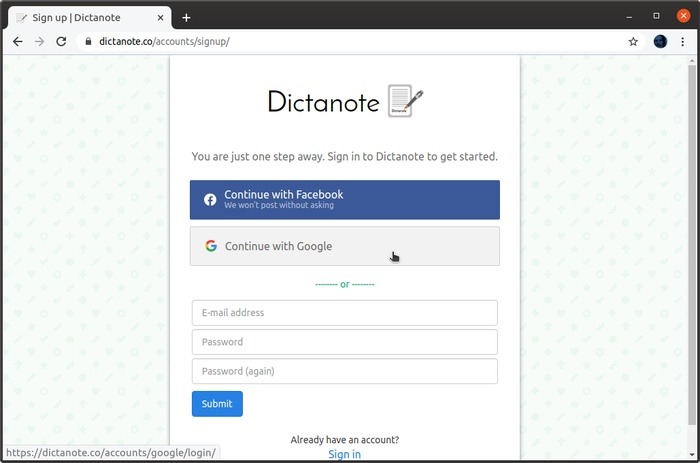
Although Dictanote is free to use, you will have to create an account to use it. You can log in with your Facebook or Google account instead of creating a new one from scratch.
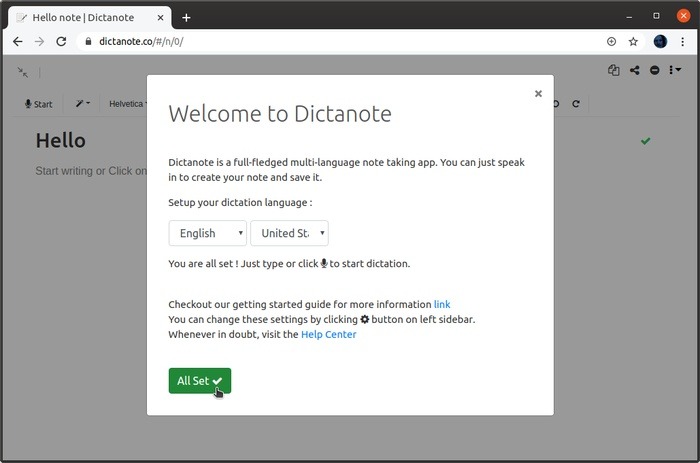
Next, select a language and dialect. After that, click “All Set.”
Just like with the other solutions, grant Dictanote access to your microphone. Immediately after that, you can start dictating and will see your voice turned into text.
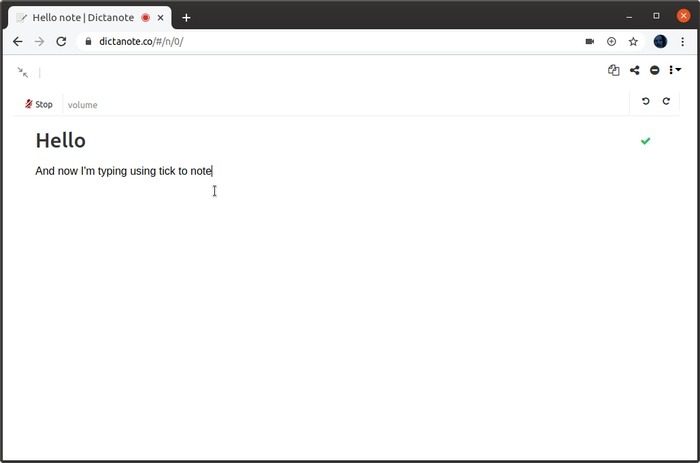
When you dictate, Dictanote displays a simplified “clean” interface. When you stop, you have access to a typical number of options that you’d expect to find in any text editor worth its bits.
You can manually switch between the full-blown and the “clean” version of the interface by clicking on the icon with the two arrows on the top left of the editing pane.
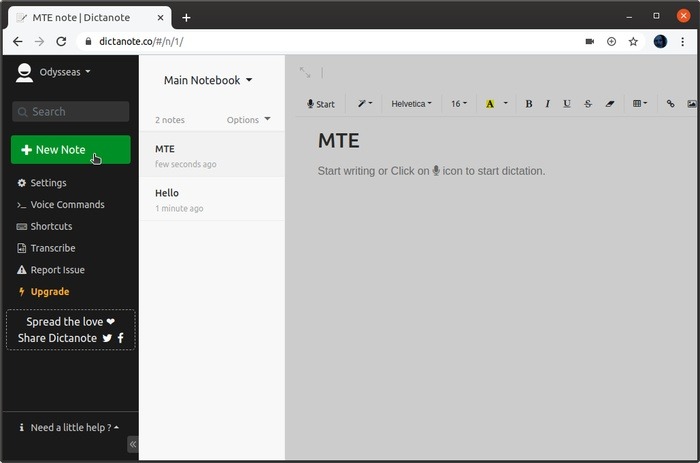
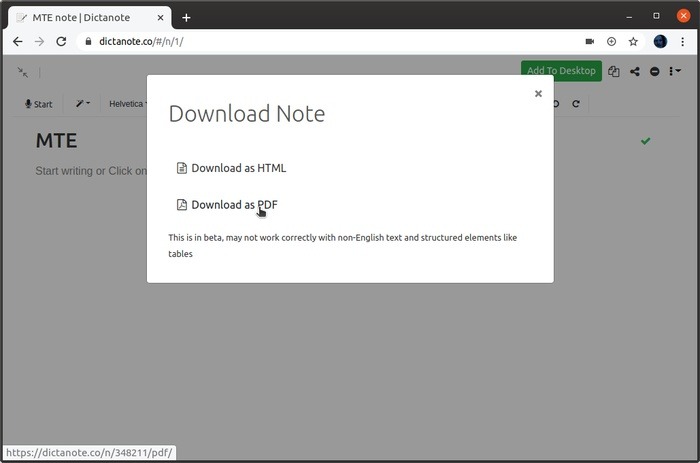
By clicking on the icon with the three dots and the downward-pointing arrow at the top right, you have access to a minimum menu that allows you to download your note (as HTML or PDF), delete it, share it with others (by using a link), or perform a word count.
Two More Alternatives
SpeechTexter and Dictanote should cover most bases, but what if they are not your cup of tea?
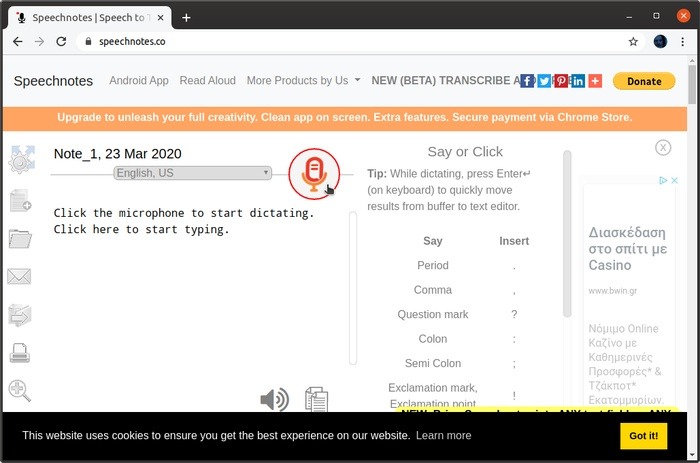
Speechnotes theoretically works as a somewhat simpler alternative to SpeechTexter, but practically, its interface feels more crowded, with less white space and more advertising.
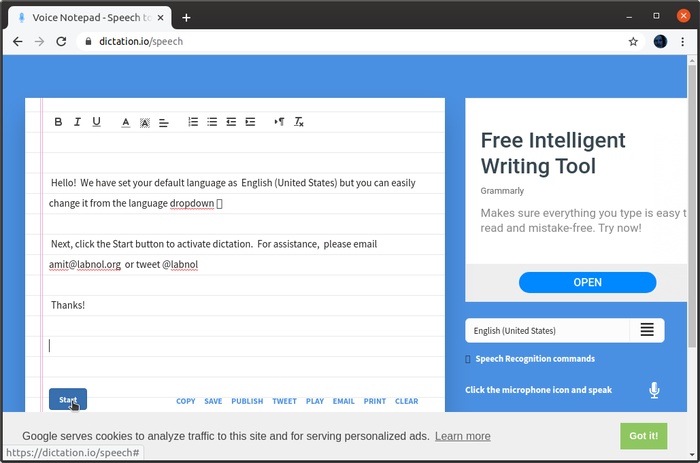
Dictation.io not only works but also looks like a very appealing notepad, winning the cake as the best-looking out of the bunch. It is also easy to jump between different languages with that option in a directly-accessible pull-down menu. It allows you not only to save but also to tweet, email, or print your note with one click.
Instead of dictating, some of you might prefer to convert audio files to text instead. We have the solution for that. On the other hand, you can convert text to speech in Windows, Android and iOS, too. Check them out.