


Self-hosted knowledge bases are booming, and for good reason. For example, I loved Notion. It was great, but then I realized all my notes, plans, and documents were stored on someone else’s server. So, I started searching for tools I could host myself that were similar to Notion with a minimal learning curve.
Fortunately, there are many self-hosted, open-source note-taking tools we can host ourselves that offer features similar to Notion.
1. AppFlowy
If you’re searching for something that feels like Notion, AppFlowy comes the closest. It supports pages, blocks, Kanban boards, and databases, offering many of the features that make Notion great, but without tying you to a third-party cloud.
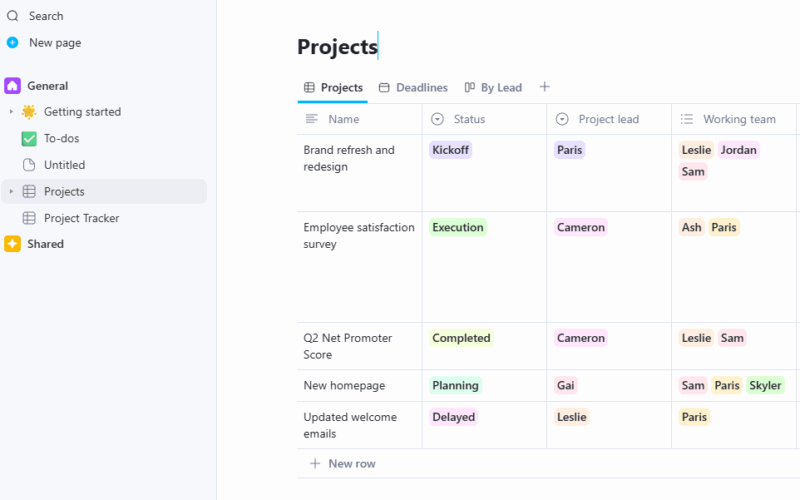
Its interface is clean and minimal, and it runs smoothly even on modest hardware. You can manage tasks, meetings, and client information all in one place. AppFlowy allows you to view your content as a board, list, or calendar, and it includes plenty of built-in templates to get you started.
Unlike the other apps listed below, AppFlowy is a desktop application that you can install on your PC. You can, however, self-host the AppFlowy cloud to synchronize the data to your own server. It also supports importing from Notion too.
2. Docmost
If you rely on Notion for wikis and team documentation, Docmost is a great alternative. It’s built for teams that need a dependable platform for internal knowledge sharing. Like Notion, it supports real-time editing, collaborative commenting, and rich formatting.
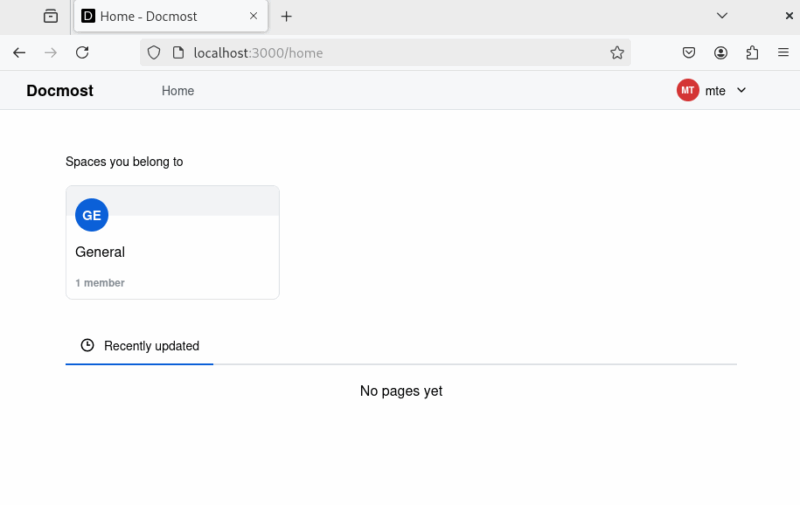
Its interface is simple yet functional. The hierarchical structure helps build comprehensive knowledge bases, and its search functionality is genuinely effective. Docmost also includes built-in version control, so you can track changes without worry.
You can organize content using spaces and nested pages, assign permissions to users, and even make specific documents publicly accessible. For deployment on your own server, follow our dedicated guide on Docmost.
3. AFFiNE
AFFiNE presents a modern and feature-rich alternative to Notion. Its interface will feel familiar to Notion users, with block-based editing, slash commands, and database flexibility. However, AFFiNE emphasizes creativity, privacy, and visual workflows.
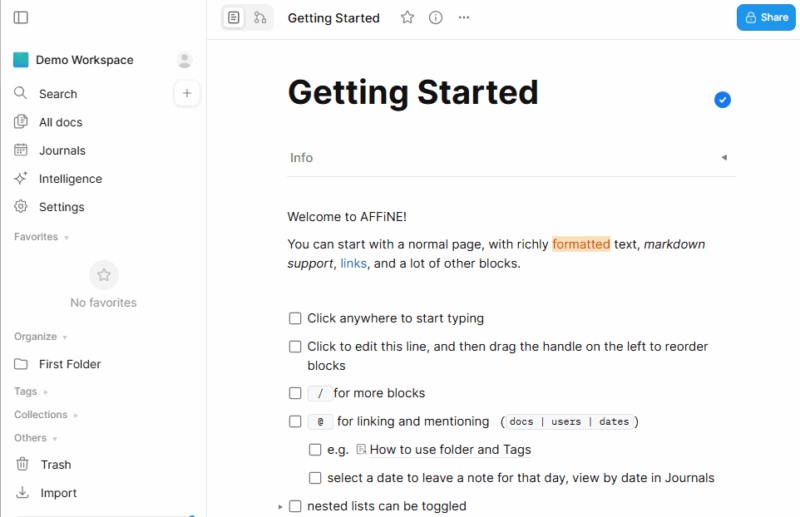
Its standout feature, Edgeless Mode, provides a dynamic whiteboard where you can brainstorm ideas, build mind maps, and visually organize content using shapes, connectors, and freehand drawing. You can even embed your notes into this canvas, turning it into a visual project hub.
You can self-host AFFiNE easily with Docker Compose by following the official documentation. If you prefer local use, AFFiNE also provides a desktop app that stores data locally and can later sync with a self-hosted server.
4. Wiki.js
Wiki.js is ideal for teams that need a self-hosted, developer-friendly knowledge base. Unlike Notion, it integrates with Git for version control, allowing teams to sync content with code repositories, and it is perfect for technical documentation.
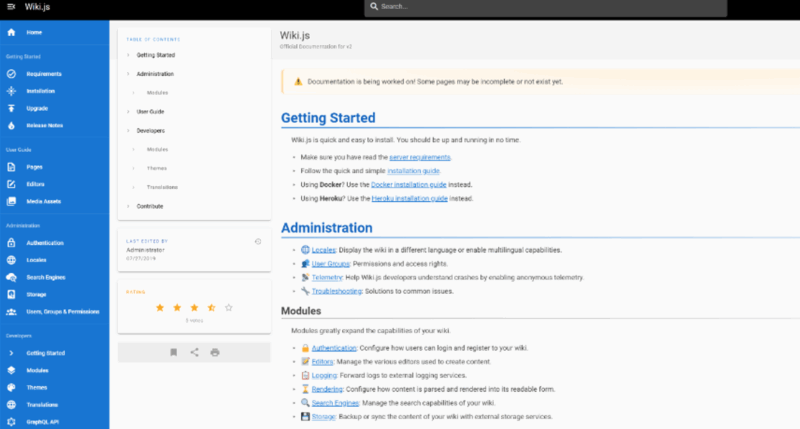
Furthermore, it supports rich text, Markdown, and WYSIWYG editing, making the transition from Notion smooth. Wiki.js offers hierarchical page organization, full-text search, version history, and robust user permissions – features many Notion users expect.
While it doesn’t include task boards or databases like Notion, Wiki.js focuses on documentation and internal knowledge sharing. Its modular architecture, REST API, and authentication integrations (Google, GitHub, LDAP, etc.) make it a flexible and secure solution. You can deploy Wiki.js using Docker Compose by following our dedicated guide.
5. Logseq
Logseq is a powerful self-hosted tool built for outlining, networked thinking, and long-term knowledge management. It retains the block-based editing, tagging, backlinks, and page linking found in Notion, but emphasizes non-linear workflows.
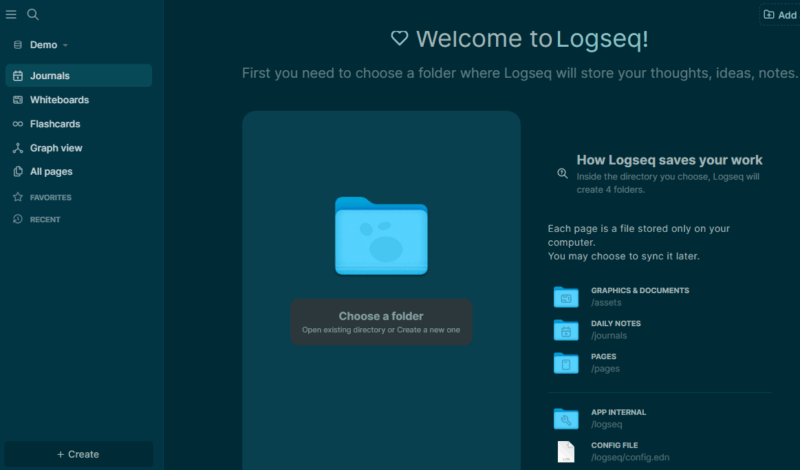
Its outliner format excels at organizing everything from daily notes to deep research. Plus, features like nested bullet points, queries, and daily journaling make it easy to build and explore structured content over time. The Graph View is also a standout feature that visually maps connections between your notes.
In addition, Logseq supports Markdown storage, flashcards, plugins, and end-to-end encryption. Although it lacks Kanban boards, databases, or collaborative editing, it shines as a focused, private, and extensible knowledge base.
You can self-host Logseq using its official Docker image, giving you web-based access to your notes via a private server.
6. BookStack
BookStack replaces Notion’s flexible block system with a clear, hierarchical structure. It uses books, chapters, and pages to organize content – ideal for teams that prefer structured documentation.
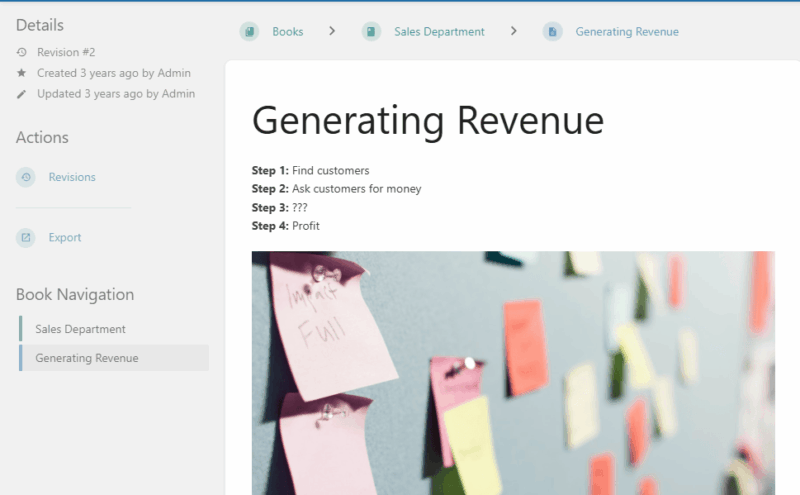
Its editing experience is simple, with both WYSIWYG and Markdown options. BookStack supports media embedding, version history, comments, and fine-grained page-level permissions. Also, if you have Docker installed, you can easily self-host it with the Docker Compose.
7. Trilium Notes
Trilium Notes is one of the most feature-rich Notion alternatives available for self-hosting. It supports deep hierarchical organization and can handle thousands of interconnected notes efficiently.
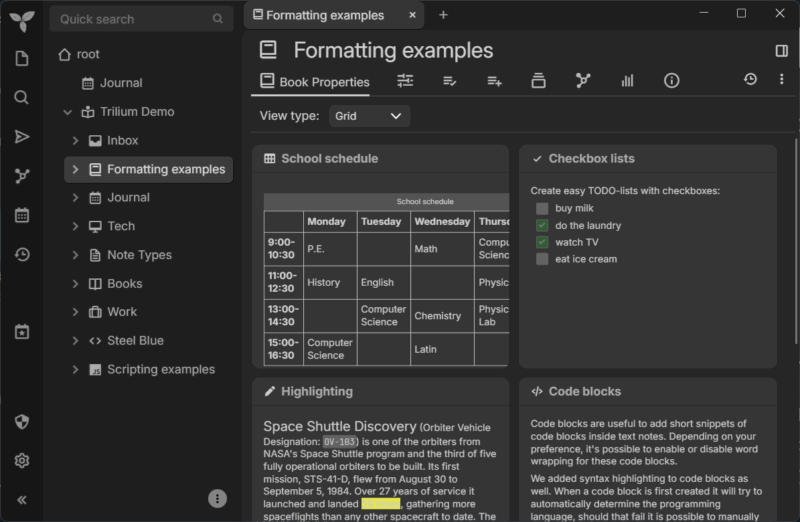
Beyond traditional block-based editing, Trilium lets you clone notes, define custom attributes, script workflows, and automate tasks. The note editor includes support for tables, checklists, code blocks, and embeds. A visual graph view helps users understand note relationships at a glance.
Trilium also features end-to-end encryption, device sync, and powerful version control. While the interface isn’t as polished as Notion and the learning curve is steeper, it offers significantly more control for advanced users.
Furthermore, you can self-host Trilium using Docker or a standalone binary. I personally used Docker Compose and had it running in just a few minutes.
Final Thoughts
Self-hosting might seem intimidating at first and requires some initial setup. However, once you’re in, the control, privacy, and flexibility are unmatched. These tools serve as great alternatives to Notion, and they form just a part of what I host on my homelab. If you’re interested, see what else I self-host on my homelab server.