
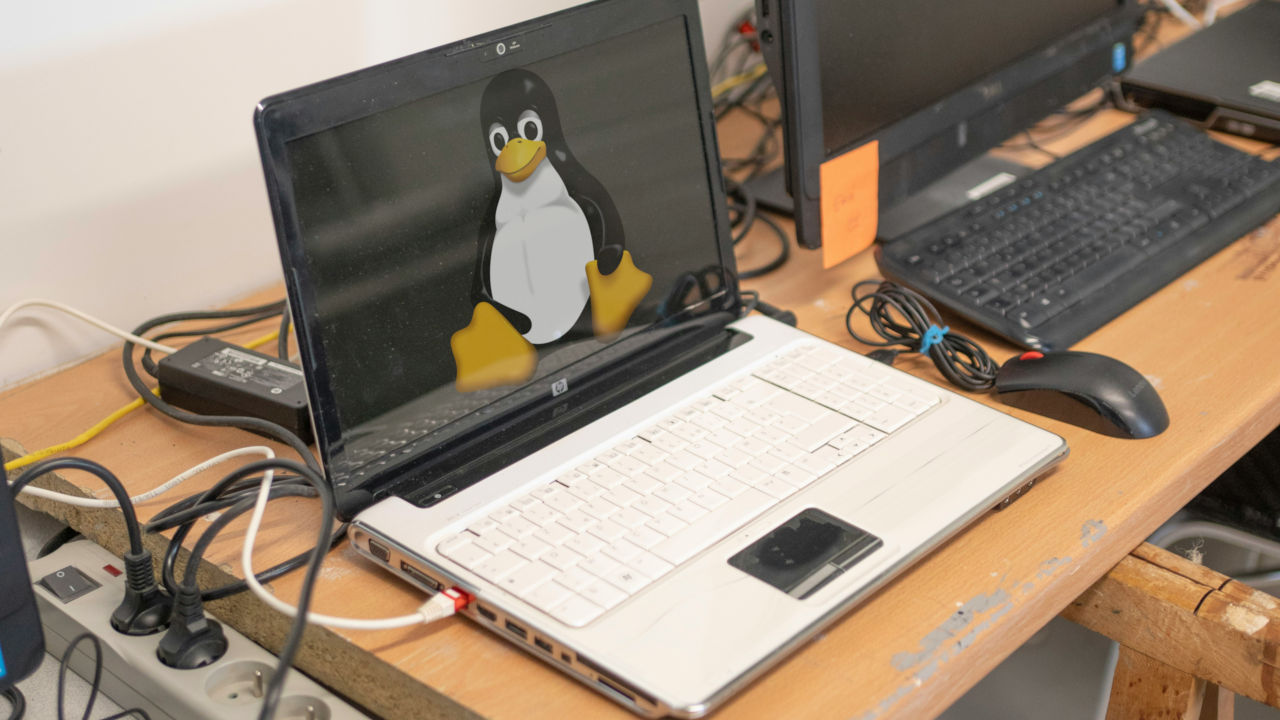

Don’t throw away that old Pentium III tower and CRT monitor just yet! While that old laptop in the closet may not be able to run Windows 11 or macOS, it doesn’t mean it’s destined for the dump.
Many Linux distributions are made specifically for utilizing the ancient, underpowered hardware found in older machines. By installing these lightweight distros, you can breathe new life into an old PC thought to be long past its prime. Here are the best lightweight Linux distros that we’ve picked out from the pile.
[mte_toc]Alpine
Minimum System Requirements:
- CPU: Pentium 4, AMD K8, or newer
- RAM: 320 MB (3 GB recommended)
- HDD: 1 GB (6 GB recommended)
One of the lesser-known but nevertheless brilliant lightweight Linux distros is Alpine. Weighing in at under 130MB, Alpine was designed originally to be used for virtual servers, so you won’t find any cruft or unnecessary software baggage here. It has a sensible and accessible update cycle and its package format: APK (no, nothing to do with Android!) is convenient for flagging issues and making iterations.
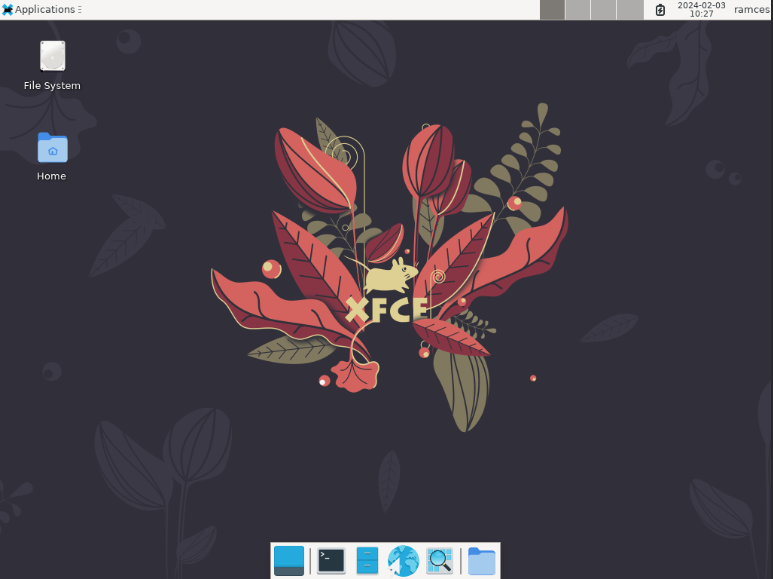
You can choose whether to install Alpine to disk or whether to just run it from RAM, making it perfectly portable, and it’s very security-focused thanks to a hardened kernel. It may not be as feature-rich as other distros in this list, but Alpine is right at the peak when it comes to security. It updated to the musl libc library a few years back too, so is right on point when it comes to the kind of stability and robustness you’d expect from a modern Linux distro.
2. Lubuntu
Minimum System Requirements:
- CPU: Pentium 4, Athlon 64, or newer (64-bit only)
- RAM: 512 MB (1 GB recommended)
- HDD: 3 GB (6 GB recommended)
If Lubuntu sounds familiar, it is probably because it is another Ubuntu flavor – a separate Linux distribution based on Ubuntu, but with a different desktop environment. Lubuntu comes with LXQt, a more lightweight graphical desktop environment than Ubuntu’s Gnome interface.
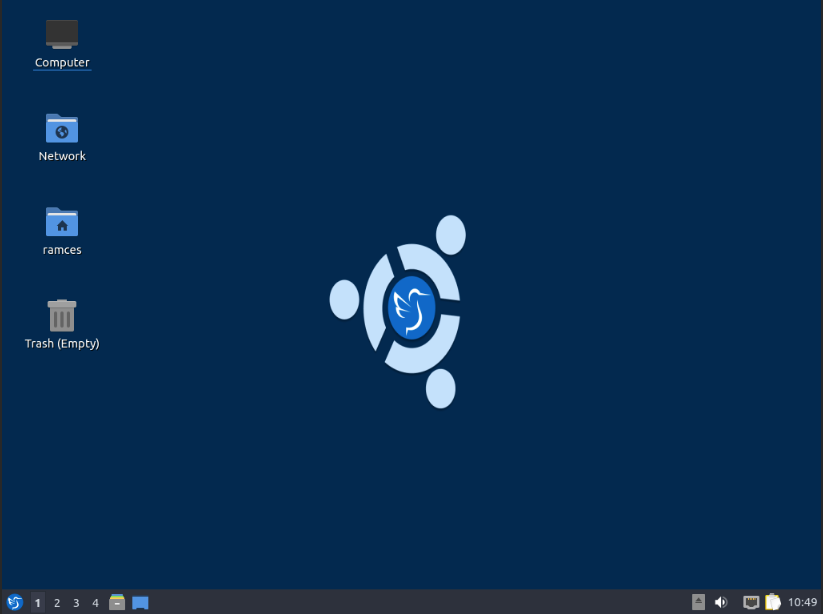
Lubuntu also trims the fat when it comes to bundled software in order to cut down on size. Don’t fret, though; you can still install software from the Ubuntu repositories. While Lubuntu isn’t as tiny as some of the other distros on this list, the fact that it’s based on Ubuntu should make troubleshooting fairly easy.
3. Puppy Linux
Minimum System Requirements:
- CPU: Any 32-bit and 64-bit x86 processor
- RAM: 512 MB for 32-bit and 1 GB for 64-bit
- HDD: At least 512 MB for its USB disk
A build of Linux that is so small it doesn’t even require a hard dive to be installed on, Puppy Linux can be run comfortably on dated hardware. Puppy Linux is a fairly robust and complete OS, even though it is designed to be installed on a USB disk and run entirely from a system’s RAM.
While it doesn’t come bundled with a ton of software, Puppy offers a collection of applications that would be suitable for general use tasks. Its small size enables it to boot from virtually any form of removable media, such as USB drives, SD cards and optical media.
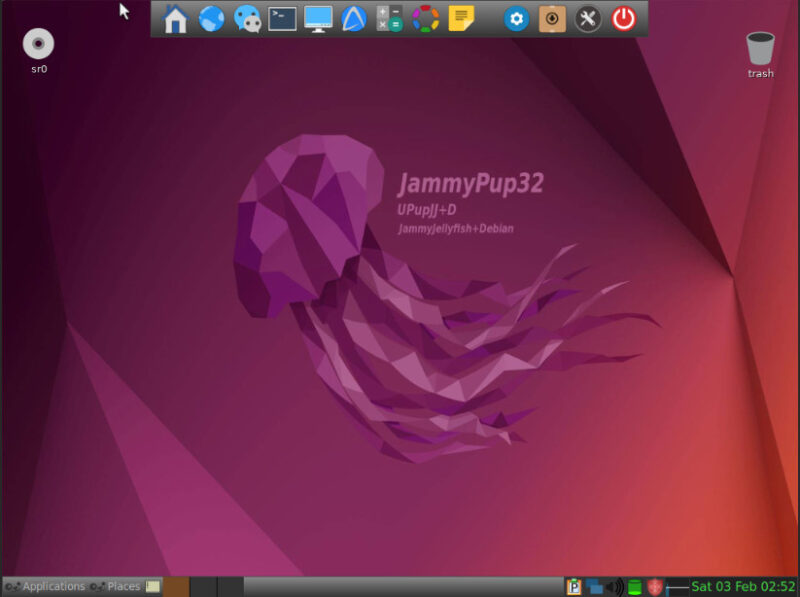
Any files created or modified will be saved to the same device that the OS is on. So, when running Puppy Linux from a CD, files can be saved to the same CD, provided the disc drive supports disc burning.
4. TinyCore
Minimum System Requirements:
- CPU: Intel i486DX* (Pentium 2 or newer is recommended)
- RAM: 46 MB (128 MB recommended)
- HDD: At least 256 MB for its USB disk
*Introduced in 1989
No list about small Linux distros would be complete without Tiny Core *Linux. It is notable for its incredibly small size across three different Core “types.” Core (aka Micro Core Linux) comes in at only 11 MB; however, it is without a graphical desktop. Tiny Core weighs in at 16 MB and comes with a graphical desktop environment. Core Plus is the largest at 106 MB and is essentially Tiny Core with additional functionality like WiFi support.
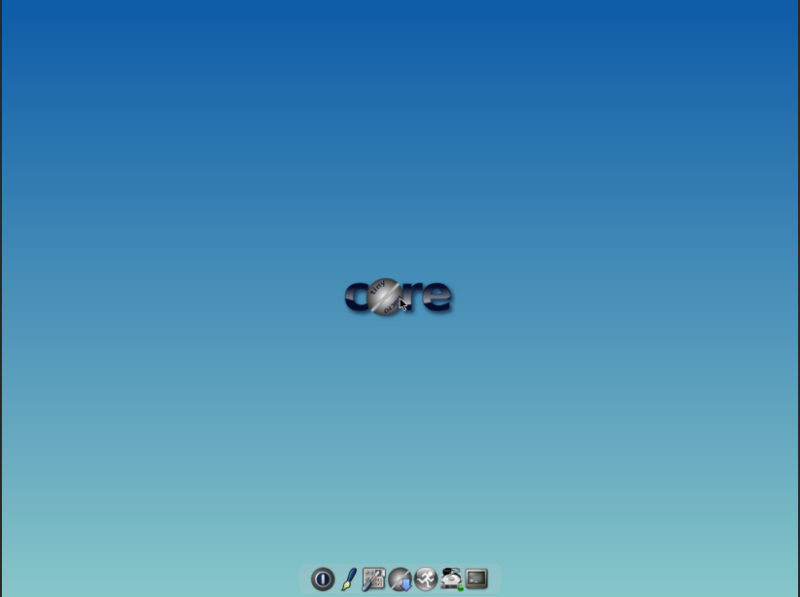
Designed to run completely within a system’s RAM, Tiny Core is the definition of minimalist computing. Because of its barebones approach, almost all users will require Internet access to install additional software.
5. LXLE
Minimum System Requirements:
- CPU: Pentium 3 (Pentium 4 or newer recommended)
- RAM: 512 MB (1 GB+ recommended)
- HDD: 8 GB
The website for LXLE sums up their philosophy in four words: Revive that old PC. LXLE is based on Lubuntu and also uses the LXDE desktop environment. It is designed to be simple, familiar and elegant. Positioning itself as a turnkey OS for aging machines, LXLE aims to be the perfect substitute for those familiar with Windows 7 or older systems. LXLE prides itself on being simple to install without the need to do much tinkering after installation is complete.
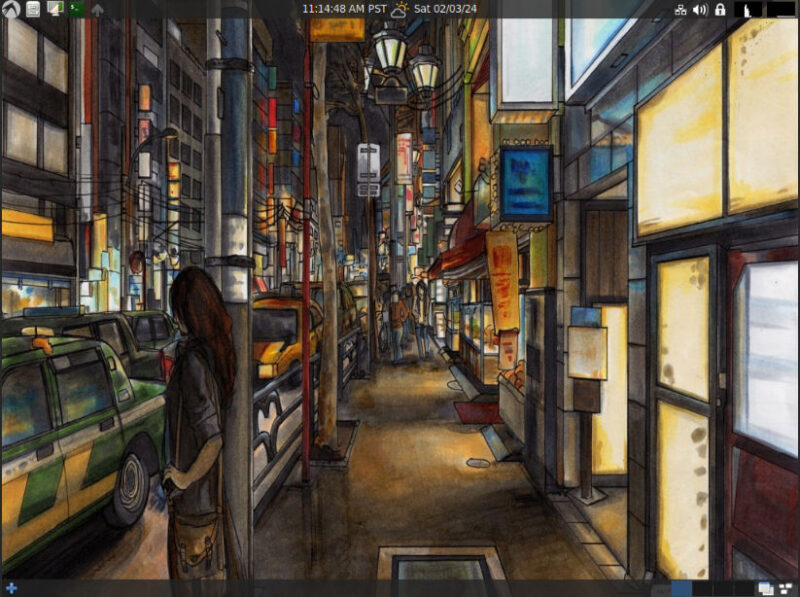
LXLE covers most computer users’ everyday needs while offering a number of tweaks to improve performance. It also adheres to the same LTS (long-term support) distribution schedule as Ubuntu/Lubuntu to ensure that the hardware will always receive the latest software and security updates.
6. Arch Linux
Minimum System Requirements:
- CPU: Any 64-bit x86 processor
- RAM: 768 MB
- HDD: 2 GB
Strong supporters of the “Keep It Simple” principle, the development team behind Arch Linux focuses on minimalism. Arch Linux is not for the faint of heart; one of its guiding philosophies is that the end user will be willing to put in the effort to understand the system’s operation. This boils down to being really comfortable with the command line, as you will be using it for virtually everything.
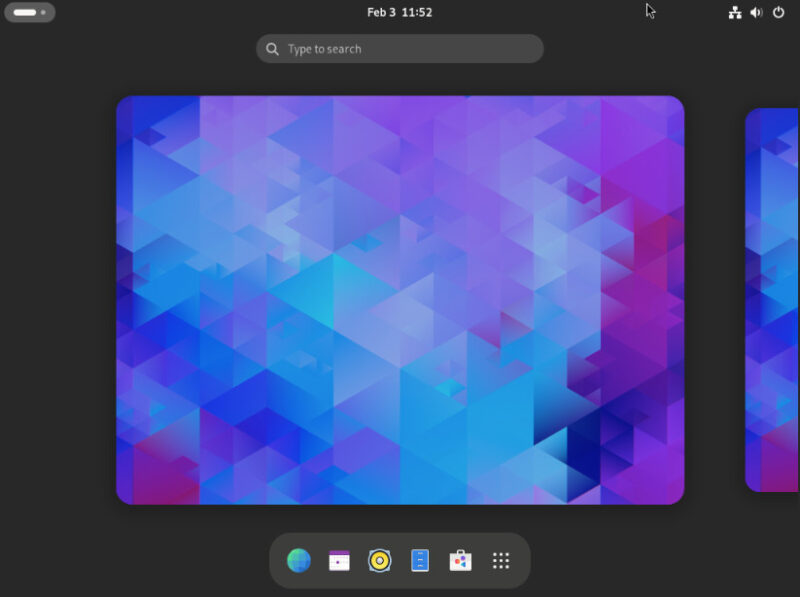
Basically, Arch Linux is like building your own custom operating system. Whereas other distros walk you through installation through a tidy graphical interface, Arch requires you to put a bit of effort in. Arch provides the foundation; it is up to you to build the house you’re going to live in. This allows users to build an incredible lean machine, or not, depending on their needs.
Regardless, this “hands off” approach means that Arch Linux is an incredibly lightweight system. Even with a complete Gnome desktop, a default Arch installation only goes up to around 721 packages. This makes it suitable for older and less powerful systems such as laptops and netbooks.
7. Void Linux
Minimum System Requirements:
- CPU: Pentium 4 or newer 64-bit processor
- RAM: 128 MB
- HDD: 700 MB
Void Linux is a lightweight Linux distro that provides an accessible way to create your own system from scratch. While it doesn’t advertise itself as a machine for older PCs, its highly minimal default setup means that you can install Void Linux on just about any machine.
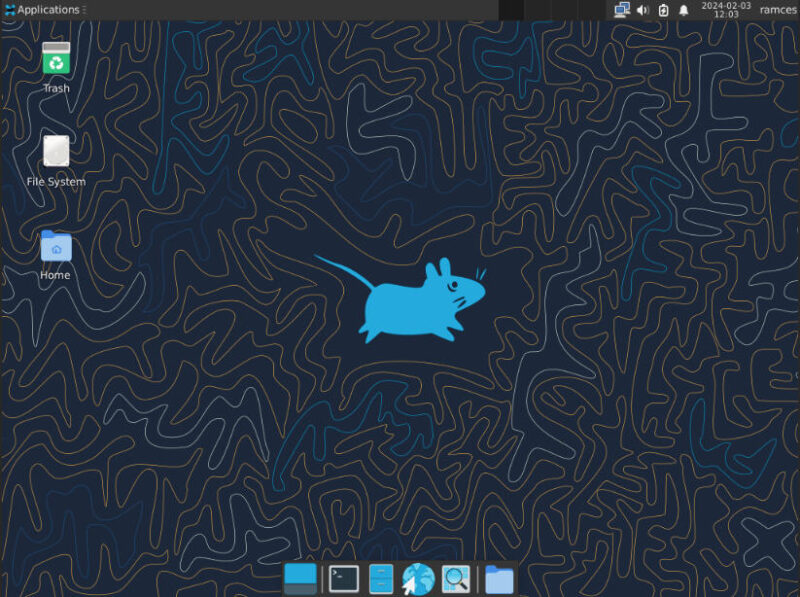
One unique advantage of Void Linux over other similar minimalist distros is that it comes with a handy installer. This makes it incredibly easy to set up and deploy especially for users that are still not that used to the command line. As such, Void Linux is perfect if you’re looking for a friendly, lightweight distro that starts as a barebones system that you can fully customize.
8. Crunchbang++
Minimum System Requirements:
- CPU: Pentium 4 or newer 64-bit processor
- RAM: 1 GB
- HDD: 8 GB
Crunchbang++ is a stable and highly responsive lightweight Linux distro. It’s a Debian-based system that uses Openbox for its desktop environment. Similar to LXLE and Lubuntu, Crunchbang++ also follows an LTS release cycle for both the distro and its package repositories. This ensures that the system will always be stable, fast, and secure even on older computers.
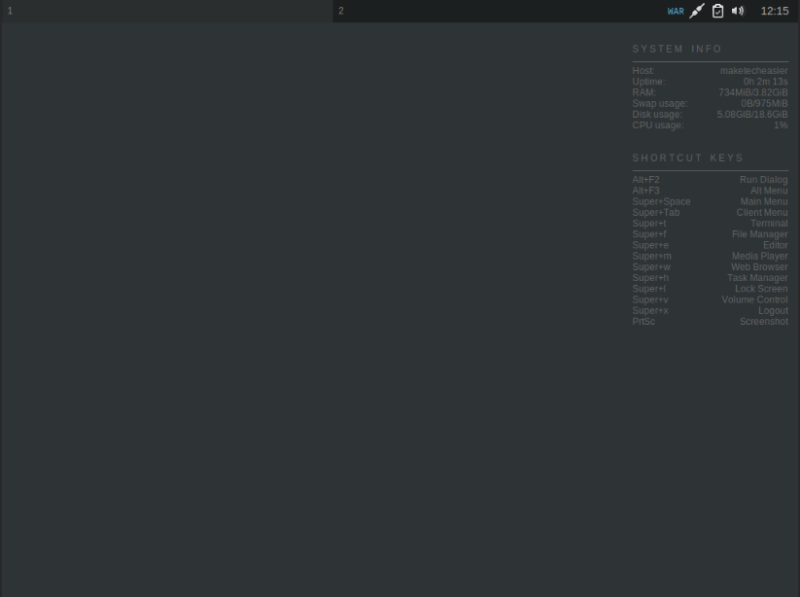
Just like with other Debian-based distros, Crunchbang++ can access a wide variety of applications through Debian’s large repositories as well as proprietary web apps using Canonical’s snap. This means that it’s easy to find almost all of the software that you might want and need for your machine.
Exploring and installing pre-built lightweight distros is just one part of optimizing the Linux system to your specific hardware. Learn how you can speed up your computer by configuring its ZRAM and ZSwap partitions today.
Image credit: Hugo Clément via Unsplash and Wikimedia Commons. All alterations and screenshots by Ramces Red.