


Viewing Internet browsing history has many uses. You can do online research, keep track of idle surfing and prepare mental notes. While parental control solutions can achieve the same goal, the focus of this article is not surveillance. Instead, it is about gaining a bird’s eye view of the websites you surf.
Here are some of the best Internet history tracking apps you can use.
Also read: 4 Ways Google Tracks You and How to Stop it
1. History Viewer
History Viewer is a nicely-rated freeware which offers basic website and application tracking on Internet Explorer, Firefox and Google Chrome. Available only with Windows, the software is extremely lightweight at less than 2 MB.
With this, you can easily view every website, its cookies and your file histories. History Viewer works quietly in the background, so it is best to install if someone else is using your computer.
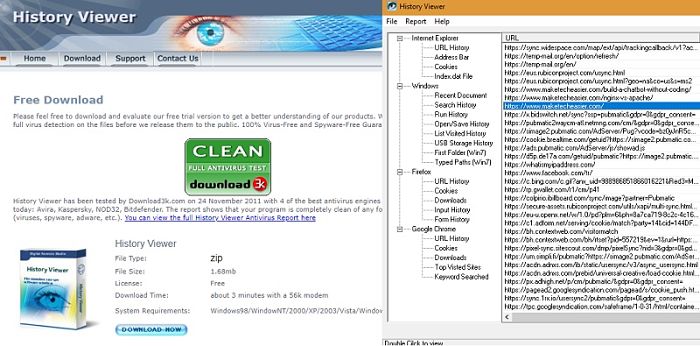
The only disadvantage: you cannot find out how much time you spend on an individual site. Also, you have to copy-paste the links manually if you wish to visit those sites. However, if you only want to find out which sites you’ve been to, this will do the job adequately.
2. Time Your Web
For Google Chrome users, this is one of the best solutions to keep track of websites for free. Time Your Web is available as a Chrome extension, which gives accurate bar charts on how much time you spend on each site. You can visit the specific web page by clicking it directly in its panel so that you don’t have to save bookmarks.
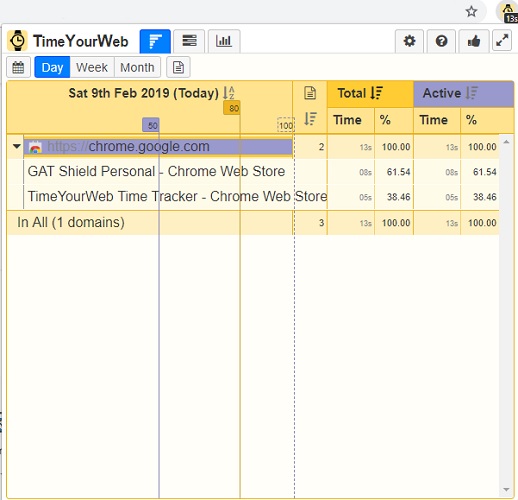
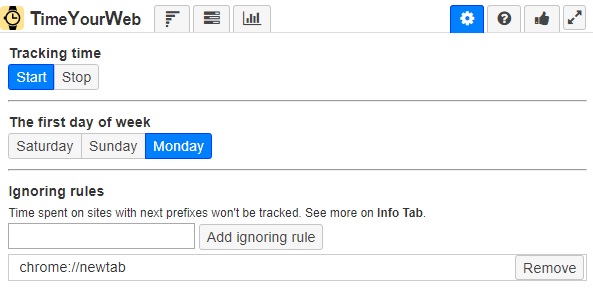
The extension also allows you to pause your history tracking whenever you want. Also, you can add ignoring rules for frequent websites you do not wish to track. You can see a summary of all the websites on a daily, weekly and monthly basis.
Overall, it is a pretty neat extension which gives the feeling of a microscope when it comes to your surfing activities.
3. Activity Watch
Apart from Windows and Chrome, Activity Watch is also available as a Mozilla extension and measures the time you spend on each site in Firefox. It is an open-source Internet history tracker and remains free for all users.
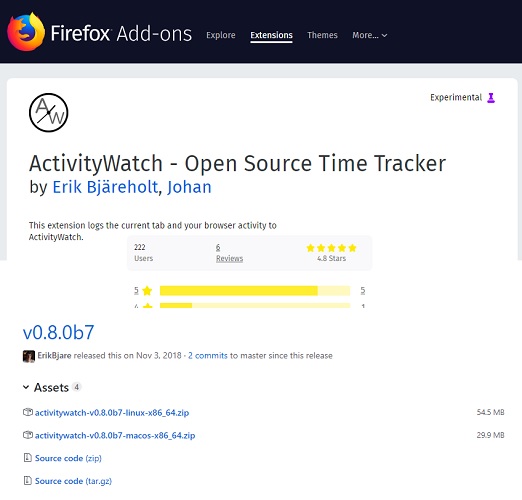
Keep in mind that right now they do not have proper installers and packages for Linux users. You have to download the GitHub zip file and then follow the step-by-step config instructions at this link.
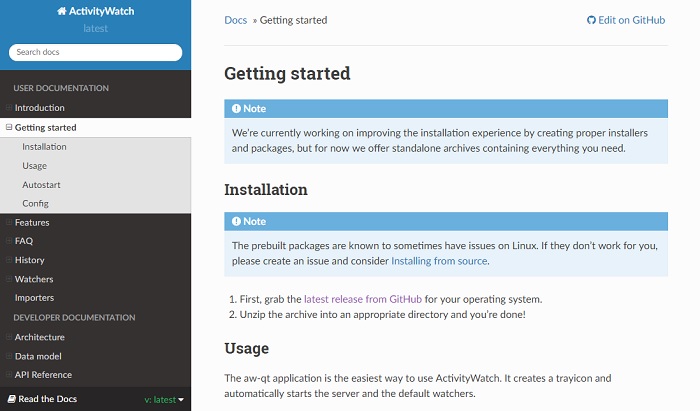
At the moment of this writing, the build for Windows and Mac is broken which may improve soon.
4. RescueTime
RescueTime is a premium full-fledged software which helps you keep complete track of all your online activities. You can monitor all the applications and websites directly from the system tray. The software allows you to pause and resume tracking whenever you want. You can visit any of the forgotten websites from the dashboard itself.
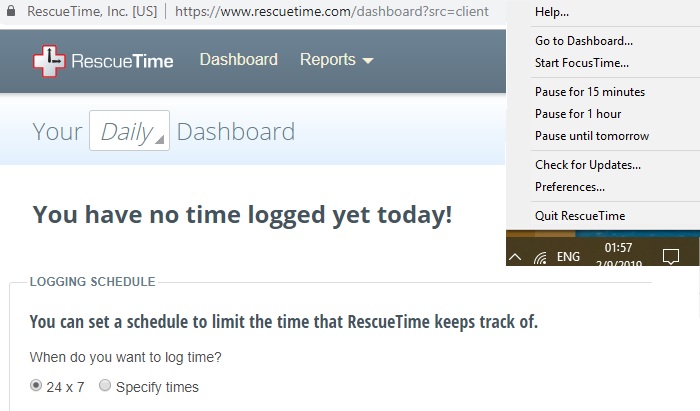
A free light version is available which does the job perfectly. A premium version is available for $9 per month or $72 per year. There is a two-week free trial if you want to try out the extra features. One strength is “Focus,” which allows you to block all distracting sites for a certain number of minutes.
The Premium version also allows you to neatly categorize websites based on how distracting they are. Additionally, you may compare the times you spend on mobile phones with desktops.
Summary
Internet history tracking apps are a great productivity tool. Even though many of us might have a habit of clearing the online history, often we regret it. This is because we tend to forget the specific websites we visited. For this reason, it is good to have a solution which can help us go back without having to keep bookmarks.