
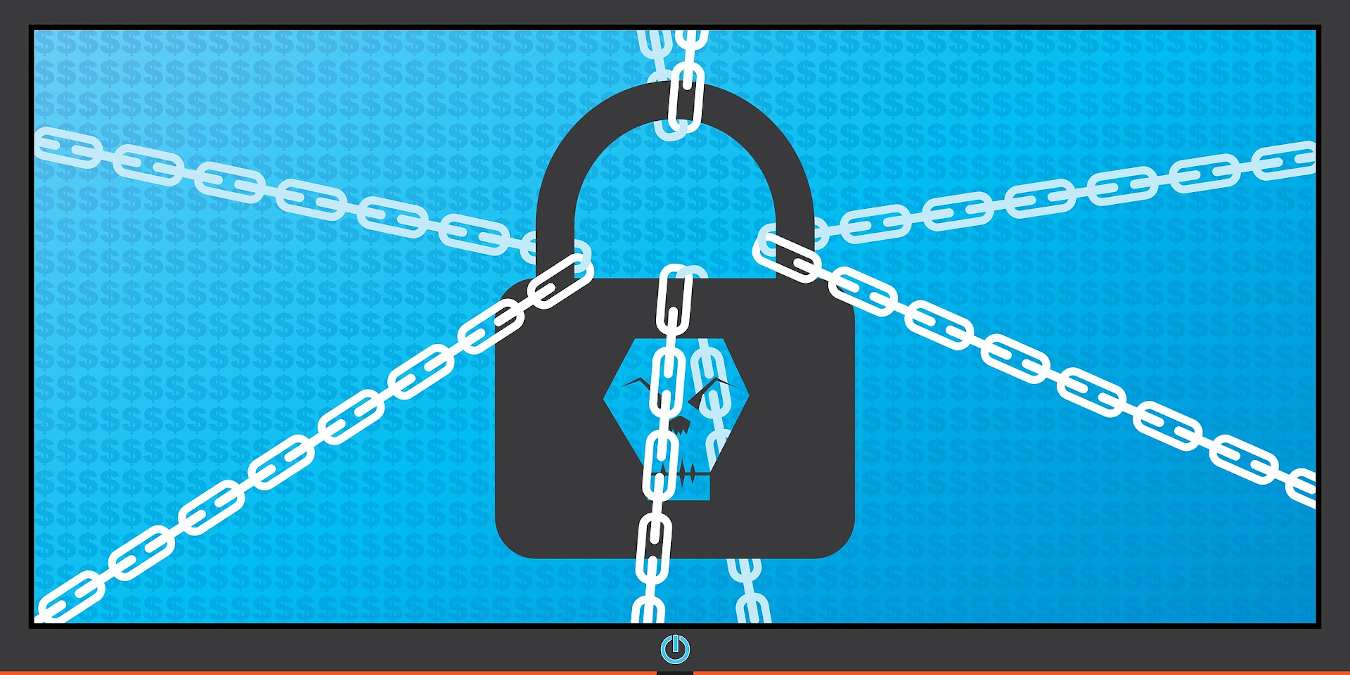

Way back in 2013, malicious software known as ransomware entered into the mainstream as a new threat for businesses and consumers to worry about. While it faded from the mainstream for a little while after that, it’s coming back with a vengeance in 2016, but things are different now. This isn’t an unprecedented threat.
In this article we’ll discuss the best ways to prepare and protect yourself from ransomware infections.
What is ransomware exactly?
If you aren’t already familiar, Ransomware earns its name because it typically acts as software that locks up your system and encrypts your data. holds your computer hostage and asks for ransom money to give it back to you. It will lock you out of certain features that leave you, at best, with a computer that works halfway. At worst, you’ll end up with nothing more than a fancy brick on your desk until you’ve ponied up the cash. Some of the software rubs your nose in it further by pointing you to a “support forum” meant to help you make the payment. You can already see how this can become very annoying. In many of these cases the only way to move forward is to pay the ransom or replace the drive and lose access to your data forever if you didn’t have it backed up.
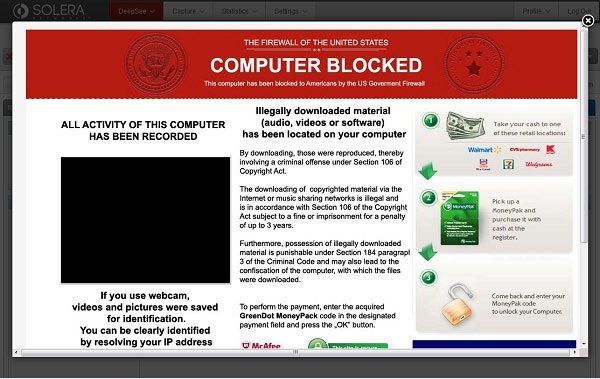
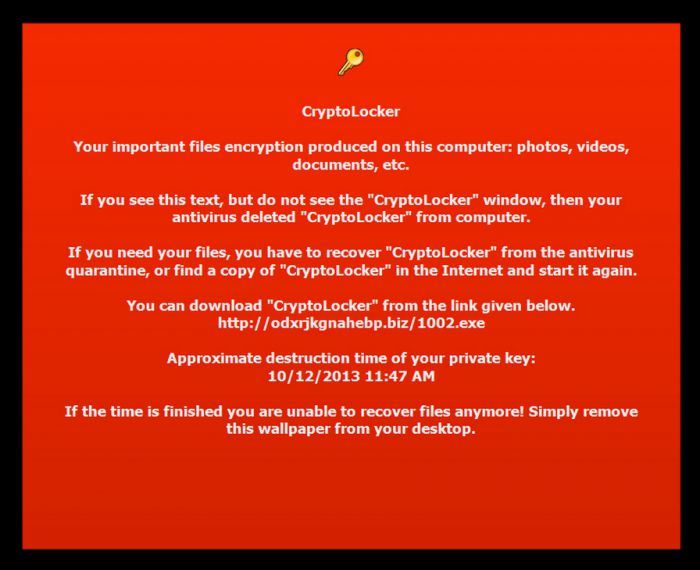
While earlier forms of ransomware (such as CryptoLocker) were known for honoring the terms and unlocking the data once the ransom was paid, it should be noted that they can just as easily not do that. The only way to really be safe from ransomware is to prevent it from occurring at all.
How It Spreads
To effectively infect someone’s computer with ransomware, it has to be executed. That means that the victim must purposely, voluntarily open it. Would you do that, knowing what awaits you? Of course not! This is why they lie. The key to spreading any kind of malware is deception. Ransomware can pose as any type of software. Back in the 90s it mostly took the form of a fake antivirus program. These days hackers have gotten more creative and injected it into very innocuous and seemingly harmless pieces of software that seem to pose some utility. Among piracy circles, this kind of software is rampant.
On 12 May 2017, a massive cyber attack, known as WannaCry, managed to infect an unprecedented 230,000 systems spread across 150 countries using a combination of phishing and exploitation of unpatched systems through local server message blocks (SMBs).
Prevention Methods
In an ideal world you won’t suffer from a ransomware infection at all. Here’s our best tips for avoiding it.
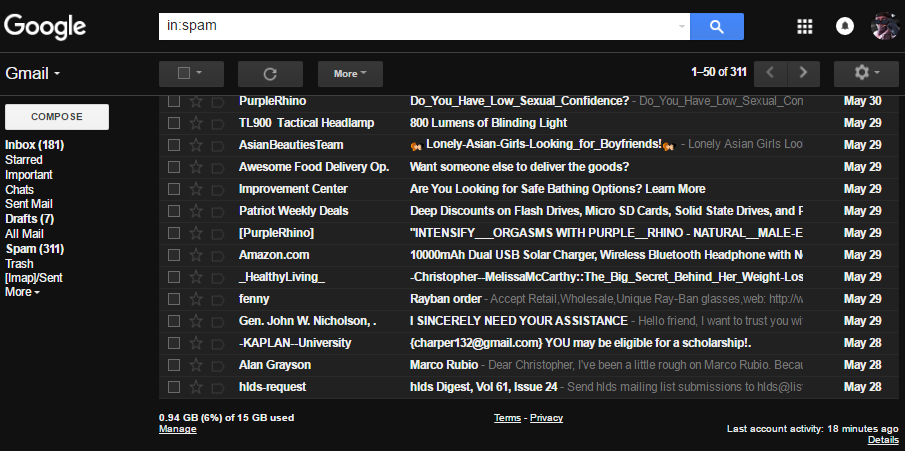
1. Avoid suspicious emails and links. While curiosity may tempt you, it isn’t worth losing access to your most valuable data or the workings of your computer. Stay far away from spam emails especially, as most modern ransomware uses email as a delivery method.
2. Use Adblockers on untrusted sites. Use ABP or uBlock Origin on your browser of choice. In addition to avoiding being bogged down by ads, you’re closing up another avenue of infection. Definitely consider whitelisting trusted sites, though, like us!
3. Keep plugins updated or stop using them entirely. Flash and Java are notorious at this point for being performance hogs and for having security vulnerabilities. There’s a reason so many tech companies are trying to phase them out. Stop using these plugins if at all possible, but if you must keep them up to date at all times.
4. Update your Operating System. As can be seen from the WannaCry example, ransomware can sneak into your computer on unpatched system. It is always best to keep your operating system upgraded to the latest version.
Preparation Methods
Even if you never come across ransomware, you should still be prepared for the worst in case it (or something else) strikes you and your system. The best way to safeguard yourself is to make regular backups of your files. For all your important files, make sure they are all backed up to at least 3 other locations not on your current PC. When ransomware struck, you still have your backup to restore your files.
Conclusion
While it’s true that ransomware can sometimes be removed or unlocked, this isn’t always reliable. It’s a constant cat-and-mouse game between black hat criminals and white hat hackers/tech companies who want to help. Ultimately, the best way to protect yourself is by preparing for the worst case scenario and preventing an infection from occurring in the first place.
But what do you think? Have you had experience with ransomware, or do you know someone who has? Tell us about it in the comments!