
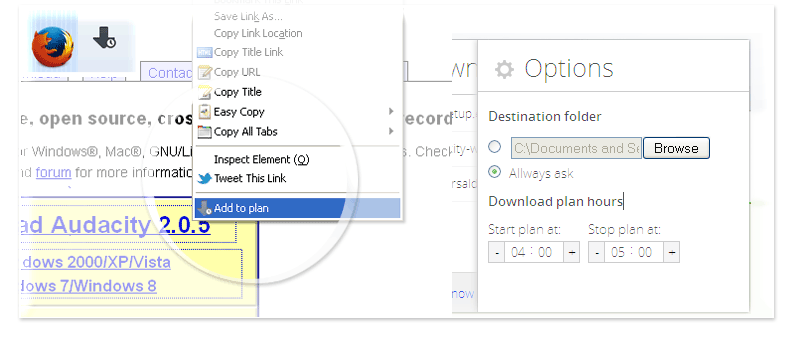

There are many download managers for browsers out there, and as much as they offer more options than the browser’s default, they can be complicated to use. A lightweight and simple download manager can offer a more specific solution when you prefer scheduling your downloads at certain times of the day.
If you are concerned that your browser won’t be able to handle multiple downloads due to slow Internet connection, or you want to prevent your computer from having performance issues, you can try an add-on called Download Plan to schedule downloads in Firefox.
Download Plan is a free tool to schedule multiple downloads in Firefox. There’s no need to restart when you install it, and you can access it right from the context menu.
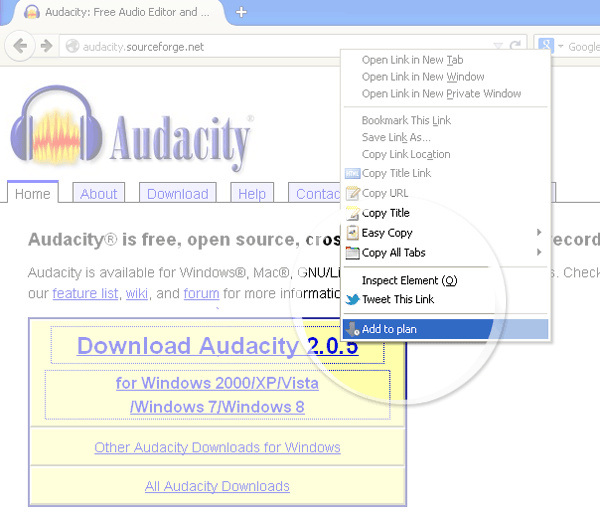
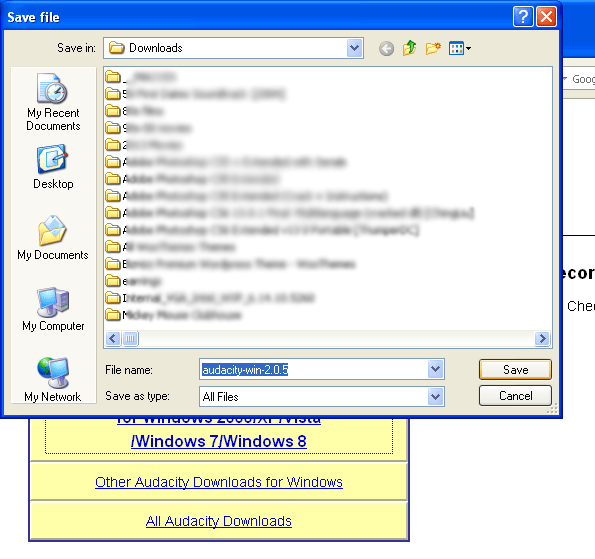
Simply right-click on a file’s download link and select “Add to plan.” Specify the folder you want to save the file to and click “Save.”
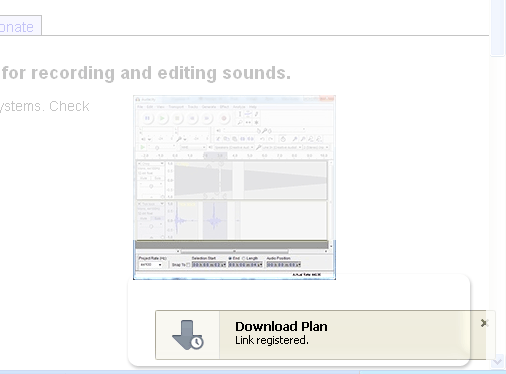
The link then goes to a queue and puts it on hold until you decide to continue with the download. You will see a small pop up on the bottom right corner indicating that the link has been registered.
You may do the same steps to several other download links you plan to add to the queue.
Once you’re done adding links, you may open the download queue from the icon on the top right corner.
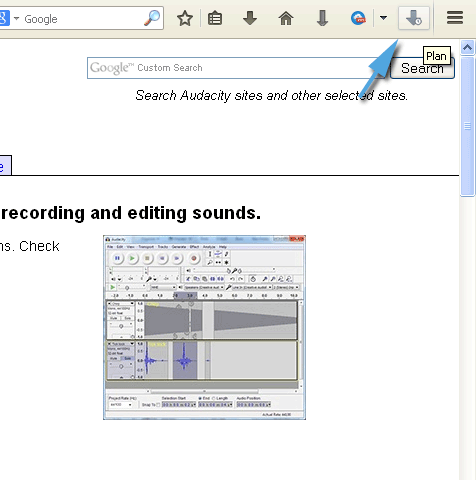
Here, you will see a list of all download links, and beside them are controls for either starting or stopping the download. The down arrow starts the download and the “x” icon stops them. You can manage the downloads manually by using these controls.
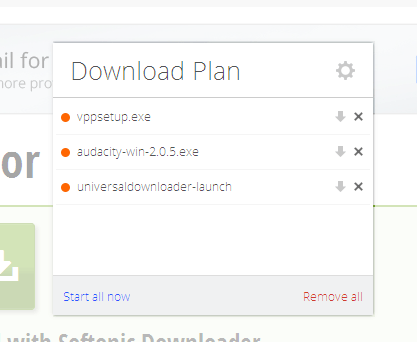
However, if you want to specify a timeframe for the downloads to run, you can click on the cog icon on the top right corner of the window. This will show you the add-on’s options page.
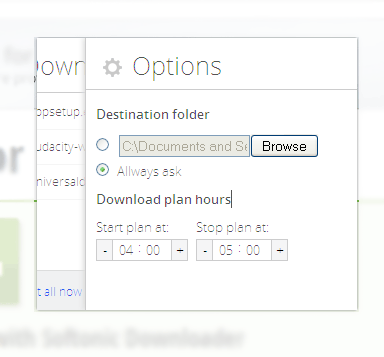
Here you can adjust the start and end time of downloads. If you want to schedule the downloads to start at a later time, you can set that up here.
An added option is to set a default download location rather than asking every time you add a link to the queue.
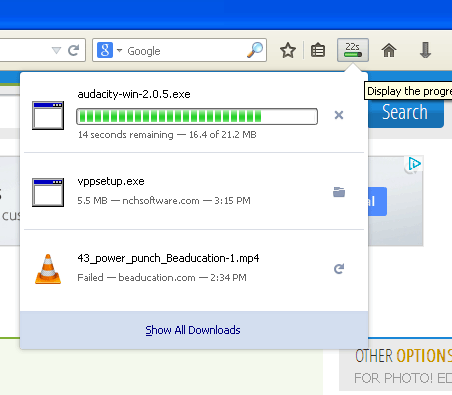
A progress bar will be shown on the top of the browser to indicate the progress of the downloads once they begin. The files will be downloaded in the order that they were added, one at a time.
Please note that the download links added to the queue should be the direct links to the file source, otherwise you might save only a link to another webpage where the actual file link is, and it won’t download the file itself. Some software hosting sites like Softonic use a universal download launcher for all their software downloads, and may not work with this add-on.
Another thing to note about this add-on is that it’s lightweight and doesn’t slow down your browser — something that helps when you have downloads happening in the background. While its features are a bit limited due to scheduling rather than managing downloads, it makes it easier to use.