If you tried all the Android battery optimization tips but your phone’s battery life is still tanking, consider disabling this setting.
Want a great office chair without breaking the bank? See how the Sihoo M56C ergonomic chair redefines affordable comfort.
Windows 11 still splits Settings between two systems. God Mode brings everything into one searchable folder so you can find what you need faster.
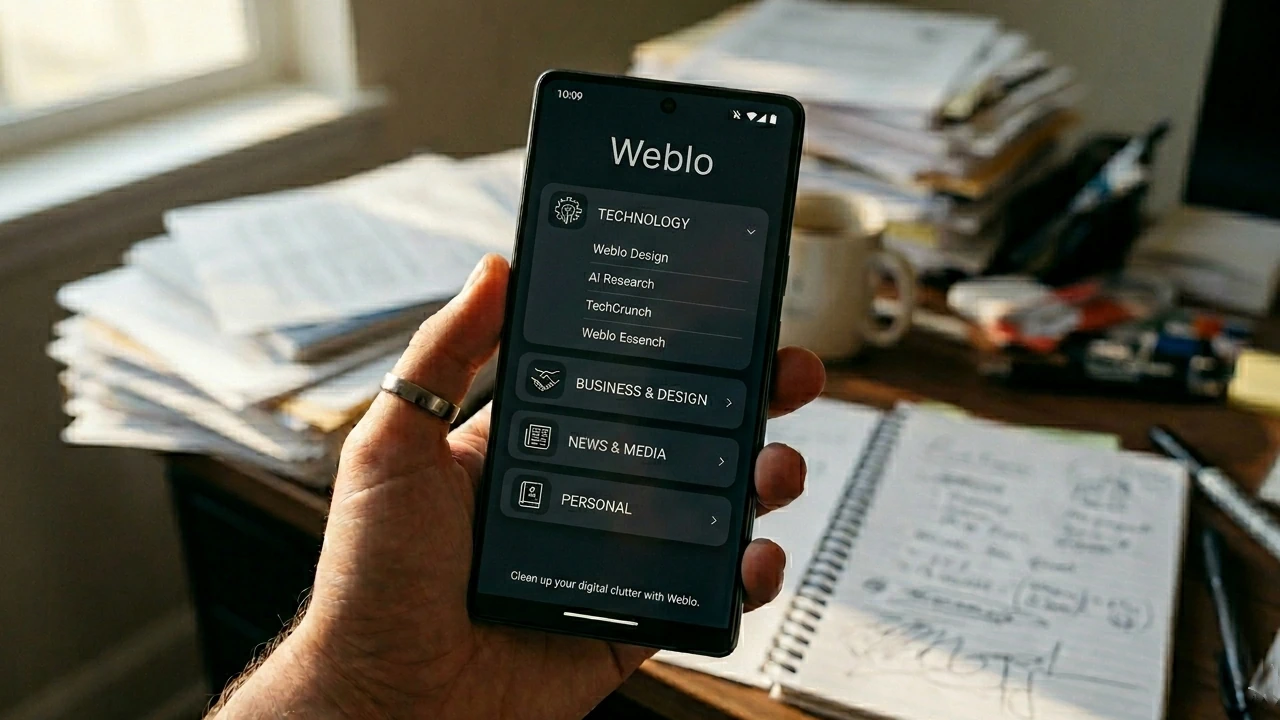
Tired of bloated browsers filled with distractions? See how the Weblo browser helps keep you focused with a more contained setup.
Transform old and low-quality videos and images with VideoProc Converter AI. See how this all-in-one tool works in this hands-on review.
Turn plain English into commands with ShellGPT. Automate tasks, and simplify your terminal workflow effortlessly.
If you’re using Google Maps without Gemini, you’re underutilizing its vast potential in advanced navigation.
Keep your hidden configuration files organized and backed up with GNU Stow and Git on any machine in minutes.
Missing the convenience of the Ctrl+F shortcut on iPhone? Here’s the fastest way to search within a page with Find on Page.
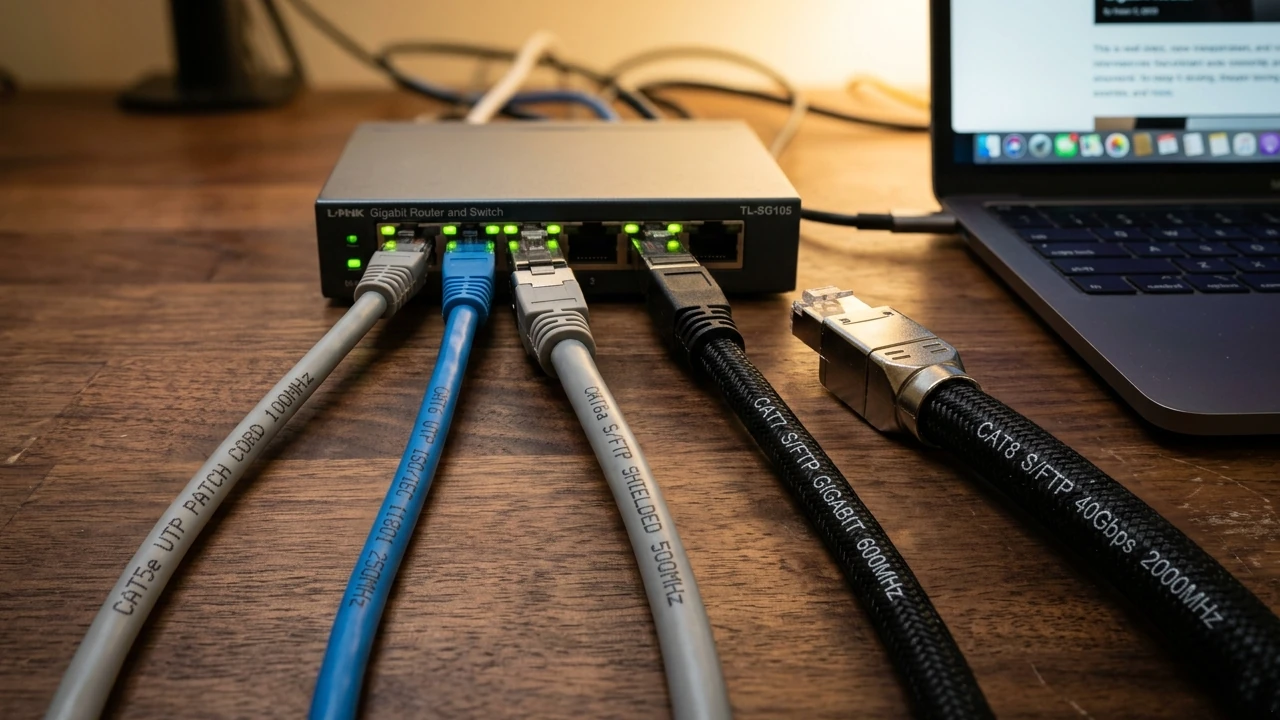
Still getting lag on a Gigabit connection? Your old Ethernet cable could be the secret bottleneck.
Tired of using a cumbersome remote to use your smart TV? Make the switch to a Bluetooth remote on your Android phone.
Stop Chrome from eating up gigabytes of your drive space with unwanted AI files. Reclaim your storage by blocking background downloads.
Newelle turns your Linux GNOME desktop into a smart assistant with AI chat, voice commands, mini apps, and document search.
Stop guessing why your PC lagged. This Task Manager alternative logs three days of performance history to catch spikes that usually vanish.
Ready to make your editing workflow way easier on mobile? This clever trick helps you edit multiple photos at once on iPhone.
Wispr Flow just landed on Android and it cleans up your speech before it hits the screen. Here’s an honest look at what the app does well and where it falls short.
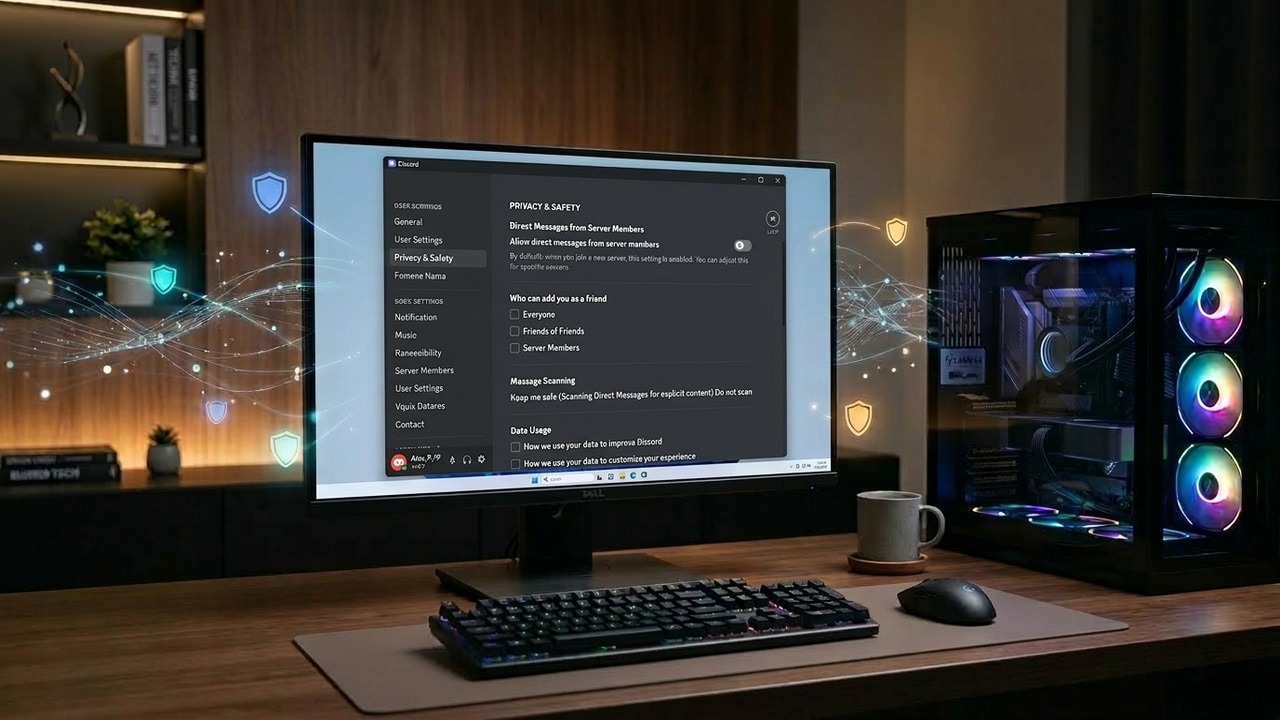
Stay connected with your gaming crew without broadcasting every detail of your digital life. These tweaks keep things on Discord private.
Learn how to manage Linux users from the command line, including creating, modifying, and securing accounts effectively.
Stop using public Wi-Fi and start surfing securely with the one gadget every traveler actually needs.
Learn why Linux often doesn’t need extra optimization tools and how simple, built-in utilities can keep your system running smoothly.
Pagination
Affiliate Disclosure : Make Tech Easier may earn commission on products purchased through our links, which supports the work we do for our readers.