

As if it was so hard to create reminders in Google Now, the company now lets you create new reminders right off the search function. Reminders have been like a boon for those who are overloaded with work and often miss things that they were supposed to do. But with this function built into your device and on your Google account, you will no longer miss any task that you are supposed to do.
In order to create a reminder, all you need to do is type in a simple query with a specific syntax in the search box on Google. And this will result in you having your reminder created in your Google account.
Note: For this to work, you must be already logged in to your Google account, and you should have Google Now turned ON on your Android/iOS/Chrome browser. One more thing, this only works in the Chrome web browser.
As of this writing, this feature only works for Google Search in English.
If you are wondering how you could go about enabling Google Now on your device, here’s how you can do that:
Enabling Google Now on your Device
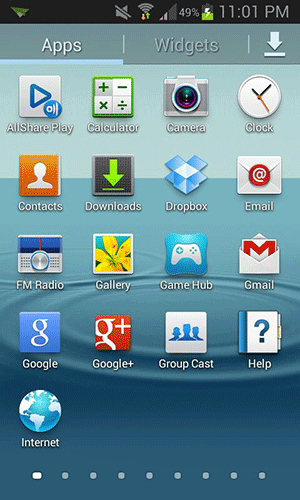
1. Tap on Google app in your App Drawer.
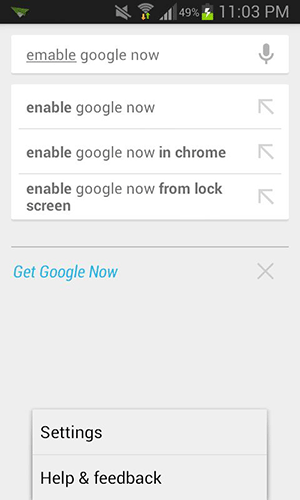
2. Press the Menu button and tap on “Settings”. It will open up the Google Now settings on your screen.
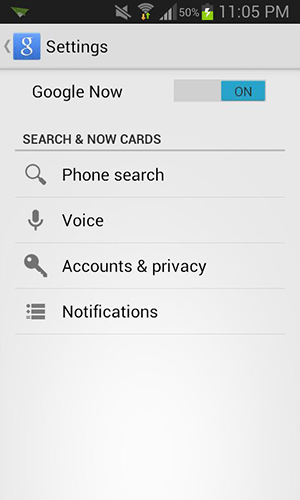
3. On the screen that follows, you will see an option saying “Google Now.” Make sure the text next to it says “ON.” If it does not, tap on it and it will be enabled.
4. And you are done.
Awesome! The Google Now feature is now enabled on your device.
If you want to enable the same in your Chrome browser, here’s how you can do that:
Enabling Google Now in Chrome
1. Open Chrome on your computer. Make sure you are signed in to your Google account. If you are not, do so now.
2. Click on Notifications Center on the top of your screen. On a Mac, it looks like a bell icon.
3. Click on the Settings icon. It will let you manage settings for your browser.
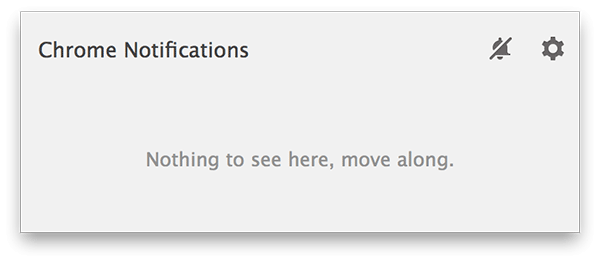
4. Check the box that says “Google Now.” It will enable the Google Now functionality in your browser.
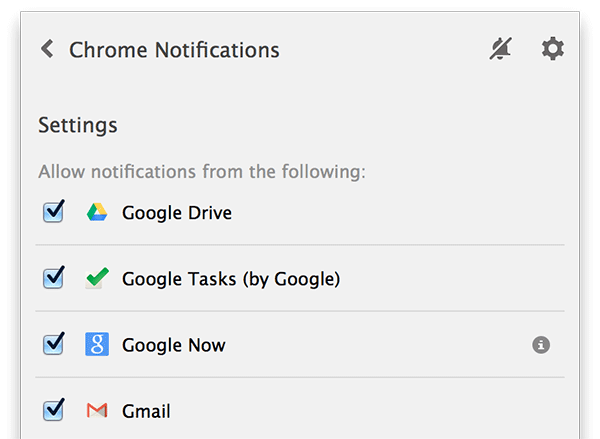
5. You are all set.
Great! Since the Google Now feature is now enabled in your Chrome, you can follow the rest of the procedure given below to create reminders.
Here’s how you can go about creating reminders from the Google Search.
Create Reminders from the Google Search
1. Head over to the Google homepage using any of your web browsers.
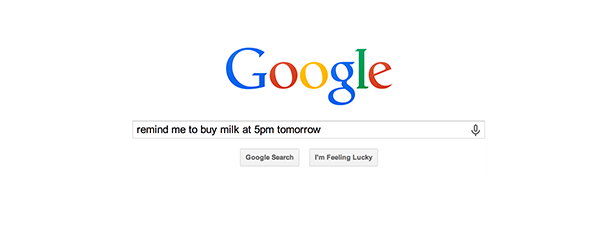
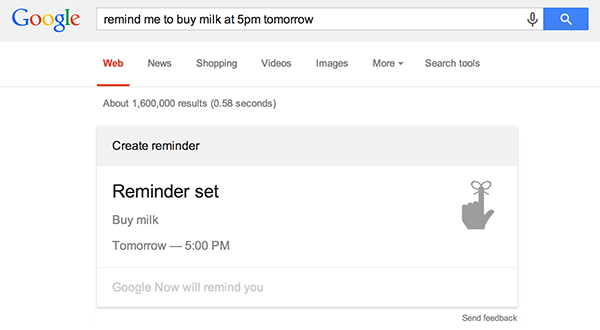
2. Type in a query that indicates a task and a time, for example, “remind me to buy milk at 5pm tomorrow“, and hit the Search button.
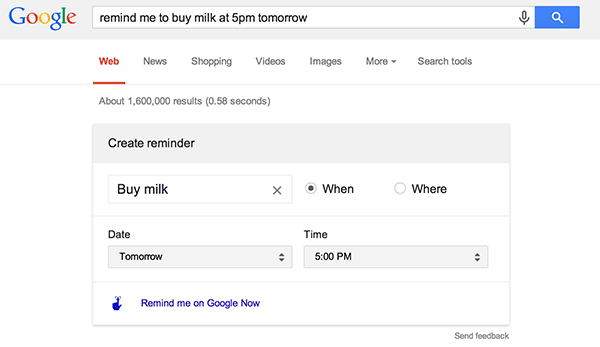
3. It should then show you the summary of the reminder that you are about to create. You can make any modifications in the reminder now. Once you are done, hit the link that says “Remind me on Google Now.”
4. A confirmation message should appear on your screen saying that the reminder has been created and you will be reminded by Google Now on your device.
5. You are done.
And that’s it.
Conclusion
An easy way of creating reminders like this can really be a time-saver for most people, as they can now just type in a query on Google which can then be converted into a reminder.