
If you’re feeling limited by your gaming monitor and want to experience your games on your TV, learn how to play PC games on your TV.
By Tanveer Singh – Nov 18, 2023

It’s the battle of the handheld gaming PCs! Who will come out on top: Valve’s Steam Deck or the ROG Ally from ASUS? Read on to find out!
By Ryan Lynch – Nov 11, 2023

2023 brings an unparalleled choice in consoles, with amazing handheld options too. But which is the best gaming console for you?
By Tanveer Singh – Nov 8, 2023

An arcade stick is the ultimate gaming peripheral, but it can be hard to decide which is best. This list identifies the best arcade stic
By Ryan Lynch – Nov 1, 2023
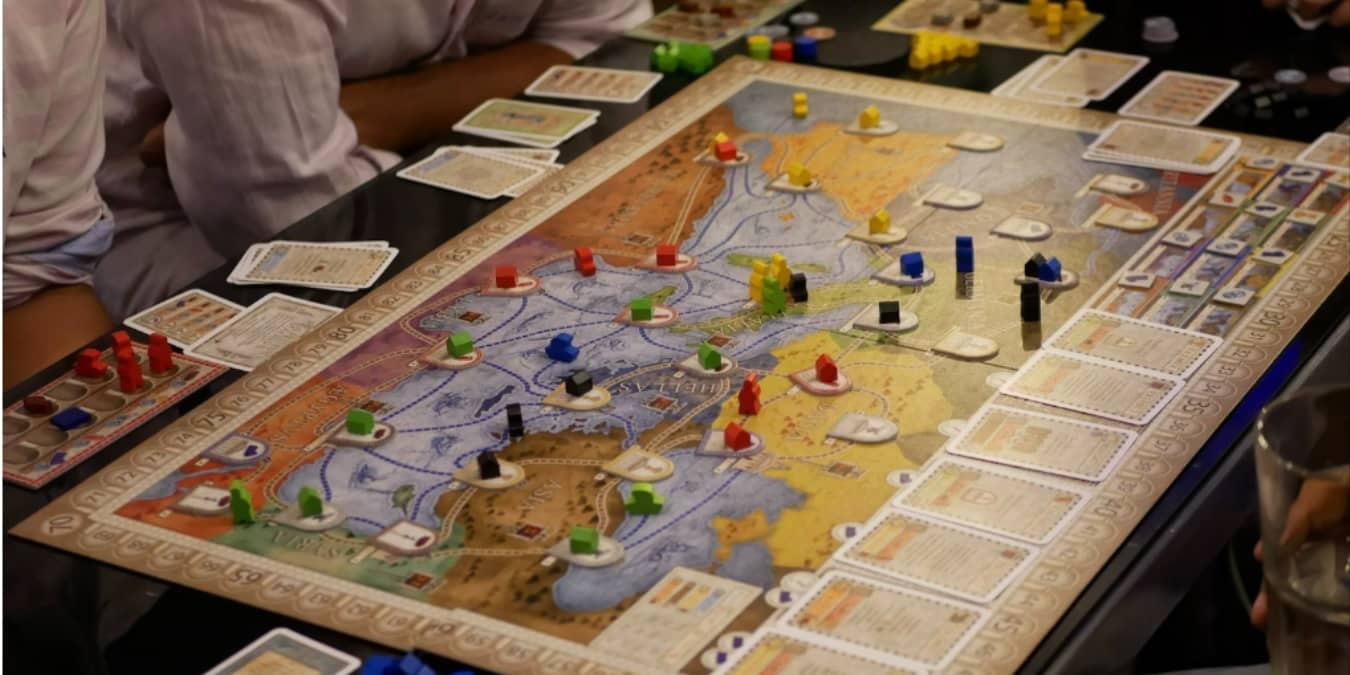
Board games are no longer just a tabletop activity. Now you can play them online too.
By Crystal Crowder – Oct 24, 2023
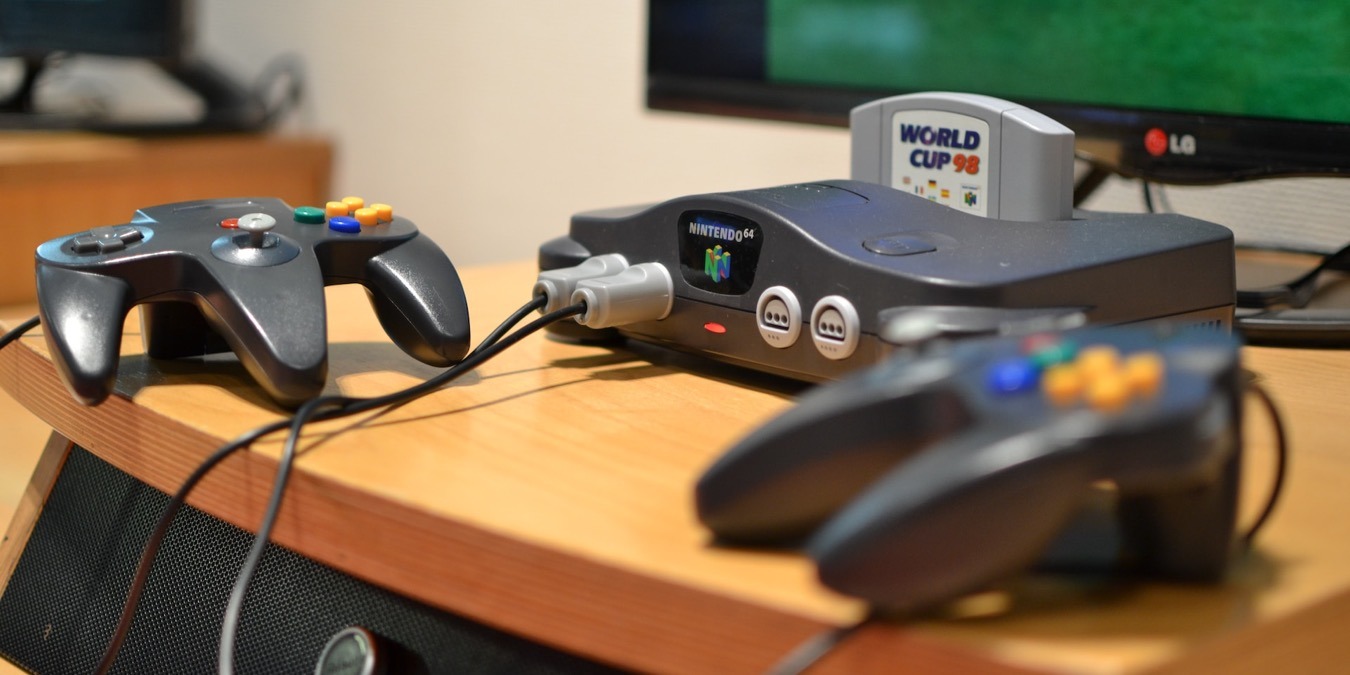
With the best N64 emulator available for any device, you can relive the magic of your favorite classic games without the original console.
By David Morelo – Oct 9, 2023

Unable to fix Steam Error Code E8 in Windows? Check out these methods to fix the E8 error and continue enjoying gaming to the fullest.
By Khizer Kaleem – Sep 26, 2023

Experiencing Steam error code 107 when accessing the store is a drag, and you can fix it by applying the solutions detailed in this tutorial.
By Chifundo Kasiya – Sep 23, 2023
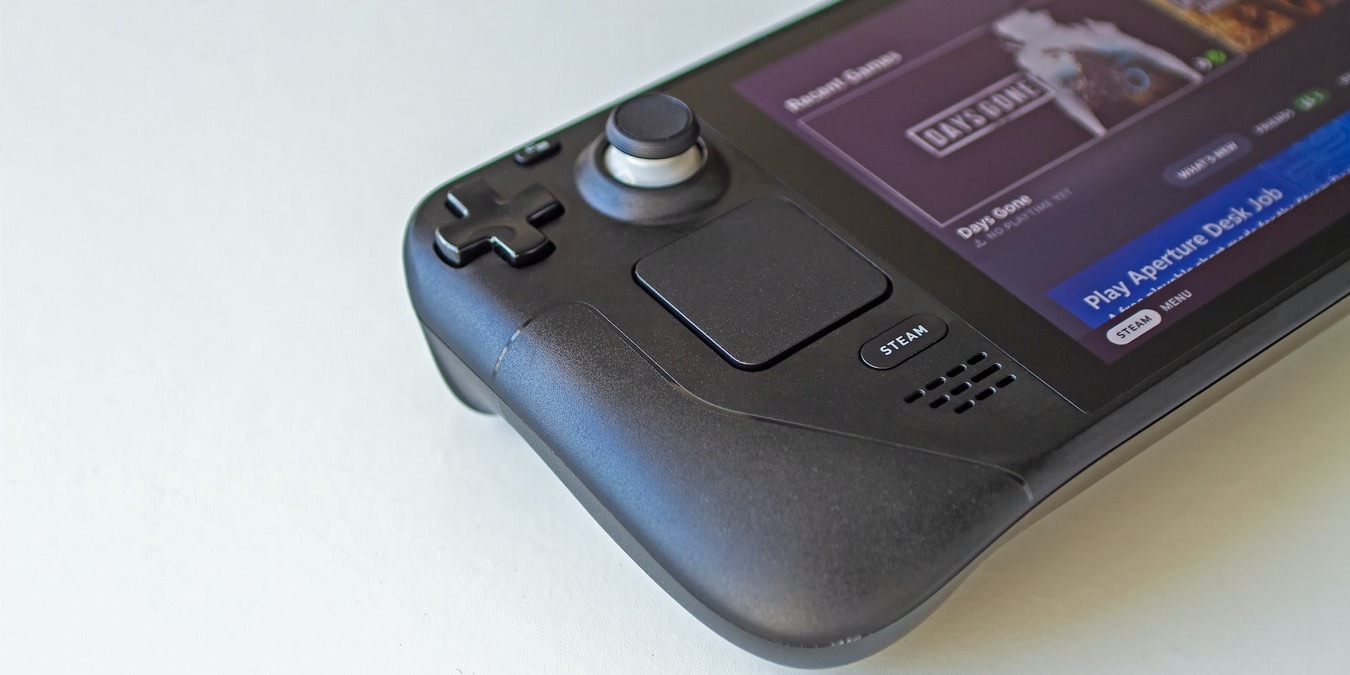
Unlock the full potential of your Steam Deck with these five must-try mods that don’t cost any money to install.
By David Morelo – Sep 22, 2023

Checking your FPS can come in handy for various reasons. This tutorial shows how to display FPS on your Windows PC while gaming.
By Mustafa Ashour – Sep 12, 2023
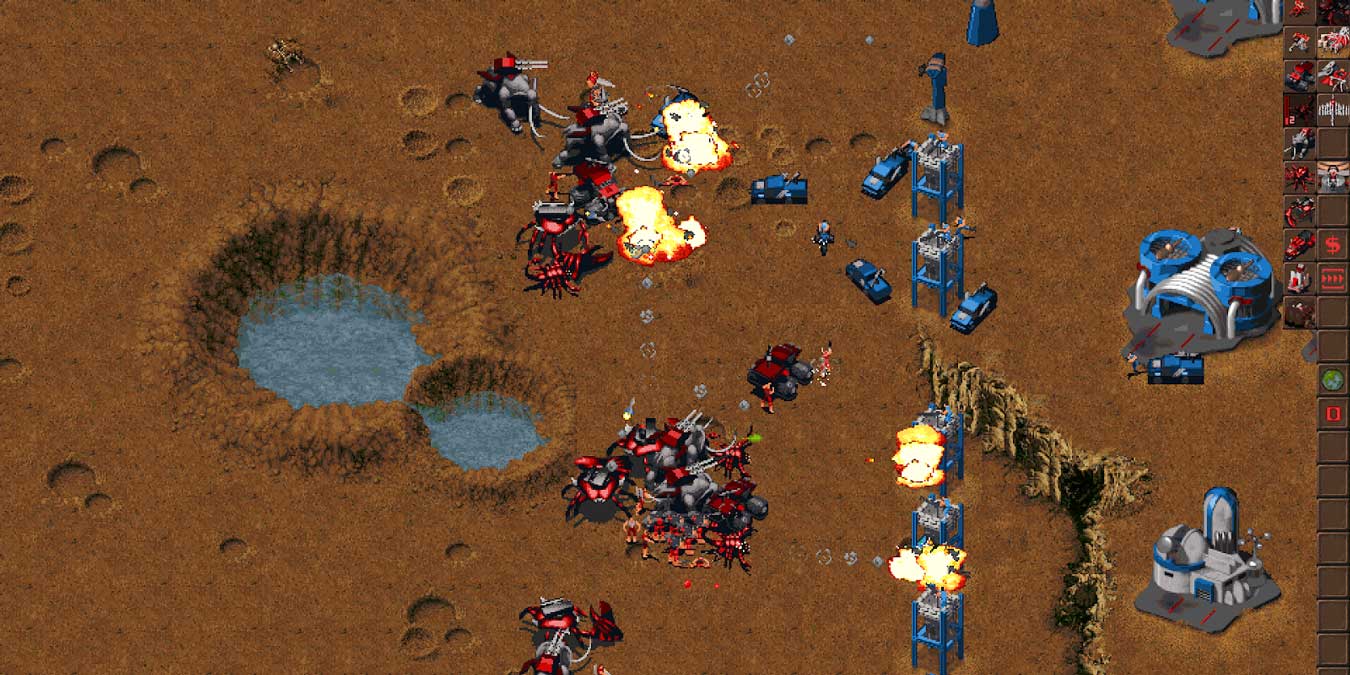
Old games don’t work in modern OS because their codes are obsolete and no longer supported. Here are the tricks to play old games on Windows.
By Farhad Pashaei – Aug 14, 2023

Are you unable to log in to your account because of the error code e87 Steam login issue? Learn what how to fix it to get logged in.
By Khizer Kaleem – Aug 3, 2023
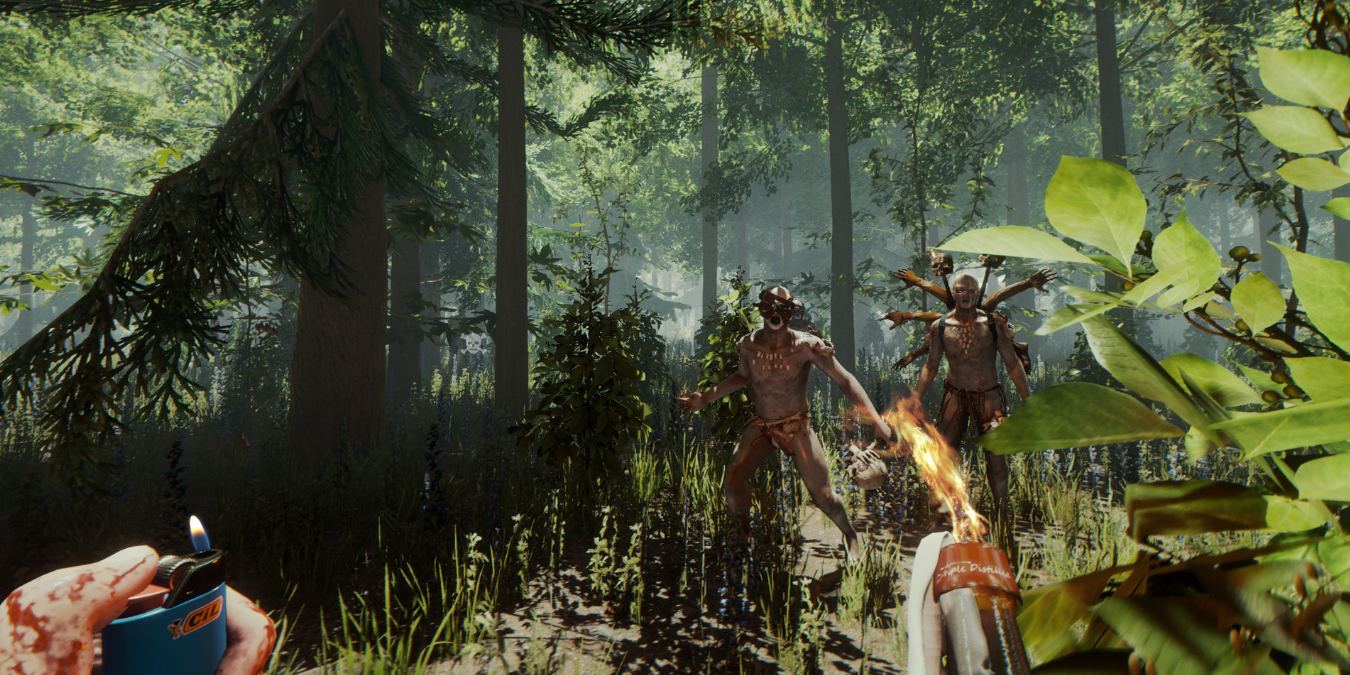
Independent publishers produce some of the best PC games every year. Here is our pick of the best indie games to play on PC.
By Tanveer Singh – Jul 28, 2023

Is your processor constantly heating up when gaming? Check out this guide to find the optimal CPU temp and how to cool it down.
By Khizer Kaleem – Jul 27, 2023

Are you running out of space on your Play Station 5 hard drive? This guide will show you how to add storage to your PS5 console.
By Ryan Lynch – Jul 26, 2023
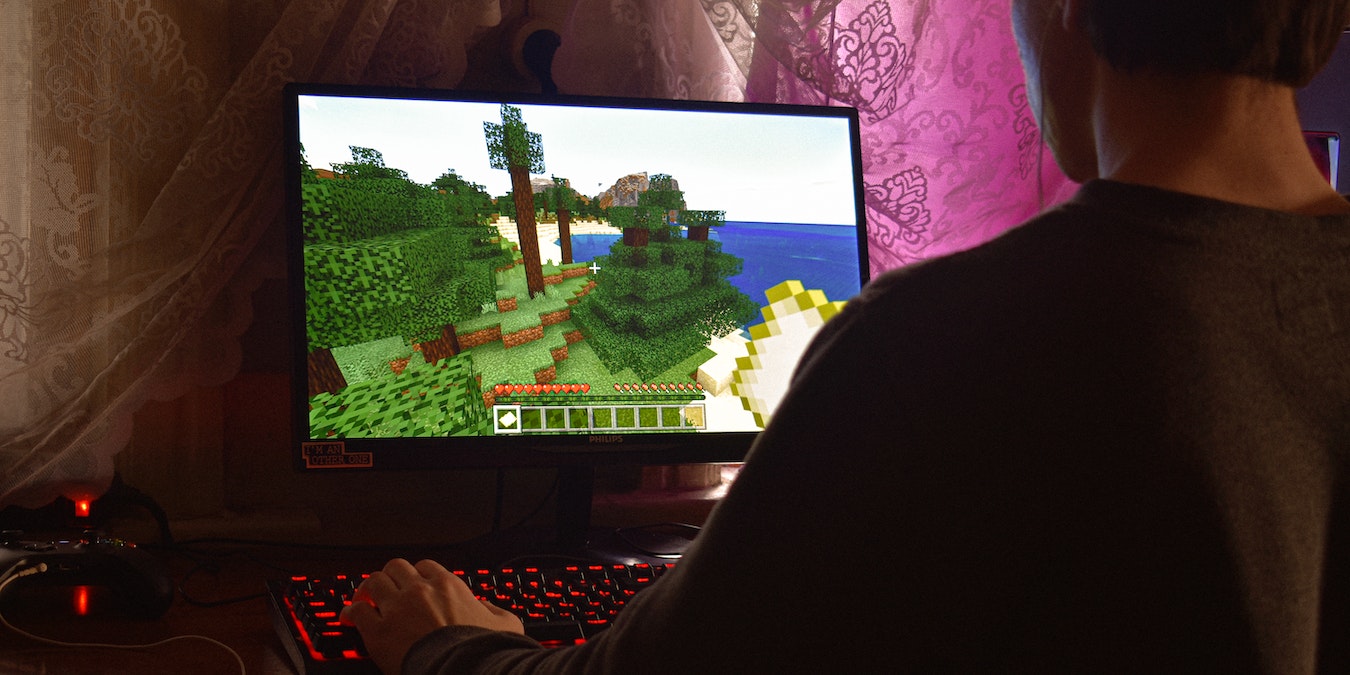
Want to play world-building games? Then check out some of the best world-building games other than Minecraft in this post.
By Ojash Yadav – Jul 6, 2023
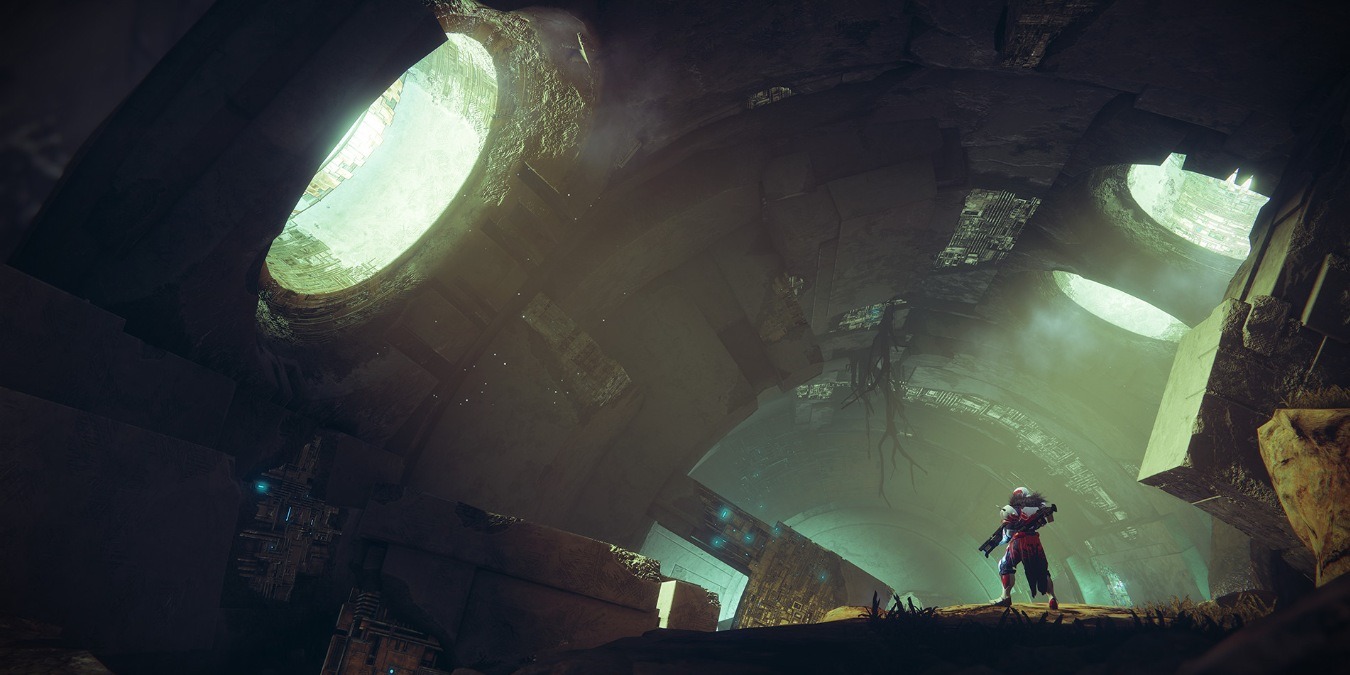
Who says PC games are expensive? We’ve gathered our personal recommendations for the best free PC games that won’t cost a penny.
By Tanveer Singh – Jun 27, 2023

No matter how crazy the world gets, there is always time to stop and laugh at some Minecraft memes that sum up the range of emotions.
By Charlie Fripp – Jun 21, 2023
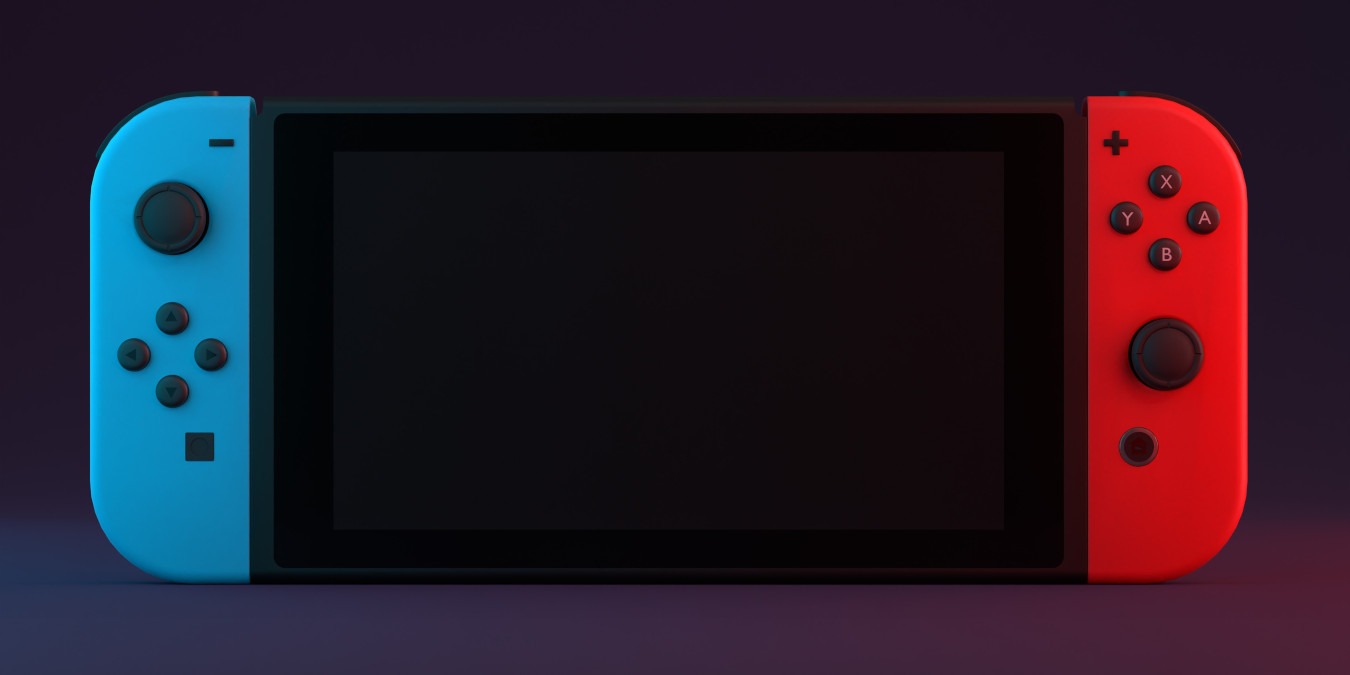
If your beloved Switch won’t turn on, you might feel a little panic, but with these basic troubleshooting tips, you can get back in the game.
By Sydney Butler – Jun 12, 2023
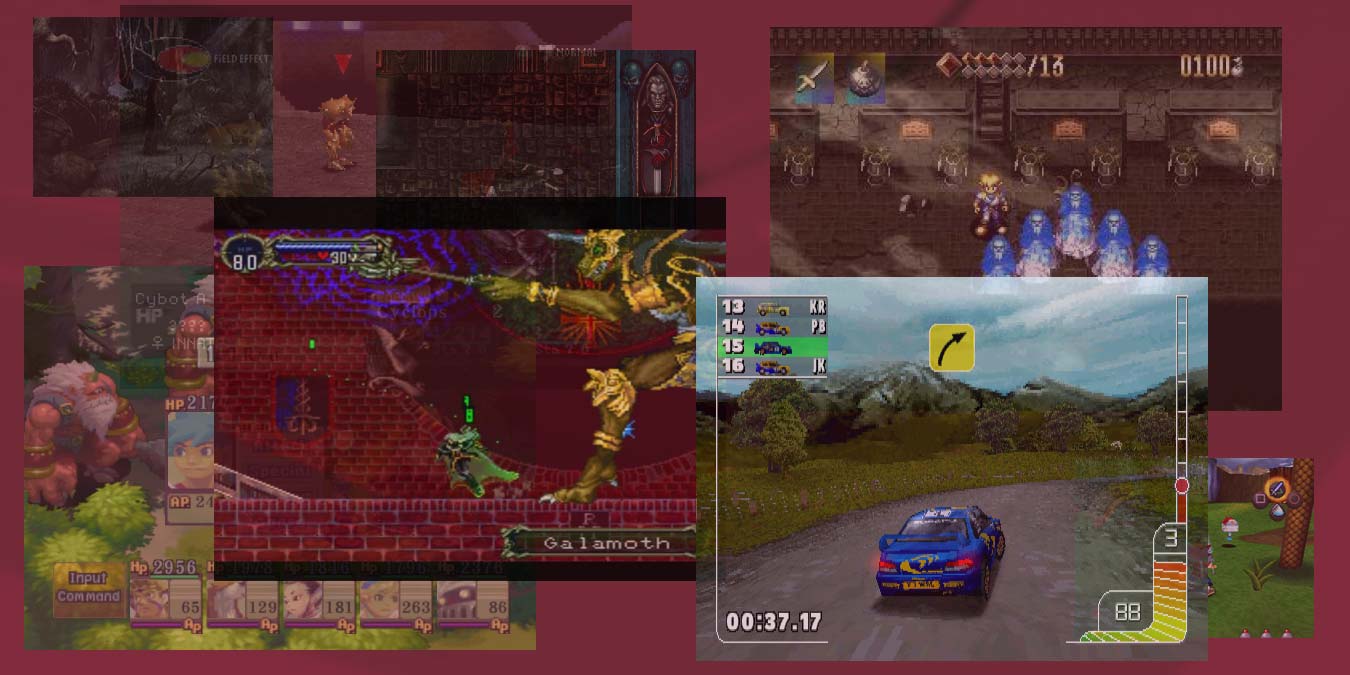
Retroarch crashing? That PS1 core not working? Or maybe you’re unable to download cores? Learn how to fix Retroarch not working issues.
By Farhad Pashaei – Jun 12, 2023
Affiliate Disclosure: Make Tech Easier may earn commission on products purchased through our links, which supports the work we do for our readers.





